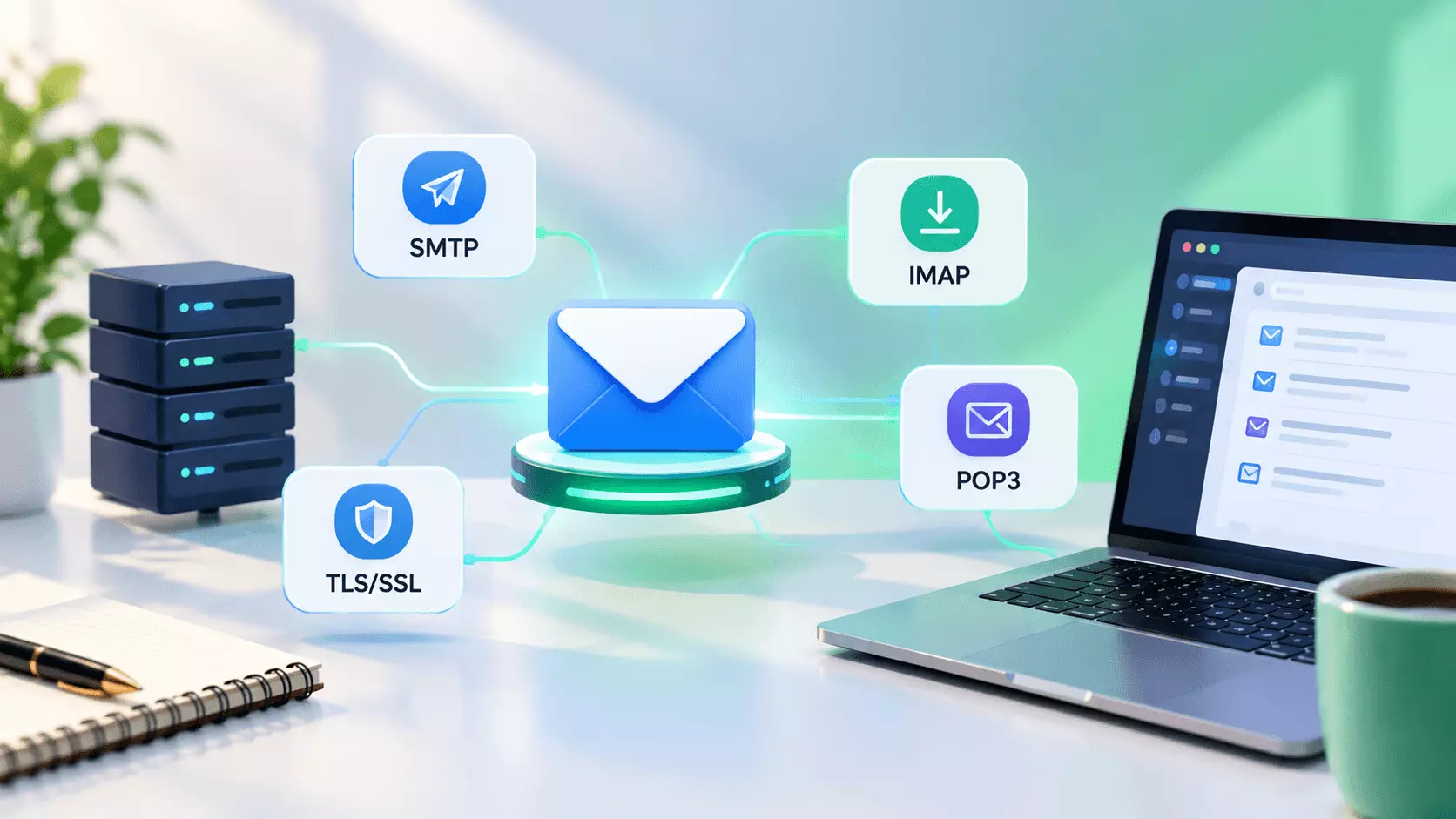
What Are Email Protocols? Types, Uses & Why They Matter
Ever wondered what happens between clicking Send and seeing an email arrive in someone's inbox?
A lot.
Your message may pass through a sending server, several mail servers, authentication checks, DNS lookups, and security filters before the recipient ever sees it. The rules that make this possible are called email protocols.
You don't need to be a mail-server expert to understand them. But if you work in email marketing, knowing the basics can make troubleshooting deliverability problems much easier.
Let's break it down.
What are email protocols?
Email protocols are technical rules that tell email systems how messages should be sent, received, formatted, secured, and authenticated.
There isn't one single email protocol that does everything. Different standards handle different parts of the journey.
Protocol or standard
What it does
Simple way to remember it
SMTP
Sends and relays email
Send
IMAP
Lets you access and manage email stored on a server
Sync
POP3
Retrieves email, commonly by downloading it
Download
MIME
Defines how email content such as HTML and attachments is packaged
Format
SPF
Lists authorized sending sources for a domain
Who can send?
DKIM
Adds a cryptographic signature to messages
Was it authorized and altered?
DMARC
Uses SPF/DKIM results plus domain alignment to define policy and reporting
What should receivers do?
One useful distinction: people often call all of these "email protocols," but technically they cover different layers and functions. SMTP, IMAP and POP3 are mail-access or transport protocols, while MIME is a message-format standard and SPF, DKIM and DMARC are authentication and policy mechanisms.
How does email actually move from sender to recipient?
1. Your email platform prepares the message
Your email service creates the message, including the sender, recipient, subject line, body and other headers.
If your email contains HTML, images or an attachment, MIME-related rules help package that content so different mail systems can interpret it correctly.
2. SMTP handles the sending
SMTP, or Simple Mail Transfer Protocol, is the workhorse responsible for transferring email between mail systems. The IETF describes it as the basic protocol for Internet email transport.
For example:
Your email platform → recipient's mail server
SMTP helps establish the connection, identify the sender and recipient, and transfer the message.
For mail submission from a client to a submission server, port 587 is the standard commonly used for authenticated submission. Traditional server-to-server relay uses port 25.
3. Receiving servers check authentication
Before accepting or delivering your email, the receiving system can check whether the message appears legitimate.
That's where SPF, DKIM and DMARC become important.
SPF lets a domain publish which sending hosts are authorized to use it.
DKIM uses a cryptographic signature that receivers can verify using a public key published by the signing domain.
DMARC builds on SPF and DKIM and lets a domain owner publish policies for messages that fail validation, along with reporting mechanisms. The current DMARC specification is RFC 9989, published in May 2026, which obsoleted RFC 7489.
4. The recipient accesses the message
Once the message reaches the recipient's mail system, their email app needs a way to access it.
That's where IMAP or POP3 comes in.
Read: Best Email Service to Use for Business in 2026
What is SMTP?
SMTP is primarily about sending and transferring email.
Think of it as the delivery network that moves your message from one mail system to another.
For marketers, SMTP matters because problems such as authentication failures, connection issues, server reputation, rate limiting or rejected recipients can prevent a message from being accepted.
SMTP isn't the same thing as an email marketing platform. Your ESP may handle the interface, templates, subscribers and analytics, while SMTP handles the underlying message transport.
What are IMAP and POP3?
IMAP lets an email client access and manipulate messages that remain on the mail server. It supports folders, message status and synchronization across devices.
That's why IMAP works well when you use the same mailbox on your laptop, phone and webmail.
POP3, or Post Office Protocol version 3, is designed for retrieving messages from a mail server.
A simple way to think about the difference:
IMAP = keep the mailbox on the server and sync it
POP3 = retrieve the messages from the server
For modern multi-device email use, IMAP is generally the more natural fit.
What is MIME?
MIME stands for Multipurpose Internet Mail Extensions.
Without MIME, modern email would be much less useful. MIME provides a standardized way to represent different types of message content, including content that isn't simple plain text.
So when your marketing email includes:
- HTML formatting
- images
- multiple content types
- attachments
MIME-related formatting helps email systems understand what they're receiving.
If you have ever seen a broken attachment or badly rendered HTML email, message formatting is one of the areas worth investigating.
Why do SPF, DKIM and DMARC matter?
This trio is especially important for email marketers.
Think of them as three different checks.
SPF asks:
"Is this sending source authorized to send for the domain?"
DKIM asks:
"Can I verify the message carries a valid signature from this domain?"
DMARC asks:
"Does the authentication align with the visible From domain, and what policy should apply if validation fails?"
These checks don't guarantee inbox placement. Email providers consider many other signals, including sender reputation, complaints, content and recipient engagement.
Still, authentication is foundational.
Google's current sender guidelines require all senders to Gmail personal accounts to use SPF or DKIM, while senders of more than 5,000 messages per day to Gmail accounts have additional requirements including SPF, DKIM and DMARC, TLS, valid DNS configuration and RFC-compliant message formatting.
Yahoo has similar requirements: bulk senders must use SPF and DKIM, publish a DMARC policy, support easy unsubscribe and maintain valid DNS configuration.
What happens when email protocols are misconfigured?
This is where the technical stuff suddenly becomes very practical.
A problem with SMTP could lead to rejected or delayed messages.
A broken MIME structure could cause formatting or attachment problems.
An incorrect SPF record can make a legitimate sending service fail authentication.
A DKIM configuration problem can cause signature verification to fail.
A missing or incorrectly configured DMARC policy can create authentication and domain-alignment problems.
And these issues can compound. For example, adding a new email service without updating your authentication setup can create problems that weren't there before.
Quick win: Keep a record of every service that sends email for your domain. That might include your email marketing platform, CRM, transactional email provider, support platform and sales tools. Your SPF and DKIM setup needs to account for legitimate senders.
How to check your email setup
Start with the basics.
First, identify every platform that sends email using your domain.
Then check whether your domain has valid SPF, DKIM and DMARC records.
Next, send test messages to Gmail, Outlook and other major providers and inspect the authentication results in the message headers.
For Gmail, Google also provides Postmaster Tools with dashboards for authentication, delivery errors, encryption and spam-related signals.
For a marketing team, this small audit can uncover problems before they turn into a much bigger deliverability headache.
Final thoughts
You don't need to memorize every SMTP command or understand every line in an email header.
But knowing what the main email protocols do can save you a lot of guessing.
Remember the simple version:
SMTP sends. IMAP and POP3 retrieve. MIME formats. SPF, DKIM and DMARC help authenticate and govern email.
Once those pieces make sense, email deliverability becomes much easier to troubleshoot because you're no longer looking at one giant technical puzzle. You're looking at a series of smaller systems, each with a specific job.