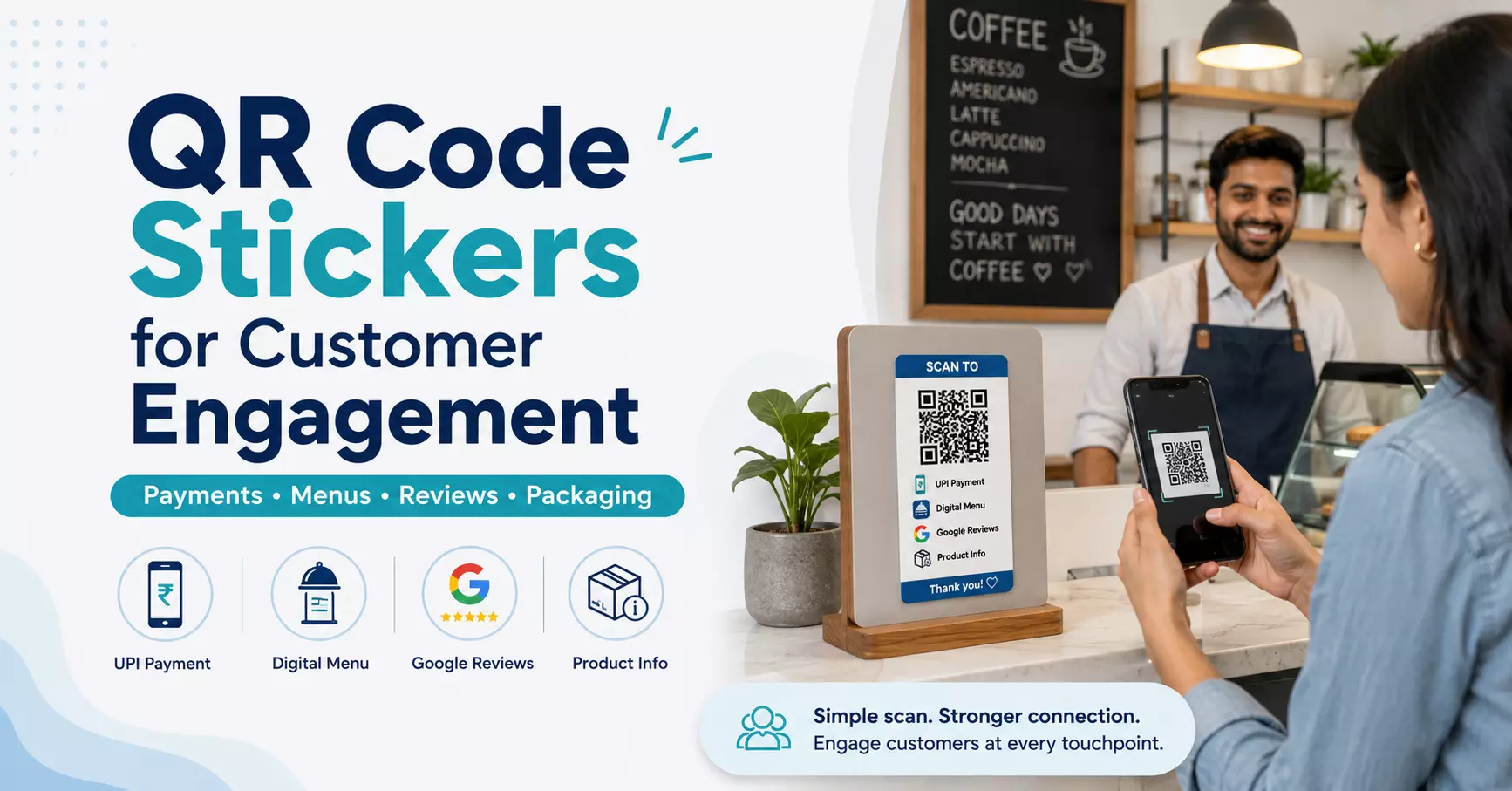
How QR Code Stickers Help Small Businesses Improve Customer Engagement
Small businesses meet customers every day, but many of those customers never visit the website, leave a review, follow social media or come back again. This is a common problem for shops, cafes, restaurants, salons, retail stores and product-based businesses.
QR code stickers help solve this gap in a simple way.
A QR sticker turns a physical surface into a digital touchpoint. Customers can scan it with their phone and quickly open a payment link, digital menu, website, Google review page, social media profile, offer page or product information page.
For small businesses, this is a practical and affordable way to improve customer engagement without using complicated marketing tools.
What Are QR Code Stickers?
QR code stickers are printed stickers with a scannable QR code. When customers scan the code using a mobile phone camera, it opens a digital link.
A QR label can connect customers to many useful pages, such as:
- UPI payment page
- Restaurant menu
- Business website
- Google review page
- Instagram or Facebook profile
- Product details
- Offer page
- Warranty registration form
- Reorder page
- Customer support page
This makes QR stickers useful for local shops, cafes, restaurants, salons, retail counters, packaging brands, event stalls and service businesses.
Why QR Stickers Are Useful for Small Businesses
Small businesses need simple tools that save time and improve customer response. QR stickers work well because customers do not need to type a website URL, search for a social media page or ask for payment details.
They only need to scan.
That one scan can guide the customer to the exact action the business wants, such as paying, reviewing, ordering, following or learning more about a product.
1. Make UPI Payments Easier
UPI payments are common in India, but a plain printed QR code on paper can look temporary or unclear. A branded payment QR sticker looks cleaner and more professional.
For example, a cafe can place a “Scan & Pay” sticker near the billing counter. A salon can use a payment QR label at the reception desk. A food stall can place a QR sticker where customers can easily scan and pay.
A good UPI QR sticker can include:
- Shop name
- Logo
- Payment message
- Clear QR code
- Simple instruction like “Scan & Pay”
This helps customers pay faster and reduces confusion at the counter.
2. Collect More Google Reviews
Google reviews help local businesses build trust. When people search for a shop, cafe, salon or service nearby, reviews can affect their decision.
But many happy customers do not leave reviews because the process feels slow. A review QR sticker can make it easier.
A business can place a “Scan to Review Us” sticker on the billing counter, thank-you card, product package, invoice or delivery box. Customers can scan the code and directly open the review page.
This small step can help businesses collect more genuine customer feedback over time.
3. Make Product Packaging More Useful
Packaging is not only for carrying a product. It can also help customers learn more about the brand.
A QR code label on a box, bottle, jar, pouch or paper bag can link customers to useful information such as:
- Product details
- Usage instructions
- Ingredients
- Demo videos
- Warranty registration
- Reorder page
- Customer support
- Special offers
For example, a honey brand can add a QR label on a jar to share product details. A skincare brand can use a QR sticker on a bottle to explain how to use the product. A retail store can add a QR sticker on a paper bag to share offers or social media links.
This makes packaging more interactive and helpful.
4. Share Digital Menus Quickly
Restaurants, cafes, food trucks and cloud kitchens can use QR stickers for digital menus. Instead of printing new menus again and again, the business can update the menu online and keep the same QR code active.
A “Scan for Menu” sticker can be placed on cafe tables, restaurant counters, takeaway packaging or entrance displays.
This gives customers quick menu access and helps businesses update items, prices or offers more easily.
5. Grow Social Media Followers
Many small businesses use Instagram, Facebook and other platforms to promote products, offers and customer updates. But customers may not always know where to follow them.
A social media QR sticker can help convert offline customers into online followers.
Businesses can place these scan stickers on packaging, shopping bags, store counters, business cards, thank-you cards or event stalls. Customers can scan and directly visit the business profile.
This is a simple way to build a stronger online audience from existing offline customers.
6. Promote Offers and Discounts
QR labels can also be used for offers and seasonal campaigns. A sticker with a message like “Scan for Offer” or “Scan to Get Discount” can guide customers to a special offer page.
This works well for retail stores, cafes, salons, product brands, event booths and packaging inserts.
A clear offer-based QR sticker gives customers a reason to scan and engage with the business.
Read: Top 9 Best Event Ticketing Platforms & Software in 2026
What Makes a Good QR Sticker?
A QR sticker should look professional, but it should also scan easily. Good design and print quality both matter.
A good QR sticker should have:
- A clear QR code
- High contrast between QR code and background
- Enough white space around the code
- Proper size based on placement
- Simple call-to-action text
- Clean print quality
- Correct working link
- Suitable material for the surface
Useful call-to-action lines include:
- Scan & Pay
- Scan for Menu
- Scan to Review
- Scan for Product Info
- Scan for Offer
- Follow Us
- Visit Website
These small details help customers understand what they will get after scanning the code.
Where Can Small Businesses Use QR Stickers?
The best placement depends on the business goal. A payment QR sticker should be placed near the counter. A menu QR sticker should be placed on the table or entrance. A packaging QR label should be placed where customers can easily see it.
Common placements include:
- Shop counters
- Restaurant tables
- Product boxes
- Bottles and jars
- Paper bags
- Thank-you cards
- Bills and invoices
- Store windows
- Posters
- Business cards
- Delivery parcels
- Event stalls
The sticker should be visible, easy to scan and linked to a useful page.
Choosing the Right QR Sticker for Your Use Case
The right QR sticker depends on where it will be used.
For indoor packaging, paper stickers can work well. For counters, bottles, jars or regular handling, some material options are better for water-resistant use. For glass, windows and premium packaging, transparent stickers can give a clean and modern look.
Size is also important. A small QR sticker may work for product packaging, while a larger sticker is better for menus, counters, posters or shop displays.
Businesses looking for scan-friendly custom QR code stickers can explore printing options from Tagsen here:
Tagsen offers QR stickers for UPI payments, digital menus, product packaging, Google reviews, websites and social media links, with size, shape, material and design options based on business use.
Final Thoughts
QR code stickers are simple, useful and affordable for small businesses. They help customers take quick action without typing, searching or asking for extra details.
A small QR sticker can help a business collect payments, get reviews, share product details, promote offers and grow online engagement.
With the right design, clear message and proper placement, QR stickers can turn everyday business materials into smart digital touchpoints.