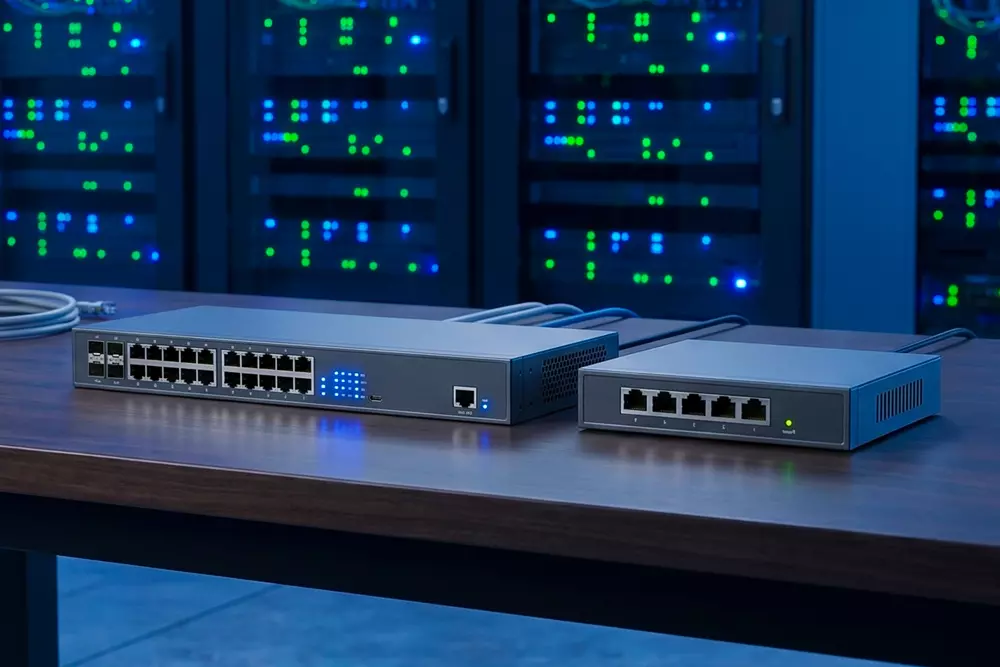
Managed vs Unmanaged Switches: Which One Is Right for Your Business?
In the modern digital world, network infrastructure is an essential part of a company's communication and information exchange systems, facilitating both efficient data transmission and effective operations.
The network switch is an integral element of any network infrastructure. Deciding which type of switch to opt for, managed or unmanaged, might not be easy.
Understanding the difference between these two types of switches is the first step toward building a network that stays reliable today and is ready for whatever comes tomorrow.
In this guide, we’ll break down the differences between managed and unmanaged switches, look at why those differences matter, and highlight some professional-grade options to help you choose what’s best for your team.
What Is an Unmanaged Switch?
An unmanaged switch is a simple networking device that facilitates communication between devices on a local area network (LAN). The main feature of an unmanaged switch is that it is plug-and-play, with no configuration required.
Features of Unmanaged Switches
- Ease of installation with no need for any technical knowledge
- Non-customizable and non-configurable
- Affordable price
- Ideal for small and home networks
When to Use Unmanaged Switches:
Unmanaged switches are ideal for situations where:
- A small office has low networking requirements
- There is a temporary or experimental network setup
- A few devices need basic connectivity
Although they offer value for money, unmanaged switches lack advanced capabilities like traffic shaping, security protocols, and remote management.
What Is a Managed Switch?
Managed switches provide some special capabilities that help IT personnel manage their network performance effectively. Such switches are suitable for organizations requiring better management, higher security, and scalability.
Features of Managed Switches:
- Ability to remotely configure and monitor network switches
- Supports VLAN technology for network segmentation
- QoS for prioritizing traffic
- Advanced security capabilities
- Scalable for future expansion
The managed switches like HPE JL255A, HPE JL259A, and HPE JL261A are suitable for enterprise use due to their strong performance and flexibility.
Read: How to Choose the Right Virtual Assistant Company for Your
Key Differences Between Managed and Unmanaged Switches:
1. Configuration and Control
- Unmanaged switches need no setup, yet have no control
- Managed switches are fully configurable and customizable
2. Traffic Management
- Unmanaged switches manage all traffic the same way
- Managed switches can manage traffic through QoS
3. Security
- Unmanaged switches offer minimal security
- Managed switches offer better control, letting you decide who gets access and how to organize your network traffic.
4. Scalability
- Unmanaged switches do not scale well
- Managed switches are scalable and expandable
5. Cost
- Unmanaged switches are more budget-friendly
- Managed switches offer greater longevity because of advanced functionalities
Why Businesses Choose Managed Switches
The networking requirements of a growing business are often complicated. Managed switches enable the business to manage those networking requirements.
Optimized Network Efficiency
The managed switch enables network administrators to set priority for important applications, thus ensuring efficient network operation, even when at maximum capacity.
Increased Security
VLANs, access control, and other security features ensure that information is kept confidential.
More Reliable
Enterprise switches come with top-notch hardware and advanced software that make them reliable.
Flexibility and Scalability
Managed switches can be customized depending on future needs, thus providing a sound investment for the future
What to Consider in a Managed Switch?
Here are some features that businesses need to look out for when choosing a managed switch:
1. Power over Ethernet (PoE+)
PoE+ lets your switches send both power and data through a single cable, which makes it much easier to set up devices like:
- IP cameras
- VoIP phones
- Wireless access points
HPE JL255A and HPE JL261A are some of the models that possess PoE+ functionality, thus making them perfect for modern offices.
2. Layer 3 Functionality
Layer 3 switches incorporate routing capability, ensuring smooth data exchange across various network segments. The HPE JL259A switch is an example of a Layer 3 managed switch with routing capability.
3. High Speed Uplink Ports
The uplink ports on SFP and SFP+ provide fast data transfer rates to/from other networking devices and switches.
Models like HPE JL255A, HPE JL259A, and HPE JL261A come with uplink ports that help boost your network's speed and give you more room to grow as your business expands.
4. Port Density
A switch with many ports can connect multiple devices at once without needing further equipment. HPE Switches have 24 ports and are ideal for small and medium-sized business environments.
Real-World Use Cases
- Small to Medium Businesses (SMBs): For smaller businesses, managed switches offer the flexibility to grow your network without sacrificing speed or security.
- Enterprise Networks: Large companies use managed switches to get better control over their traffic, prioritize the most important tasks, and manage the whole network from one central spot.
- Remote and Branch Offices: Managed switches help ensure your network stays fast and reliable, no matter how many different offices or locations you’re running
- IoT and Smart Offices: With more IoT devices joining the network, PoE+ switches like the HPE JL255A and HPE JL261A make it a lot easier to get everything connected and running smoothly.
Final Thoughts
The decision whether to use managed switches or unmanaged switches is determined by the individual’s requirements and budget.
- Unmanaged switches can be used for simple networking
- Managed switches give growing businesses more control, room to expand, and the extra security they need to stay protected
In situations where an organization wants to improve its performance and security as well as future-proof itself, managed switches are preferred.
HPE JL255A, HPE JL259A, and HPE JL261A are enterprise-level switches that provide the reliability and features needed for today’s business environment.
The correct switch will help businesses create a network that caters to current needs, while at the same time preparing for any future challenges.