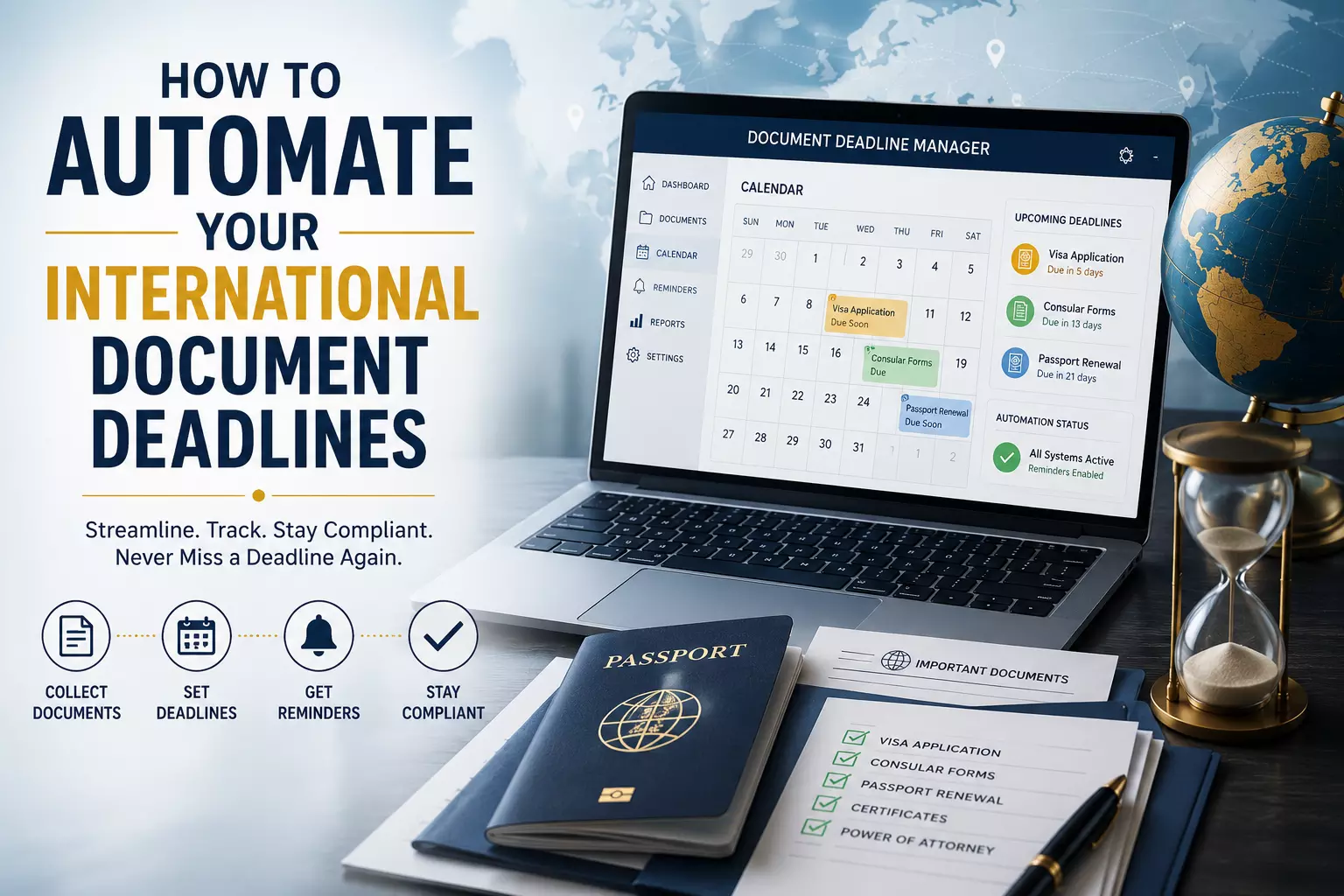
How To Automate Your International Document Deadlines
How To Automate Your International Document Deadlines
Missing a deadline for an international document can turn a simple task into a major headache. Whether you are filing for a visa, submitting business contracts, or handling legal paperwork, the stakes are high.
The reality is, most people miss these dates not because they are disorganized, but because they struggle to sync their calendar with the office on the other side of the world.
If you are working across the United States or dealing with offices in North America, you know the friction that comes with the time difference. Here is the thing: relying on manual math to keep track of these dates is a recipe for error. You need to automate your process.
Why Manual Scheduling Fails
Think about it: how many times have you calculated a deadline in your head, only to realize later that you forgot to account for daylight saving time? It happens to the best of us. When you are operating between Pacific Standard Time and Eastern Standard Time, that three-hour gap isn't just a number—it is a potential dealbreaker.
When you automate, you remove the human element of guessing. You want your system to know that when a portal in a major city says "midnight," it actually means midnight in their local time, not yours.
The Foundation of Reliable Automation
To get this right, you need a single source of truth. Most global systems run on coordinated universal time (UTC). If you want to stay ahead of the curve, use a converter to map out your deadlines. This ensures that regardless of where you are, your calendar remains anchored to the same standard time as the agency you are dealing with.
- Standard Time vs. Local Time: Always prioritize the consulate’s est time zone over your own.
- Dynamic Adjustments: Don't use static reminders. Use a time zone converter that recognizes when daylight saving begins or ends.
- Consistent Formats: Stick to one time format. Mixing pacific time and eastern time in your own notes will eventually lead to a mistake.
Setting Up Your Workflow
You don't need expensive software to build a solid system. You just need to be smart about how you set your alerts.
1. Centralize Your Time Clocks
If you have multiple deadlines across different time zones, stop checking each one individually. Use a time converter to map all your key dates to eastern time. Since most federal and legal offices in America operate on eastern standard time, using this as your "home base" for all your scheduling simplifies the entire process.
2. Bridge the Gap
When you are moving data from one time window to another, use a tool like a calculator. It is quick, it is accurate, and it prevents the kind of confusion that happens when you try to calculate the time difference while you are already under pressure.
3. Use Global Benchmarks
If you are working with teams or agencies spread across North America, everyone should be looking at the same world time. If you are in the pacific region but your partner is in the eastern region, standardize everything to coordinated universal time. It is the universal language of scheduling.
Read: AI Automation vs Traditional Productivity Tools
The Reality of Global Deadlines
Here is the thing most people miss: websites and portals are automated, but the people who verify your documents are not. They work in standard time. If you submit your documents at 11:55 PM your local time, but the office has already closed for the day on their end, you have essentially missed the deadline.
By automating your alerts to trigger three hours early, you account for the time difference and give yourself a safety buffer.
What to Avoid
- Assuming 24/7 Processing: Just because the internet is always on, the staff at the embassy isn't.
- Ignoring the Time Zone Converter: Never guess. If you are converting from pst time to est time, take the two seconds to use a tool.
- Forgetting EDT/EST: Depending on the time of year, eastern daylight time might be in effect. Automation tools handle this for you; your brain might not.
Conclusion
Automating your international document deadlines is about peace of mind. By using tools to convert pacific standard time to eastern time and keeping an eye on coordinated universal time, you stop chasing deadlines and start owning them.
Stop relying on memory and start building a workflow that respects the time zones of your destination. It is the most reliable way to ensure your documents arrive exactly when they need to.
Frequently Asked Questions
1. Why is EST the best reference point for document deadlines?
Most offices in the United States operate in the eastern time zone. Setting your alerts to est time helps you mirror their business hours.
2. How do I automate the change between Daylight Saving and Standard Time?
Use a digital calendar or a time converter app. These tools automatically adjust for daylight saving shifts, so your alerts stay accurate year-round.
3. Is there a difference between UTC and EST?
Yes. UTC time is a global standard, while EST is a regional time zone. A converter is the easiest way to bridge the two.
4. What is the best way to handle deadlines in multiple major cities?
Use a time zone converter that allows you to overlay multiple time zones at once, often called a world time buddy, to see the overlap.
5. Does the UTC time really matter for local submissions?
For digital portals, absolutely. If the server is based on universal time, your submission window depends on the time utc calculation.
6. Why should I use a PST to EST tool instead of doing the math?
Math is prone to human error, especially when dealing with pacific and eastern offsets. An online tool is instant and accurate.
7. Can I set my phone to show two time zones?
Yes, most phones allow you to add "World Clocks." Keep your local time and the eastern office time side-by-side.
8. What happens if I submit at the exact minute of the deadline?
It is risky. If there is a slight time difference between your device and the server, you might miss the window. Always aim for an hour early.
9. How do I know if I'm using EDT or EST?
Check your time zone settings or use a time converter. Daylight time usually starts in March and ends in November in America.
10. Is the time difference always three hours? Generally, yes, between pacific and eastern regions, but during daylight saving shifts, it can vary. Always verify with a reliable time converter.