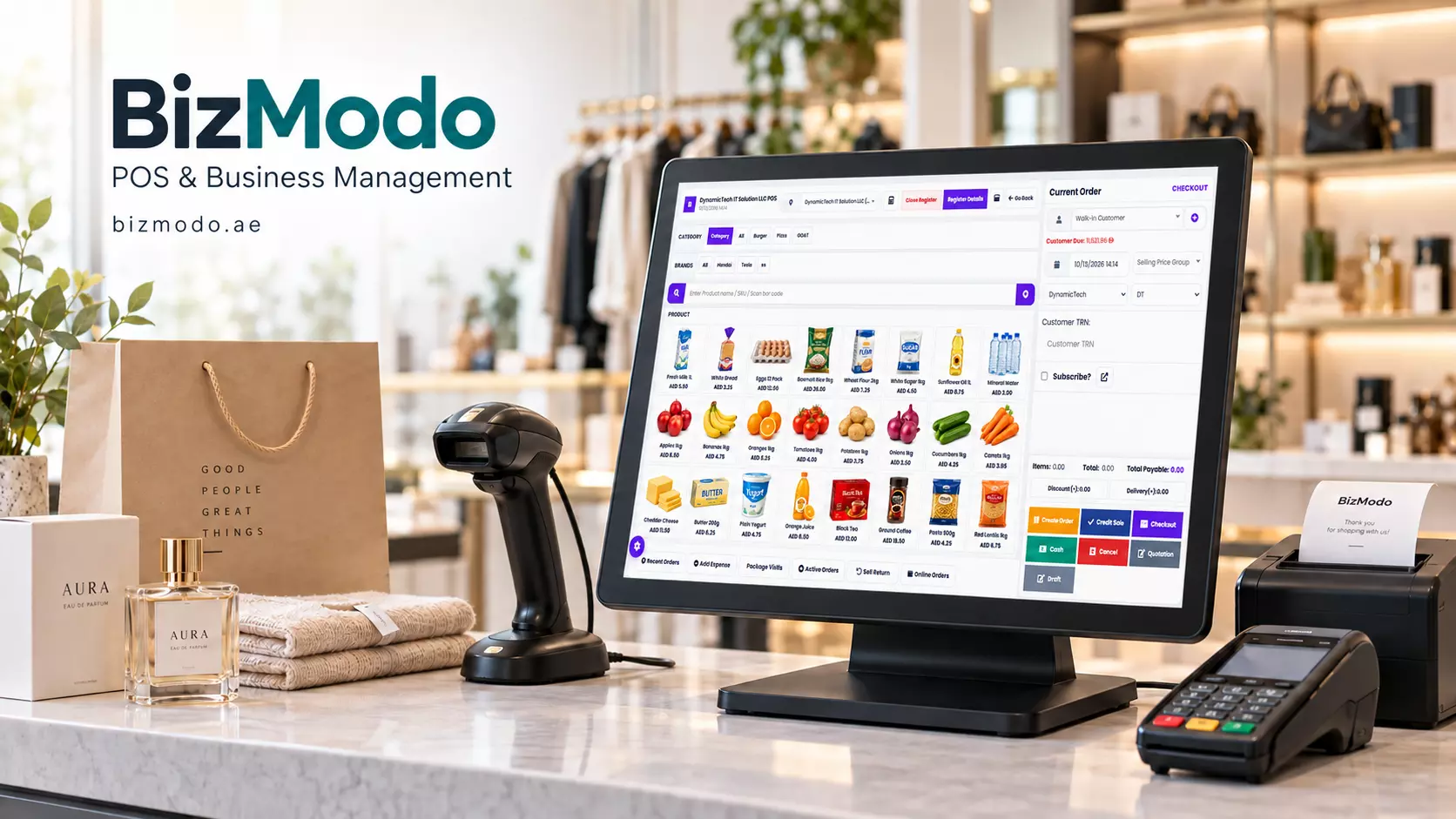
How Restaurant POS System Software Connects Orders, Kitchen Operations and Billing
A busy restaurant depends on hundreds of small handovers. A waiter records an order, the kitchen prepares it, the service team delivers it and the cashier closes the bill. At the same time, takeaway customers arrive and delivery orders compete for kitchen attention.
When information gets lost between these steps, the effects reach the customer quickly. A modification is missed, a dish arrives late or an incorrect item appears on the bill.
Restaurant POS System Software helps connect these activities through a shared order record. For restaurant owners in the UAE, its value lies in how well it supports the actual service process—from the first item ordered to the final payment.
What Does Restaurant POS System Software Do?
Restaurant POS System Software allows staff to enter orders, calculate bills and record payments. Depending on the platform and configuration, it can also connect table management, kitchen tickets, delivery orders, inventory and reporting.
The process starts with an order. Staff select menu items, record required options and assign the transaction to a table, takeaway customer or delivery request. The relevant details then reach the people responsible for preparation and service.
Each restaurant needs a different setup. A counter-service café may prioritise quick ordering, while a full-service restaurant needs table transfers, course timing and flexible bill handling. The software should match those requirements.
Capture Order Details Clearly
An order is more than a list of dishes. Customers choose sizes, request extras, remove ingredients and change their minds.
A useful ordering interface makes common choices easy to select. For example, a burger order might include the cooking preference, an additional topping and a choice of side. Structured options help staff record those details consistently.
Changes after submission deserve particular attention. If a customer removes an item after the kitchen receives the ticket, the update should be clearly communicated. Otherwise, the bill may change while preparation continues.
When evaluating Restaurant POS System Software, test a modified order from start to finish. Check what the waiter sees, what reaches the kitchen and what appears on the customer’s bill.
Give the Kitchen a Clear View of Work
Kitchen teams need to know what to prepare, which order it belongs to and whether anything has changed.
A kitchen display or ticket printer can organise incoming orders, but the routing needs to match the restaurant’s layout. Drinks may belong at the beverage station, while hot food goes to a separate preparation area.
Ask the provider to demonstrate how a single order reaches multiple stations. Then check how staff identify items that are ready and coordinate completion.
Order timing also matters.
A restaurant serving starters and main courses may need to hold some dishes until the appropriate moment. A takeaway operation may focus instead on promised collection times.
The aim is to give staff a workable queue with clear priorities.
Keep Tables and Bills Organised
Table service becomes difficult when staff cannot tell whether a table is occupied, awaiting food or ready to pay.
A table-management view can help connect the floor plan with active orders. However, everyday exceptions are the real test of usability.
Guests may move tables, combine groups or request separate bills. Staff should be able to handle these changes without losing items or duplicating transactions.
Before selecting a platform, test the situations your restaurant regularly encounters:
- Transfer an open order to another table.
- Add items after the first dishes have been served.
- Split a bill by selected items.
- Record more than one payment method.
- Correct a mistake through an authorised adjustment.
Confirm whether payment terminals integrate with the software or require staff to enter amounts separately.
Read: Why the Best Restaurant Billing Software is the Real Main
Bring Takeaway and Delivery Into the Workflow
Restaurants serving several ordering channels need a clear way to distinguish them while coordinating preparation.
A takeaway order requires a collection reference. A delivery order needs accurate customer and dispatch details. A dine-in order must remain linked to its table.
Restaurant POS System Software can help organise these differences when the relevant functions and integrations are available. Businesses should confirm support for each ordering platform they use, including any separate charges.
A practical demonstration should include an online cancellation, an unavailable menu item and a change to an order. These situations reveal whether staff can keep the customer, kitchen and payment records aligned.
Connect Menu Sales With Ingredient Records
Selling ten portions of a dish tells a manager how popular it is. Understanding the ingredients used requires an additional layer of recordkeeping.
With recipe-based inventory, each menu item is linked to defined ingredient quantities. Recorded sales can then generate expected usage.
However, expected usage is only part of the picture. Waste, spoilage, preparation losses, staff meals and portion differences also affect physical stock.
For example, a kitchen may use more cheese than the recipe allows. The sales report will not explain that difference unless the business also checks stock and reviews preparation practices.
Look for a system that supports the level of inventory detail your team can realistically maintain. Accurate recipes, purchase units and regular counts are essential to useful reports.
Use Reports to Identify Specific Problems
A daily revenue total is helpful, but managers need more detail to decide what to improve.
Useful reports can show menu-item sales, discounts, refunds, payment methods and performance by ordering channel. Where preparation timestamps are captured reliably, they may also help identify service delays.
Interpret these figures together. A popular item might generate strong sales but contribute little margin after ingredient and packaging costs. Frequent voids may indicate an awkward menu setup or a training issue.
Reports become valuable when they lead to a clear action, such as correcting a menu button, reviewing a promotion or adjusting purchasing quantities.
Consider BizModo for Connected Restaurant Operations
Restaurants exploring their options can review BizModo’s Restaurant POS System Software.
Its restaurant offering describes table management, kitchen displays, waiter management, order and delivery handling, QR menus and payment workflows. These features provide a starting point for assessing how the platform could support a restaurant’s service model.
Ask for a demonstration using your own menu and common service situations. Confirm which capabilities are included, what equipment is needed and how the system handles connection interruptions.
Prepare Your Team for the First Service
Successful implementation starts with a clean menu, accurate prices, clear staff permissions and tested kitchen routing.
Run a practice service before going live. Include a modified dish, a cancelled item, a table move, a takeaway order and a split payment. Make sure staff know how to correct mistakes and contact support.
Restaurant POS System Software earns its place when the team can use it confidently during a busy shift. Clear orders, coordinated preparation and dependable billing give restaurant owners a stronger foundation for managing service every day.