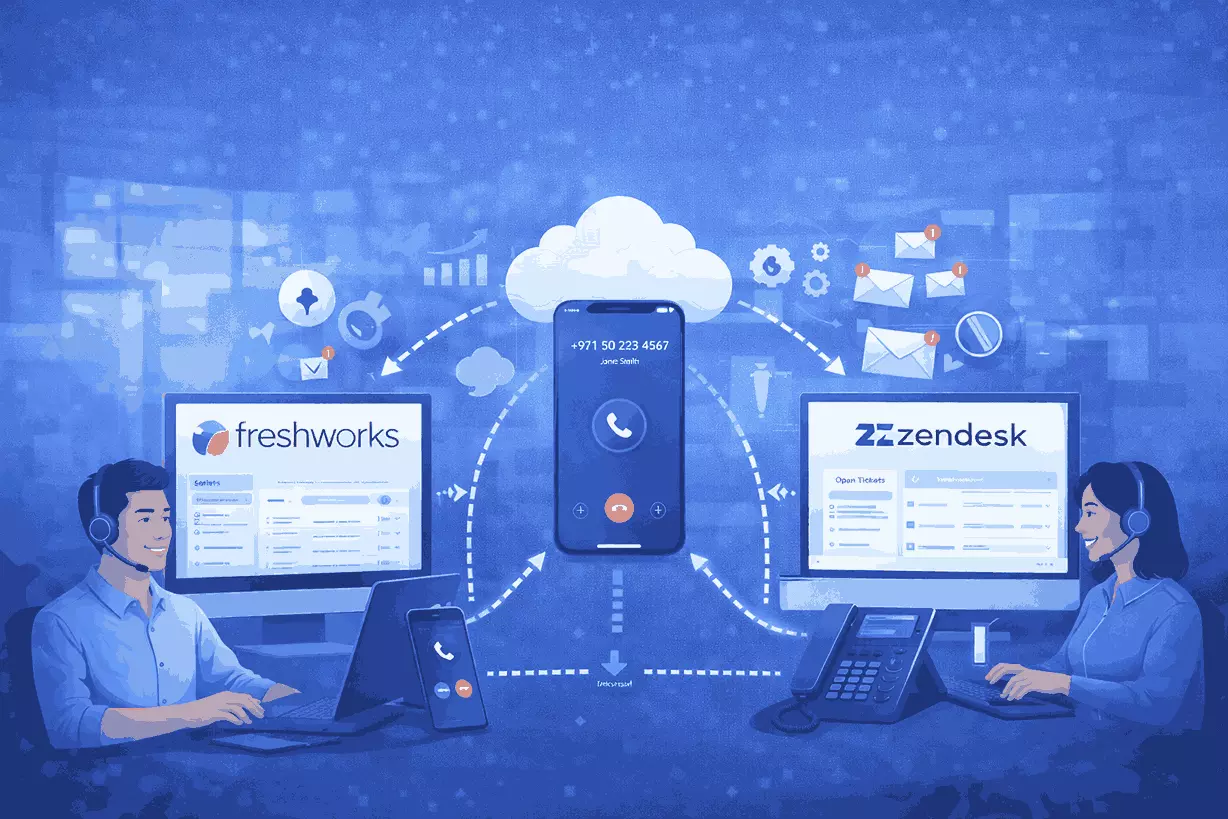
How Cloud Calling Works Better When Connected to Your CRM and Support Tools
- For many businesses, the problem is not just the phone system.
- It is what happens around the phone call.
- A sales rep speaks to a lead, but the details are not logged properly. A support agent answers a customer, but the case history is sitting in another system. A manager wants to review performance, but call activity, notes, tickets, and follow-up actions are spread across multiple tools.
- That is where workflow friction starts.
- Cloud calling becomes much more useful when it is connected to the systems teams already rely on every day, including CRM platforms and support tools such as Zoho CRM, Freshworks, Salesforce, Microsoft Dynamics, Bitrix24, Zendesk, and Freshdesk.
- The goal is not just to make calls from a browser.
- The goal is to make every customer conversation easier to track, easier to follow up on, and easier to manage.
- If your business is evaluating cloud calling, here is why CRM and support tool integration matters more than many buyers first realize.
Why Voice Alone Creates Workflow Gaps
A phone system can handle calls.
But if it works in isolation, teams still face the same operational problems.
Common issues include:
- agents switching between multiple tabs and systems
- call notes being added late or not added at all
- missed follow-up because information is incomplete
- limited customer context before answering a call
- poor visibility into sales and support activity
- inconsistent handover between teams
- reporting that does not reflect the full customer journey
In other words, the call may happen, but the workflow around the call remains fragmented.
That becomes a problem for both sales and support teams.
Why Integration Matters More as Teams Grow
- When a business is small, disconnected workflows can sometimes be managed manually.
- A few people remember the context. Notes get shared informally. Follow-up happens through individual effort.
- But as the team grows, that model breaks down.
- Leads increase. Customer interactions increase. Ticket volumes grow. More people become involved in the journey. Managers need more structure, not more guesswork.
- This is where connected systems matter.
- When cloud calling works with CRM and support platforms, businesses can create a more complete view of the customer interaction, not just the call itself.
- That leads to stronger visibility, cleaner follow-up, and better team coordination.
What Connected Cloud Calling Looks Like in Practice
When cloud calling is connected to CRM and support tools, the experience becomes more operationally useful.
Depending on the workflow, teams may be able to:
- click to call directly from customer records
- view customer context before answering
- log call activity more cleanly
- connect conversations to leads, accounts, or tickets
- reduce manual data entry
- improve follow-up consistency
- review communication history in one place
- help managers track sales and support performance more clearly
This is valuable because it reduces the gap between communication and action.
Instead of the call living in one place and the customer record living somewhere else, the workflow becomes more connected.
Why Sales Teams Benefit from CRM-Connected Calling
Sales teams move faster when calls are connected to CRM.
Without that connection, reps often lose time switching between tools, searching for contact details, updating records later, or trying to remember what happened in a previous conversation.
That creates avoidable friction.
With better integration sales teams can work more efficiently because they have:
Better Customer Context
Before speaking to a prospect or customer, the rep can work with more complete account or lead information.
Cleaner Follow-Up
When call activity is easier to capture, next steps are less likely to be missed.
More Structured Activity Tracking
Sales leaders get a clearer view of outreach activity, call patterns, and pipeline movement.
Less Manual Admin
Reps spend less time on repetitive logging and more time on actual customer engagement.
For growing teams, that can make a noticeable difference in responsiveness and pipeline discipline.
Why Support Teams Benefit from Helpdesk-Connected Calling
Support teams face a different version of the same problem.
A customer calls in, but the full ticket history is somewhere else. The agent may not have quick access to past issues, escalation notes, or internal comments. After the call, someone still needs to update the case manually.
That slows service down.
When cloud calling is connected to helpdesk or support tools, the workflow improves because agents can work with more context and less fragmentation.
That may include:
- faster access to ticket history
- cleaner association between calls and cases
- better visibility into customer issues
- easier handover between shifts or teams
- stronger reporting on support interactions
- more structured case follow-up
For support leaders, this also creates a better foundation for team management and service quality review.
Why This Matters for Customer Experience
Customers do not think in systems.
They do not care whether your teams use one platform for calls, another for CRM, and another for ticketing.
They only notice whether the business seems informed, responsive, and coordinated.
Disconnected systems often create experiences such as:
- repeating the same information multiple times
- receiving slow or inconsistent follow-up
- being transferred without context
- having to explain the problem again on each interaction
Connected workflows help reduce these problems.
When voice, CRM, and support tools work together more effectively, the business can create a more consistent experience across the customer journey.
That is not just an efficiency improvement. It is a customer experience improvement.
Common Business Systems Teams Want Voice to Work With
Different businesses use different tools, but the operational need is similar.
Sales teams often want voice to work smoothly with CRM platforms such as:
- Zoho CRM
- Freshworks / Freshsales
- Salesforce
- Microsoft Dynamics
- Bitrix24
Support teams often want voice to connect with systems such as:
- Zendesk
- Freshdesk
Some businesses also need voice to fit into internal workflows, ticketing environments, service operations, or custom systems through APIs and automation.
The key point is not which specific platform is used.
The key point is that voice should fit into the way the team already works.
What Businesses Gain from Better Integration
When cloud calling is connected to the right business systems, the gains are practical.
1. Faster Agent Response
Agents spend less time searching for information and more time handling the interaction.
2. Better Context Before and After the Call
Teams can work with more complete customer or case history.
3. Cleaner Logging and Tracking
Businesses get more structured communication records without relying entirely on manual updates.
4. Stronger Follow-Up Discipline
Missed next steps become less common when call activity fits into the workflow properly.
5. Better Reporting
Sales and support leaders can review patterns with more confidence when communication activity is easier to track.
6. Lower Operational Friction
Teams work with fewer disconnected steps, which improves consistency and efficiency.
What to Look for in a Cloud Calling Integration Setup
Not every integration approach creates the same value.
If your business is evaluating cloud calling, here are the most important things to look for.
1. Easy Fit with Existing Tools
The voice platform should work with the systems your team already uses instead of forcing a full workflow reset.
2. Useful Customer Context
Agents should be able to access the right information quickly, not just launch calls from another screen.
3. Reduced Manual Work
The setup should simplify processes, not add more admin.
4. Support for Sales and Support Use Cases
A strong solution should fit both pipeline workflows and service workflows where needed.
5. Reporting That Helps Managers
Managers should be able to review activity, workload, and outcomes more clearly.
6. Flexibility for Growth
As the business grows, the integration approach should still support more users, more workflows, and more complexity without becoming difficult to manage.
Why Manual Logging Is Not a Long-Term Strategy
A lot of growing businesses still rely on manual processes around calls.
That may work for a short time, but it creates problems at scale.
Manual logging often leads to:
- incomplete records
- inconsistent activity tracking
- weaker reporting
- slower follow-up
- more admin burden on agents
- less trust in CRM or support data
As businesses grow, these small process gaps become larger operational issues.
That is why connected cloud calling matters.
It helps turn voice from a standalone communication channel into part of a structured business workflow.
Why This Matters for SMB and Mid-Market Teams
Large enterprises may have bigger operations teams, custom systems, and more internal process layers.
SMB and mid-market teams usually need something more practical.
They need:
- simpler workflows
- cleaner visibility
- faster adoption
- less manual work
- systems that work together without heavy complexity
That is why integration matters so much in this segment.
The right setup helps growing teams operate with more structure without needing a large internal IT or operations function to hold everything together manually.
A Smarter Way to Think About Cloud Calling
- Cloud calling should not be evaluated only as a telephony feature.
- It should be evaluated as part of how the business works.
- The better question is not:
- “Can this platform make and receive calls?”
- The better question is:
- “Can this platform make our sales and support workflows more connected, more visible, and easier to manage?”
- That is where the real value comes from.
The Bottom Line
- Cloud calling becomes much more powerful when it is connected to the systems your teams already use.
- For sales teams, that means better context, cleaner activity tracking, and stronger follow-up.
- For support teams, that means better case visibility, smoother handover, and more structured service workflows.
- For the business as a whole, it means less friction, better reporting, and a more connected customer experience.
- That is why integration should be part of the buying decision from the start, not treated as an afterthought.
Read: Chatbots and AI Integration in Custom CRM Software
Ready to See How Cloud Calling Could Fit Your Existing CRM and Support Tools?
- Voiger helps businesses modernize voice workflows in a way that fits how teams already operate.
- From CRM-connected calling to support workflow integration, the goal is simple: make customer communication easier to manage, easier to track, and easier to scale.
- Book a demo with Voiger to see how cloud calling could work with your existing CRM and support environment.
FAQ's
Why should cloud calling be connected to CRM or support tools?
Because calls are only one part of the customer interaction. When cloud calling is connected to CRM or support systems, teams get better context, cleaner records, stronger follow-up, and better visibility into customer activity.
What are examples of CRM systems businesses may want to connect with voice?
Many businesses want voice to work with systems such as Zoho CRM, Freshworks, Salesforce, Microsoft Dynamics, and Bitrix24.
What are examples of support tools businesses may want to connect with voice?
Support teams often want calling workflows to work with tools such as Zendesk and Freshdesk so customer interactions are easier to track and manage.
How does CRM-connected calling help sales teams?
It helps sales teams work with better customer context, reduce manual admin, track activity more clearly, and improve follow-up after conversations.
How does helpdesk-connected calling help support teams?
It helps support teams access ticket history more easily, connect calls to support cases, improve handover, and create better visibility into service interactions.
Is this only useful for large businesses?
No. SMB and mid-market businesses often benefit even more because connected systems reduce manual work and improve structure without requiring large internal operations teams.
What should I look for in a cloud calling integration setup?
Look for ease of use, workflow fit, useful customer context, reduced manual logging, manager-friendly reporting, and flexibility as your team grows.
Does integrated cloud calling improve customer experience?
Yes. When teams have better context and cleaner workflows, customers are less likely to repeat information, wait for unclear follow-up, or experience disconnected service.