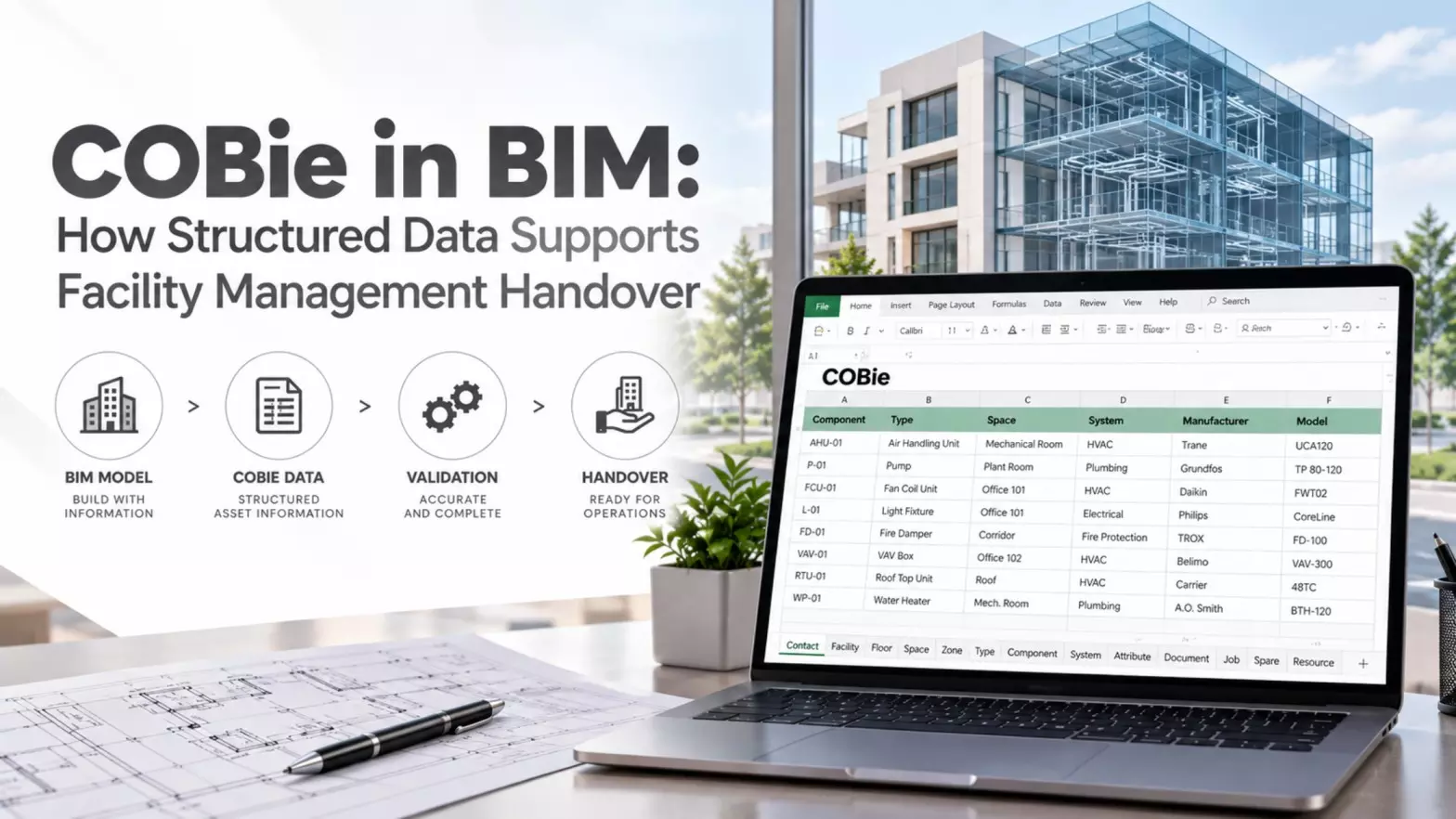
COBie in BIM: How Structured Data Supports Facility Management Handover
A BIM model contains more than geometry. For facility owners, it also needs structured asset data that can be handed over at project completion. COBie provides a standardized way to capture and exchange non-graphical facility data for building operations and maintenance.
What Is COBie in BIM?
COBie stands for Construction to Operations Building Information Exchange. It is a data format and process standard for organizing information about maintainable assets and building spaces.
Unlike a BIM model that focuses heavily on geometry, COBie focuses on the asset data needed after construction.
BIM modeling can provide the structured model data from which relevant asset details are mapped into the required COBie format. Data can be collected throughout design and construction rather than being created only at handover.
According to the National Institute of Building Sciences (NIBS), COBie is a subset of BIM content and can be delivered in formats including spreadsheets, JSON, STEP, and IFC XML. Requirements depend on the project specification and COBie version.
What Are the COBie Worksheets?
A commonly used COBie spreadsheet contains worksheets that organize different categories of facility and asset data:
- Contact: Identifies people and organizations associated with project data.
- Facility: Provides details about the overall building or facility.
- Floor: Records building levels and related details.
- Space: Identifies individual spaces within the facility.
- Zone: Groups spaces according to their function or use.
- Type: Defines equipment types and their characteristics.
- Component: Records individual maintainable assets.
- System: Connects components with their building systems.
- Attribute: Stores additional properties for assets or other entities.
- Document: Links relevant documents to assets or spaces.
- Job: Records maintenance or service activities.
- Spare: Identifies spare parts associated with components.
- Resource: Provides details about resources required for maintenance.
Worksheet names and structures can vary between COBie versions and project templates, so the project specification should always be followed.
How Does COBie Work With a BIM Model?
COBie works with BIM by connecting model elements with structured asset data. Teams can add details such as equipment types, manufacturers, locations, documents, and maintenance requirements to the BIM environment.
The required fields are then mapped and exported into the agreed COBie format. This creates a structured handover dataset that can be checked separately from the graphical model.
Developing the dataset during the project can also help identify missing or inconsistent asset data before final handover.
Read: Applications of Scan to BIM Services in Dubai
When Is COBie Required?
COBie requirements depend on the country, client, contract, and project information requirements.
UK
COBie has a strong connection with UK BIM implementation. The UK Government introduced a requirement for fully collaborative BIM on centrally procured government projects, with implementation targeted by 2016. COBie UK 2012 was developed as the UK's structured data set for exchanging asset information.
The earlier UK framework included BS 1192-4:2014, which addressed information exchange using COBie. The UK has since moved toward the ISO 19650 framework, so current requirements should be checked against the applicable project information requirements and standards.
US
COBie originated in the United States. NIBS records the first COBie specification as being published by the U.S. Army Corps of Engineers (USACE) in 2007.
USACE has used COBie as part of facility data and BIM deliverables, while the U.S. General Services Administration (GSA) has specific COBie requirements for applicable projects, including project-stage and final closeout deliverables.
Australia
COBie has also been incorporated into BIM guidance and industry practice in Australia and New Zealand. Requirements vary by client, project, and jurisdiction.
Who Prepares COBie Data?
COBie responsibility is shared across the project team. Architects, engineers, contractors, suppliers, commissioning teams, and other contributors may provide the required asset data.
The BIM modeling or information management team often handles data population, mapping, formatting, and checking. Some AEC firms outsource this work to specialist BIM service providers for COBie preparation, validation, and final deliverables.
How Is COBie Produced in Revit?
A Revit-based workflow can support COBie production by adding required asset properties and shared parameters to model elements. These fields can then be mapped to the required COBie structure.
COBie extensions and compatible tools can assist with extraction and organization, but the exported dataset still needs to be checked against the project's COBie requirements. A detailed Revit-to-COBie workflow can be covered separately because setup varies by project.
Is COBie an Excel File?
Not exactly. A spreadsheet is one common way to represent COBie data, but COBie is not simply an Excel document.
NIBS identifies formats including SpreadsheetML, JSON, STEP, and ifcXML. The required format depends on the project's information exchange requirements.
What Are COBie Deliverables?
A COBie deliverable may contain structured data covering spaces, equipment, systems, attributes, documents, and maintenance-related information.
Depending on the project, the final submission may be provided as a spreadsheet, XML-based format, JSON, STEP, or data within an IFC-based workflow. The deliverable should match the project's required fields, format, validation rules, and submission stages.
Conclusion
COBie connects BIM with structured asset data required for building handover and operations. Its value becomes clearer when considering how BIM for facilities management can support the transition from project delivery to ongoing building operations.
Accurate model data, field mapping, and validation remain essential for a reliable COBie deliverable.