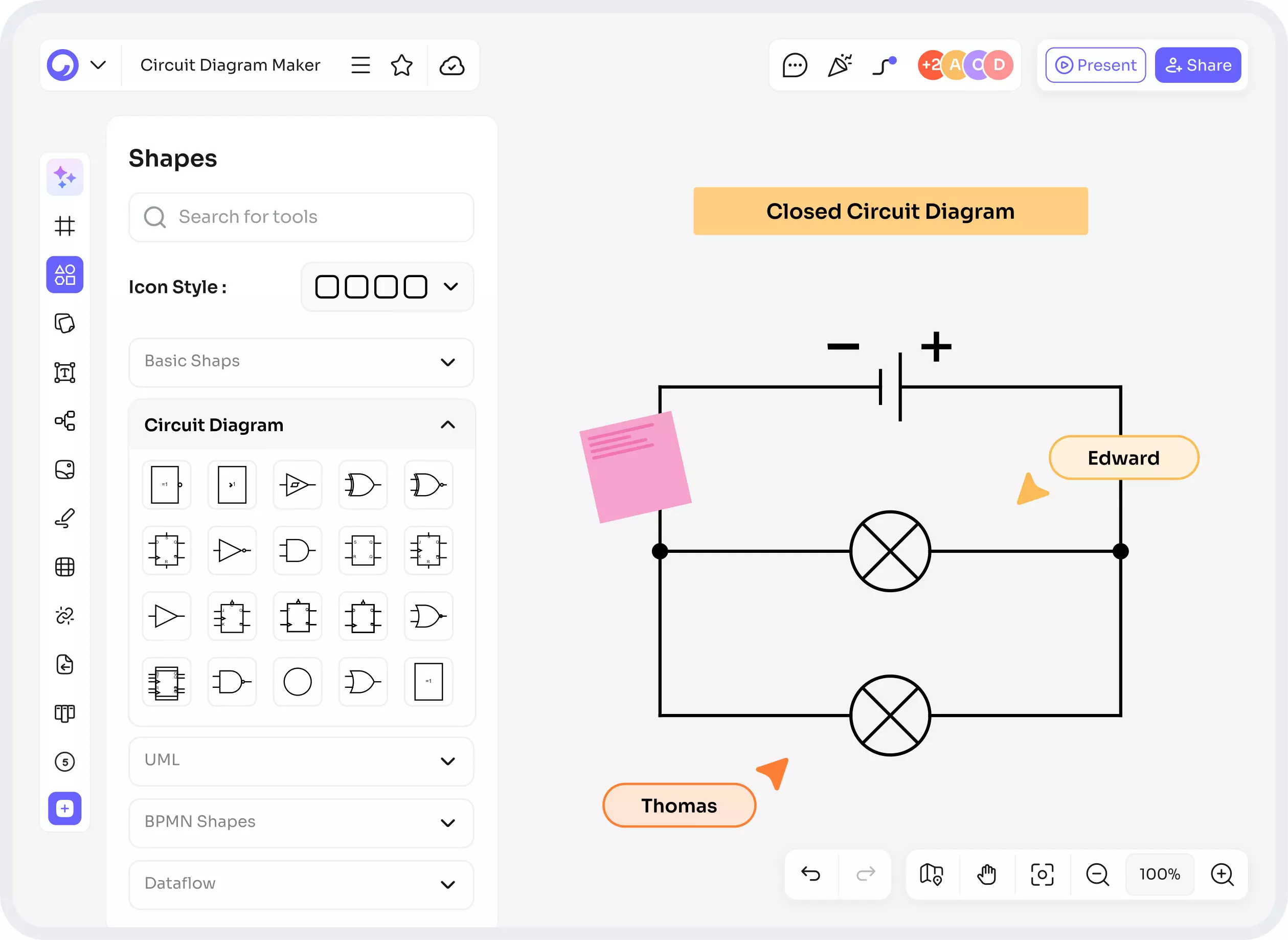
Circuit Diagram Maker: Create Professional Circuits Online Easily
Have you ever tried to explain a circuit verbally and watched eyes glaze over? A picture - or better yet, a clean schematic - saves the day. A circuit diagram maker turns fuzzy ideas into clear diagrams, streamlining everything from homework and hobby builds to product development.
Today, tools are smarter, faster, and often online - and with circuit diagram maker AI and ai circuit diagram generator features, you can go from concept to tested design faster than ever. Let’s walk through why these tools matter and how to use them like a pro.
What Is a Circuit Diagram Maker?
The Circuit Diagram Maker is a program which allows you to create and edit electrical schematic diagrams. This program operates similarly to Google Docs, but includes some different features including KRs, Neatly Connected Lines, Ability to Resize Components and Annotate Components.
The advantages of using a Circuit Diagram Maker as opposed to using a pencil and paper include the ability to simulate a circuit, export to PCB manufacturing, and to connect with multiple libraries of parts.
The Rise of AI in Circuit Design
AI is not just a marketing term, and once it is combined with schematic tools, it becomes more than an assistant. For instance, an AI-powered schematic workstation could provide suggestions regarding where to place components, how to route signals and/or develop a baseline design for you, simply based on the function description of the device - the promise of the AI circuitry diagram generator.
What Is a Circuit Diagram Maker AI?
A circuit diagram maker AI injects machine learning into the design workflow. You might type “single-supply op-amp band-pass filter” and the AI proposes a schematic. Or you upload a list of components and constraints, and the AI returns a connected diagram optimized for size or power.
How an AI Circuit Diagram Generator Works
At a high level:
- It uses trained models and rule-based EDA knowledge to map components and constraints to a schematic.
- It references component footprints and electrical rules (like power rails and net connectivity).
- Some systems run simulations or SPICE-based checks automatically to flag obvious errors.
Key Features to Look For in a Circuit Diagram Maker
Not all makers are created equal. When evaluating, focus on features that reduce friction and raise confidence.
Drag-and-Drop Interface & Symbol Libraries
A large, well-organized symbol library saves time. Drag components, snap connections, and label nets quickly. Bonus: search-friendly components and part numbers.
Simulation & Validation Tools
The ability to simulate (time-domain, frequency-domain) is a huge productivity boost. Validation checks - like detecting floating pins or incorrect polarities - prevent costly mistakes.
Collaboration, Export Options, and PCB Integration
Team editing, commenting, and version history are invaluable. Export capabilities (PDF for documentation, Gerber for PCB fab, SVG for vector images) should be straightforward. Tight PCB integration (transfer schematic to PCB layout) is a must if you plan to manufacture.
File formats and compatibility (PDF, SVG, Gerber)
Standard formats ensure your design can be shared or manufactured. Gerber files are the industry language for PCB fabrication - your circuit diagram maker should either export them or seamlessly hand off to a PCB tool that does.
Benefits of Using a Circuit Diagram Maker
Why switch from pen-and-paper or basic drawing apps? Here’s what you gain.
Faster Prototyping and Reduced Errors
A circuit diagram maker ai speeds drawing and reduces wiring mistakes. Automated netlists and part lookups cut down trial-and-error.
Improved Learning Curve for Beginners
Many makers have templates, guided modes, and tutorials. If you’re new, using an ai circuit diagram generator can fast-track understanding by showing common topologies.
Read: Architecture Diagram Generator | Fast, Accurate System
Team Collaboration and Version Control
When multiple people touch a design, collaborative features prevent overwrites and capture change history - invaluable in education settings and engineering teams.
How to Choose the Right Circuit Diagram Maker for You
There’s no single best tool - only the best for your needs.
Budget and Licensing (Free vs Paid vs Open Source)
Free tools are great for learning; paid tools often include advanced simulation and large part libraries. Open-source projects give full control but can require more setup.
Learning Resources and Community Support
Check forums, tutorials, and how active the community is. A helpful community reduces friction when you’re stuck.
Mobile vs Desktop vs Browser-based Tools
Browser-based tools are accessible anywhere and great for collaboration. Desktop apps sometimes offer deeper simulation/control. Mobile apps are handy for viewing on the go, but rarely for full design work.
Common Pitfalls and How to Avoid Them
Even powerful tools can lead you astray if used carelessly.
Overreliance on AI Suggestions
AI can be superb at common patterns but may not handle edge cases or subtle electrical nuances. Always verify: are voltage rails correct? Is the reference ground placed properly? Ask yourself: would a seasoned engineer approve this?
Ignoring Simulation Results
If your tool flags instability or oscillation, don’t ignore it. Simulation is cheap insurance compared to rework on a physical board.
Future Trends: Where Circuit Diagram Makers Are Headed
What’s next? Expect tools to get even smarter.
Deeper AI Integration: Auto-optimization and Cost-aware Design
Future circuit diagram maker ai tools will not just draw circuits - they’ll optimize for cost, thermal profile, and supply-chain availability. Imagine an AI that picks cheaper parts with similar specs and updates the schematic automatically.
AR/VR Interfaces and Real-time Collaboration
Designing in an immersive space? Picture debugging a circuit in augmented reality, seeing current flow and hotspots in 3D. Collaboration will feel more like co-authoring a document than sending files back and forth.
Conclusion
A circuit diagram maker is an excellent tool for creating your circuit. They work like a co-pilot to help you plan your route and stay away from obstacles and delay in reaching your end goal. Adding circuit diagram maker AI or an AI circuit diagram generator offers a co-pilot that can also provide you with information on smarter routes and help identify costly errors before they happen.
The right tool will help you learn the basics of circuits, make prototypes, and design a finished product by saving time and minimizing error and reducing frustration. The best way to approach creating a circuit is to think small, validate your ideas often, and take advantage of suggestions from the AI circuit diagram maker as a valuable reference tool.
FAQs
1: What’s the difference between a circuit diagram maker and an AI circuit diagram generator?
A circuit diagram maker is the general software platform for drawing schematics. An AI circuit diagram generator adds machine learning capabilities that can propose designs, suggest components, or auto-complete parts of the schematic based on text prompts or constraints.
2: Can I trust AI-generated circuit designs for production?
AI-generated designs are a strong starting point, but they must be reviewed, simulated, and tested. AI can miss edge-case constraints, mechanical fit issues, or thermal concerns. Always validate with simulation and prototype testing.
3: Are there free circuit diagram maker tools suitable for beginners?
Yes - many browser-based tools offer free tiers geared toward learners and hobbyists. Free tools often include symbol libraries and basic simulation; premium tiers add advanced simulation, collaboration, and export options.
4: What file formats should my circuit diagram maker support for PCB manufacturing?
At minimum, your tool should export Gerber files (for PCB fabrication), a BOM (bill of materials), and a netlist. PDF and SVG exports are useful for documentation and presentations.
5: How can I avoid common mistakes when using an AI circuit diagram generator?
Start by defining clear constraints (voltage, current, footprint). Use AI suggestions as drafts - edit them, run simulations, and double-check critical parts like power rails, grounding, and component polarities before building.