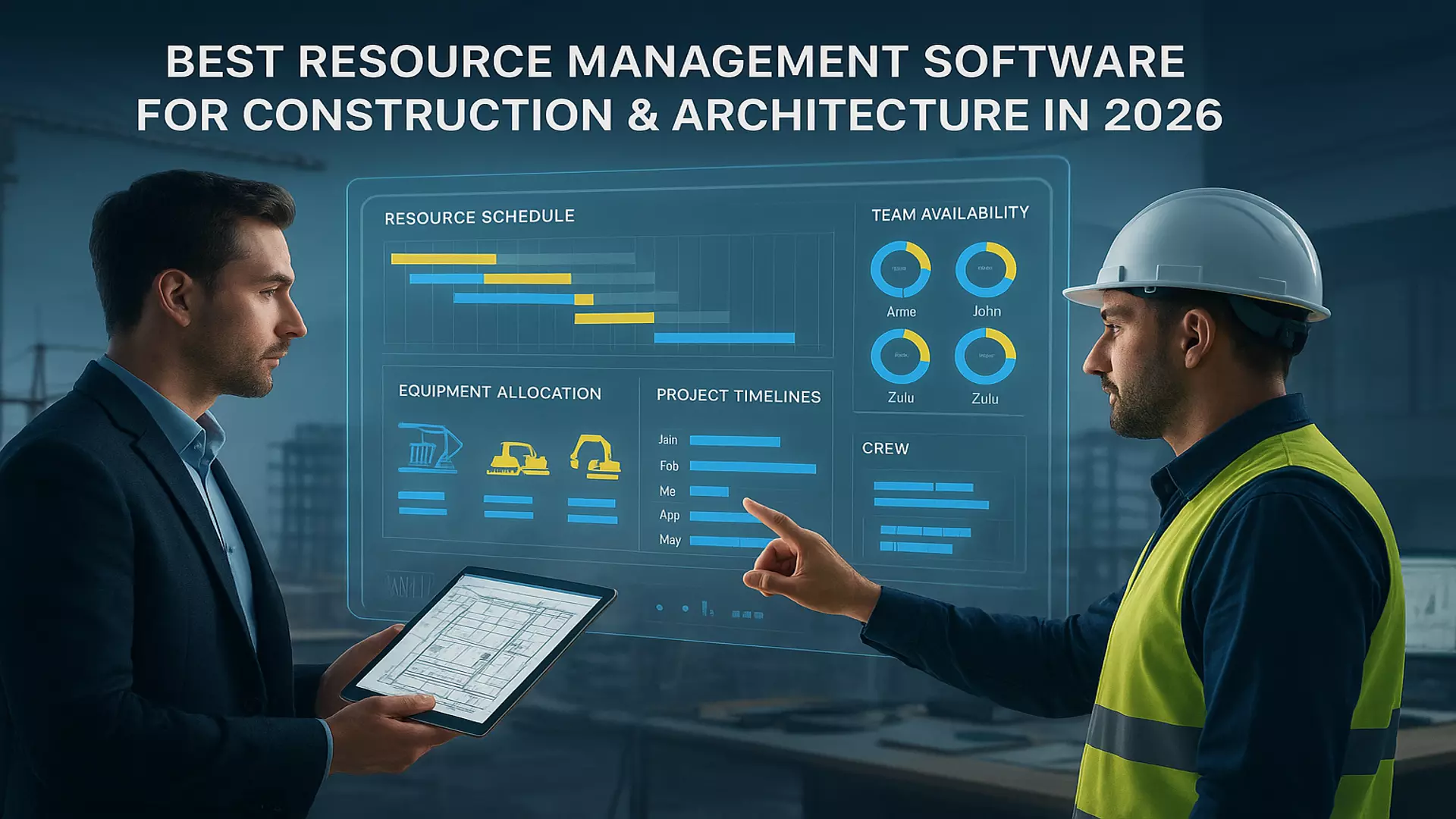
Best Resource Management Software for Construction and Architecture in 2026
Construction and architecture teams live in a world where the plan on paper rarely survives the week. Crews shift, equipment gets pulled to another site, and everyone wants updates faster than the work can move. That is why firms have started looking for the best resource management software for construction and architecture that can keep pace with the real world, not the ideal one.
Most project managers know the drill. A roofing crew is free on one site but stuck on another. The same concrete pump gets booked twice. A client requests a timeline update that requires four calls just to confirm who is available. This is where resource management software becomes more than a nice idea. It gives teams one place to see people, equipment, timelines, and commitments without chasing information across messages and site notes.
This blog focuses on what construction and architecture teams actually need nowadays. Clear visibility, cleaner planning and a smarter way to coordinate field and office teams without turning every week into a scramble. No hype. Only what works for teams who build in the real world.
Why Visibility and Smarter Tools Matter
Construction and architecture teams need a clear view of people and equipment to keep work moving smoothly. When visibility is weak, even simple tasks feel harder than they should.
Problems
• Crews arrive before the site is ready
• Equipment ends up double booked
• Skilled workers are assigned to overlapping tasks
Solutions
• Real time availability for people and equipment
• Clear planning that reduces conflicts
• Better skill matching for daily tasks
Teams expect tools that offer clarity, quick adjustments and accurate information that both field and office can rely on.
Features That Actually Matter in 2026
Construction and architecture teams need features that support real work on real sites. The tools that stand out in 2026 focus on clarity, speed and everyday usefulness.
Crew Planning
Helps managers see who is free, who is booked and who can move to another site without creating conflicts.
Equipment Tracking
Keeps heavy machines, tools and shared assets visible so teams do not double book or lose a full day waiting.
Skill Assignment
Matches the right worker to the right task and reduces mistakes that happen when experience levels are unclear.
Capacity Views
Shows who is overloaded and who can take on more so projects do not slow down from hidden bottlenecks.
Field Updates
Gives site teams instant information about changes so no one walks into a job unaware of what shifted.
Actuals Capture
Helps teams compare the plan to what truly happened which supports better decisions on the next phase.
Cost Visibility
Shows the financial impact of people and equipment usage so managers stay within budget.
Read: A Complete Guide to Choosing the Best Software
Forecast Planning
Gives leadership a clear view of what is coming and what resources they must prepare ahead of time.
These features keep projects stable even when the week starts moving in a new direction. They help teams focus on progress instead of chasing missing information.
Comparing the Top Tools Construction Firms Use
Construction and architecture teams want tools that feel practical and support real site conditions. A quick comparison makes it easier to understand what each type of platform offers and where the gaps usually appear.
Here is a simple view of how common software categories stack up for this industry.
Most teams prefer tools that give them one clear view of people, skills, equipment and
upcoming work. The right choice helps both field and office avoid schedule clashes and respond quickly when plans change unexpectedly.
How a Resource Management System Supports Multi Site Projects
Managing multiple project sites means working with different teams, timelines and equipment demands all at once. A resource management system helps everyone see the bigger picture so decisions are made with clarity instead of guesswork.
When teams use tools like resource allocation software, they can plan people and equipment across locations without creating conflicts. It becomes easier to see which crew is finishing early, which site needs extra support and where critical equipment is already committed.
A strong system also helps teams:
• Align field updates across sites
• Track skills and availability in one view
• Assign equipment without overlap
• Understand the impact of shifting timelines
• Share changes instantly with site leads
Multi site work depends on smooth coordination. A resource management system brings everything into one place so each site can move forward without disruvpting another.
Real World Scenarios Where the Right Tool Saves Your Week
Construction and architecture projects rarely go as predicted. The right tool helps teams avoid the usual surprises that slow everything down.
• A crane is booked for two sites on the same morning. The system catches it before it turns into a major delay.
• A skilled technician is assigned to overlapping shifts. The software alerts the planner instantly.
• A framing crew finishes early and becomes available for another site. The update appears in real time.
• A delivery runs late and affects the schedule. The team adjusts the plan without confusing field workers.
Many firms rely on resource management software like eResource Scheduler because it gives teams a clear view of people and equipment in one place which helps them react faster when things shift without warning.
These small saves add up. A good tool removes uncertainty and helps teams recover time that would otherwise be lost.
Strong Planning Creates Strong Projects.
Construction and architecture work will always involve shifting plans and fast decisions. The right software helps teams stay steady even when the week moves in a new direction. Clear visibility, simple updates and accurate schedules make it easier for field and office teams to work as one.
Tools like eResource Scheduler are designed to support real project conditions by giving teams a clean view of people, equipment and upcoming work. When teams can plan with clarity, they save time, reduce stress and keep projects moving at a steady pace.
If you want scheduling to feel easier and more predictable, this is the moment to explore a tool that simplifies planning and helps your teams focus on progress. Book a demo and see how smarter resource planning can support your project timelines.
Frequently Asked Questions
1. What is resource management in construction
It is the process of planning people, equipment and work timelines so projects move smoothly. It helps teams avoid delays by showing who is available and what is already committed.
2. Why do construction teams use resource management software
It gives a clear view of crews, skills and equipment in one place. This makes planning easier and helps both field and office teams react quickly when something changes on site.
3. How does resource allocation help construction projects
It makes sure the right workers and equipment reach the right job at the right time. Good allocation reduces waiting, prevents double booking and improves overall progress.
4. What features matter most for construction scheduling
Teams usually look for real time availability, equipment planning, skill matching and fast updates. These features support daily decisions and prevent scheduling errors.
5. Is resource planning useful for smaller construction firms
Yes. Even small teams deal with last minute changes and shared equipment. Good planning helps them use their workers and tools more effectively and keep schedules accurate.