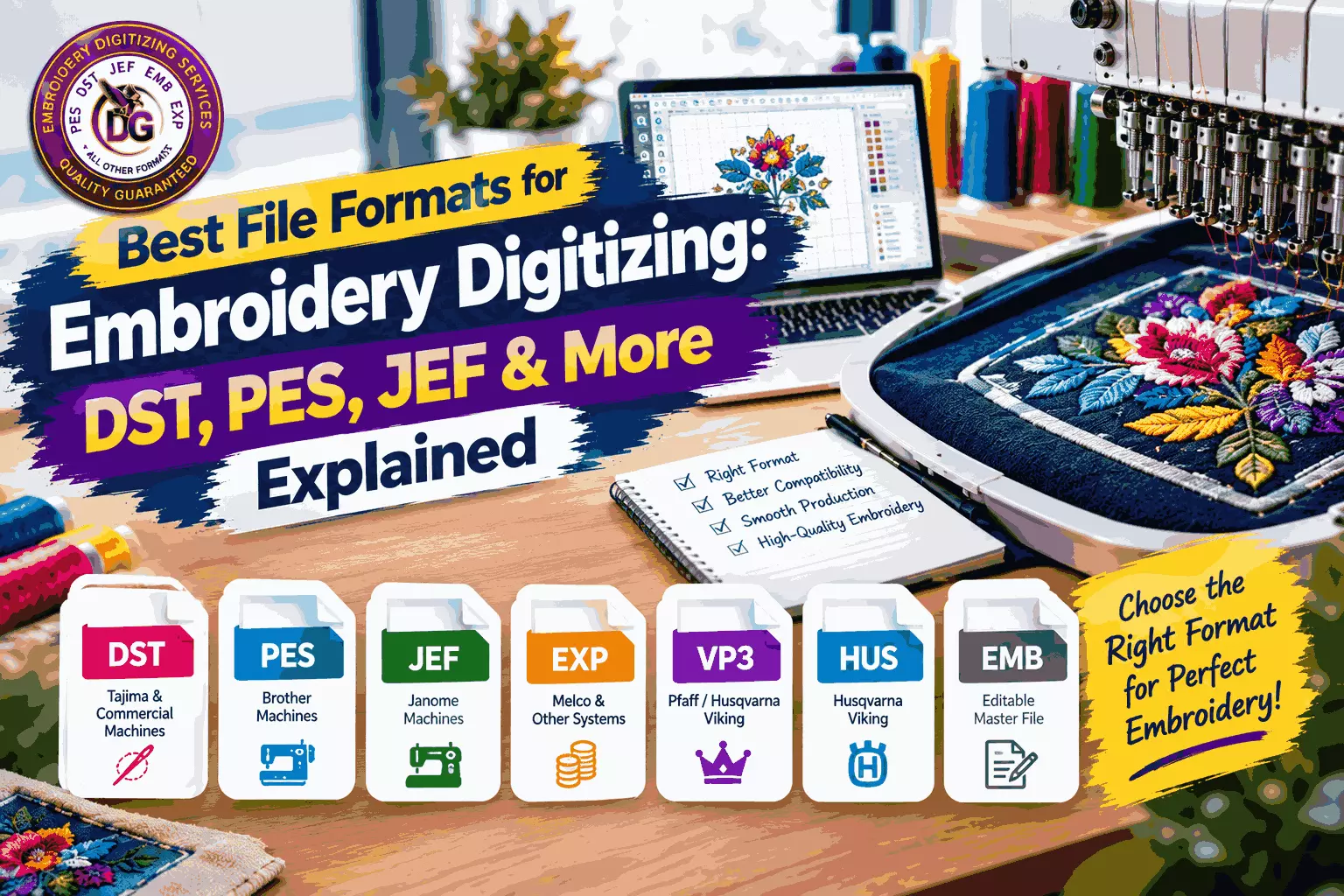
Best File Formats for Embroidery Digitizing: DST, PES, JEF & More Explained
Embroidery digitizing is not complete until a design is saved in the correct embroidery file format. Unlike regular image files such as JPG, PNG, or SVG, embroidery files contain stitching instructions that tell an embroidery machine how to sew a design.
Choosing the right embroidery file format is important because different embroidery machines and software programs support different formats. A file that works perfectly with one machine may not be directly compatible with another.
Some of the most commonly used embroidery formats include DST, PES, JEF, EXP, VP3, HUS, and EMB. Each format has its own purpose, compatibility, and characteristics.
In this guide, we will explain the best file formats for embroidery digitizing, including what DST, PES, JEF, and other popular formats mean, when to use them, and how to choose the right format for your embroidery machine.
What Is an Embroidery File Format?
An embroidery file format is a digital file that contains instructions for an embroidery machine or embroidery software.
Instead of storing an image as pixels or editable shapes, an embroidery file stores information such as:
- Stitch location
- Stitch type
- Stitch direction
- Stitch sequence
- Thread colors
- Needle changes
- Jump stitches
- Trims
- Design dimensions
The embroidery machine reads this information and uses it to reproduce the design with thread.
This is why simply sending a JPG or PNG image to an embroidery machine usually isn't enough. The artwork must first be digitized and saved in a compatible embroidery format.
Why Choosing the Right Embroidery Format Matters
Using the correct file format helps ensure that your embroidery machine can properly read the design.
The wrong format may cause compatibility problems, missing color information, incorrect thread changes, or other production issues.
The correct format can provide:
- Better machine compatibility
- Accurate stitch instructions
- Correct thread colors
- Proper needle changes
- Reliable production
- Easier editing and adjustments
- Better workflow between digitizers and embroidery operators
Before ordering or exporting a digitized design, it is important to know which format your embroidery machine requires.
Common Embroidery File Formats Explained
There are many embroidery formats available, but some are much more widely used than others. The following formats are among the most common in professional embroidery workflows.
DST File Format
- DST is one of the most widely recognized embroidery machine file formats.
- DST stands for Data Stitch Tajima and is strongly associated with Tajima embroidery machines. It is also supported by many other commercial embroidery machines and software applications.
- DST files primarily contain stitch information and machine movement instructions. They are commonly used when sending finished embroidery designs to commercial embroidery machines.
When Should You Use DST?
DST is an excellent choice when:
- Your embroidery machine supports DST
- You are sending a design to a commercial embroidery shop
- You need a widely compatible machine file
- A customer specifically requests DST
- You are working with professional embroidery equipment
One important consideration is that DST does not preserve all of the editable design information available in a native digitizing file. For this reason, it is generally best treated as a production file rather than the primary editable source.
PES File Format
PES is another popular embroidery format and is especially associated with Brother and compatible embroidery machines.
PES files can contain embroidery information as well as additional information that allows compatible software and machines to work with the design.
When Should You Use PES?
PES is commonly used when:
- You have a Brother embroidery machine
- Your machine specifically supports PES
- You are creating designs for Brother-compatible equipment
- A customer requests a PES file
If your machine requires PES, exporting the digitized design specifically for that format can help ensure compatibility.
JEF File Format
JEF is commonly associated with Janome embroidery machines.
Janome users frequently require JEF files when transferring designs to compatible embroidery machines.
When Should You Use JEF?
Use JEF when:
- Your machine requires the JEF format
- You are working with compatible Janome equipment
- A customer specifically asks for JEF
- Your embroidery software supports JEF export
As with other machine formats, it is important to verify the exact format supported by your specific machine model.
Read: Custom Embroidery Digitizing Services That Command Respect
EXP File Format
EXP is another embroidery format commonly encountered in professional embroidery workflows. It is associated with Melco systems and is also supported by various embroidery software programs and machines.
EXP files primarily provide stitch information needed for embroidery production.
When Should You Use EXP?
EXP can be useful when:
- Your machine or software supports EXP
- You are working with compatible commercial embroidery equipment
- A customer specifically requests EXP
- Your embroidery workflow requires this format
Because embroidery systems can have different requirements, always confirm compatibility before production.
VP3 File Format
VP3 is commonly associated with Pfaff and Husqvarna Viking embroidery systems.
Compared with some basic stitch-only formats, VP3 can retain additional design information, including color-related information.
When Should You Use VP3?
VP3 may be appropriate when:
- Your machine supports VP3
- You are working with compatible Pfaff equipment
- You use Husqvarna Viking systems that support the format
- Your embroidery software requires VP3
HUS File Format
HUS is associated with Husqvarna Viking embroidery machines and software.
It is primarily used within compatible Husqvarna Viking embroidery workflows.
When Should You Use HUS?
HUS may be the appropriate choice when:
- Your machine requires HUS
- You are working with compatible Husqvarna Viking equipment
- A customer specifically requests HUS
Always check your machine's manual or software documentation to confirm the required file type.
EMB: The Editable Master File
EMB is particularly important for professional embroidery digitizing.
EMB is commonly associated with Wilcom embroidery software and can retain much more editable design information than a basic production stitch file.
This can include objects, stitch settings, lettering, outlines, colors, sequencing, and other digitizing information depending on how the file was created.
Why Is EMB Important?
An EMB file can serve as a master working file for future editing.
For example, if a customer later asks you to:
- Change the embroidery size
- Modify thread colors
- Adjust stitch density
- Change lettering
- Add or remove elements
- Create another machine format
having the original editable file can make the process much easier.
For professional digitizing projects, keeping the master editable file is therefore highly recommended.
Machine File vs. Editable File
One of the most important concepts to understand is the difference between a machine file and an editable digitizing file.
A machine file is designed primarily for embroidery production. Examples include DST, PES, JEF, EXP, VP3, and HUS.
An editable master file is designed for making changes to the digitized design. EMB is one example of a native working format used in professional embroidery digitizing software.
Why Keep the Master File?
Suppose you create a logo in several sizes and send a DST file to a customer. Later, the customer wants the same design converted to PES.
If you only have the DST file, editing options may be limited. If you have the original editable file, you can make the required adjustments and export the design again.
This is why professional digitizers should maintain organized master files.
Embroidery Formats Compared
Format
Common Association
Typical Use
DST
Tajima and many commercial machines
Commercial production
PES
Brother
Brother-compatible machines
JEF
Janome
Janome-compatible machines
EXP
Melco and other systems
Professional embroidery
VP3
Pfaff / Husqvarna Viking
Compatible machines
HUS
Husqvarna Viking
Compatible machines
EMB
Wilcom
Editable master digitizing file
This table provides a general overview. Exact compatibility can vary by machine model, software version, and embroidery system.
Which Embroidery File Format Is Best?
There is no single embroidery file format that is best for every situation.
The best business format depends primarily on the embroidery machine being used.
For example:
- Commercial embroidery production may commonly use DST.
- Brother machines may require PES.
- Janome machines may require JEF.
- Pfaff or compatible Husqvarna Viking workflows may use VP3.
- Some Husqvarna Viking workflows may use HUS.
- Professional Wilcom workflows may maintain EMB as the editable master file.
The most important rule is simple: use the format required by the machine or software that will actually process the design.
Can One Embroidery File Be Converted Into Another?
Yes, embroidery designs can often be exported or converted between different embroidery formats using compatible embroidery software.
However, conversion is not always as simple as changing a file extension.
Different formats may store information differently, and some production formats contain less editable information than native digitizing files.
Why Re-Exporting Can Be Better Than Simple Conversion
When the original editable file is available, it is often preferable to open the master design and export it directly into the required format.
This allows the digitizer to check:
- Stitch sequence
- Thread colors
- Design dimensions
- Stitch density
- Machine settings
- Trims and jumps
- Compatibility requirements
This can produce a more reliable machine file than simply converting an existing stitch file.
JPG, PNG, SVG, and Other Artwork Files
Many customers start with artwork rather than an embroidery file.
Common artwork formats include:
- JPG
- PNG
- AI
- EPS
- SVG
These files can be useful as source artwork, but they are not automatically machine-ready embroidery files.
For example, an SVG file contains vector graphics rather than embroidery stitches. A PNG contains pixels rather than machine instructions.
The artwork must be digitized before it can normally be used for machine embroidery.
How to Choose the Correct Embroidery Format
Before sending a design for digitizing, ask the embroidery operator or machine owner which format is required.
Step 1: Identify the Machine
Find out the exact embroidery machine brand and, if possible, the model.
Step 2: Check Supported Formats
Review the machine documentation or software settings to determine which embroidery formats are supported.
Step 3: Tell Your Digitizer
Provide the required format when submitting your artwork for digitizing.
Step 4: Request Additional Formats if Needed
If you use multiple embroidery machines, you may need the same design exported into several formats.
For example, you could request DST, PES, and JEF versions of the same digitized design.
Step 5: Keep the Master File
If possible, keep the original editable digitizing file for future modifications and exports.
Tips for Getting Better Embroidery Files
Choosing the correct format is important, but file quality also depends on how the design was digitized.
Keep these tips in mind:
- Always provide the intended embroidery size.
- Tell the digitizer what type of fabric will be used.
- Specify the embroidery machine format.
- Mention whether the design will be used on a cap, shirt, jacket, or other product.
- Keep the original artwork available.
- Maintain an editable master file when possible.
- Test the design before large-scale production.
- Avoid relying solely on automatic image-to-embroidery conversion.
- Check thread colors before production.
- Confirm the final stitch file before sending it to the machine.
Why Professional Digitizing Makes a Difference
A correct file format cannot fix a poorly digitized design.
The embroidery file must contain properly planned stitches, suitable density, appropriate underlay, correct stitch directions, and an efficient sewing sequence.
Professional digitizing takes the intended embroidery application into account rather than simply converting an image into a machine file.
This is especially important for detailed logos, small lettering, jacket backs, caps, patches, and designs that will be produced in large quantities.
Why Choose Digitizings for Embroidery Digitizing?
Digitizings provides professional embroidery digitizing and vector art services for logos, artwork, images, lettering, patches, apparel designs, and other embroidery projects. Designs can be prepared in the embroidery file format required for your machine or production workflow.
Whether you need a DST, PES, JEF, EXP, or another supported format, providing the correct machine requirements helps ensure the digitized design is prepared appropriately for production.
Conclusion
Choosing the best file format for embroidery digitizing depends on your embroidery machine, software, and production requirements.
DST, PES, JEF, EXP, VP3, and HUS are among the commonly used machine formats, while EMB can serve as an important editable master format in compatible professional digitizing workflows.
Remember that an embroidery file is more than an image. It contains stitching instructions that determine how the embroidery machine creates the design.
Before ordering or exporting a design, identify your machine, confirm its required format, and provide those requirements to your digitizer. When possible, keep the original editable master file so the design can be adjusted or exported into other formats in the future.
With the right file format and professionally planned digitizing, you can achieve more reliable embroidery production and better-looking finished designs.