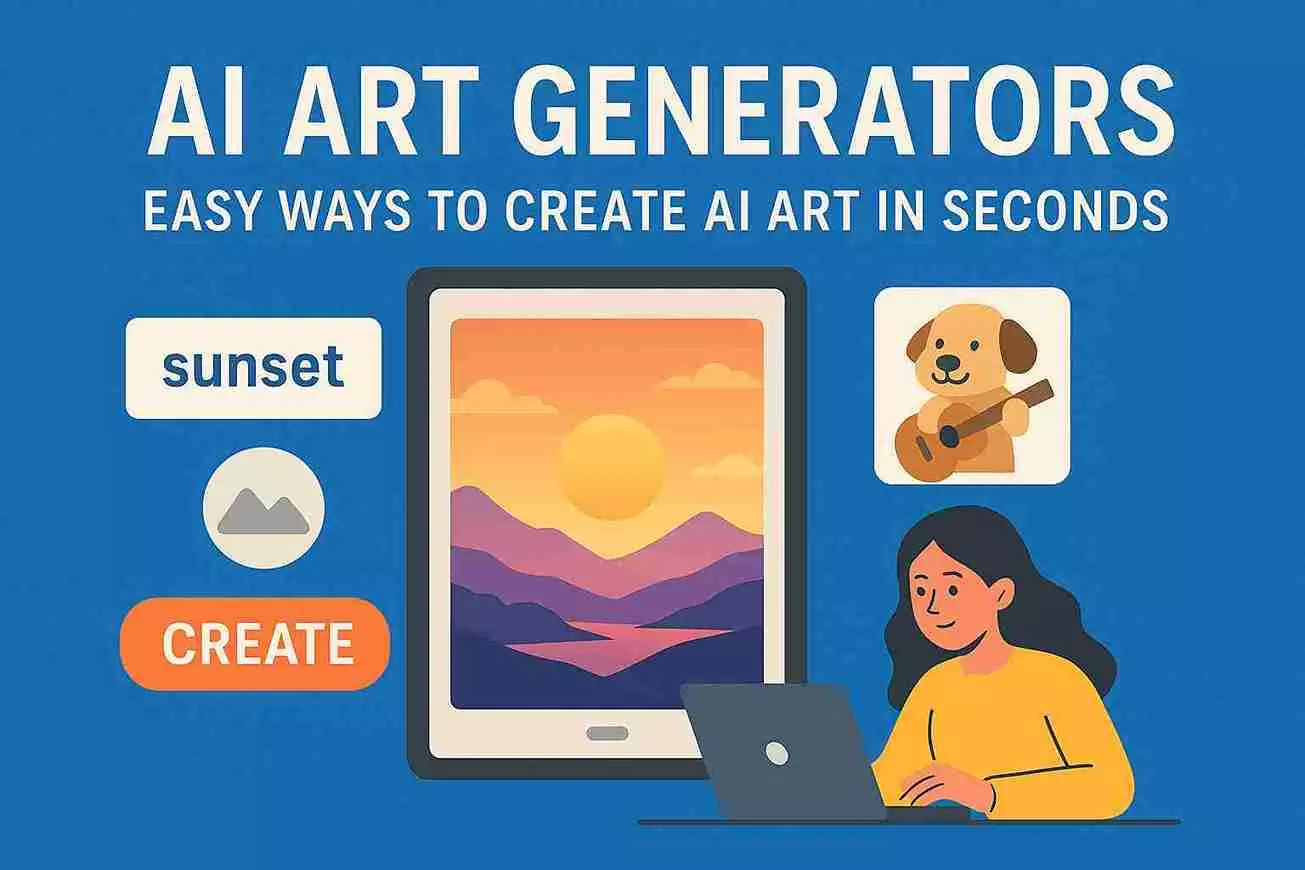
AI Art Generators: Easy Ways to Create AI Art In Seconds
Creating art has always been exciting, but it can also feel overwhelming for beginners. Not everyone has years of practice in drawing or painting. Luckily, modern tools make it easier to bring ideas to life. One of the most popular ways is using AI art generators.
AI art generators are tools that help anyone create digital art, even without advanced skills. You can turn simple ideas into impressive visuals in minutes. This opens up opportunities for designers, students, marketers, and hobbyists alike.
What Is an AI Art Generator?
At its core, an AI art generator is a software tool that helps create images automatically. You provide some input—like words describing your idea—and the tool turns it into visual art.
You don’t need to know how to draw or use complex design software. The tool does the hard work for you while you guide it with your ideas. This makes it perfect for beginners who want to experiment and create quickly.
Why Beginners Should Try AI Art Generators
There are many reasons why beginners should try these tools:
- Easy to Use: Most platforms are user-friendly with simple buttons and text prompts.
- Time-Saving: You can create visuals in minutes instead of hours.
- Affordable: Many AI art generators have free versions or low-cost plans.
- Encourages Creativity: Even if you feel you aren’t artistic, the tool helps you explore new styles.
For beginners, these tools reduce frustration and allow focus on creativity rather than technical skills.
How to Create AI Art Instantly: Step-by-Step Guide
Starting with free AI art generators is simple. You don’t need expensive equipment or professional skills. Here’s a step-by-step guide for beginners:
- Choose a Platform: There are many AI art generators online. Pick one that is beginner-friendly. Some popular options include Pixele Studio, Fotor, and NightCafe.
- Sign Up: Most platforms require an account. This is usually free or comes with a trial.
- Enter Your Idea: Simply enter your text prompt as you want to create.
- Generate Art: Click the create button and wait a few seconds. You’ll see your digital artwork appear.
- Download and Share: Once you are happy with your art, you can download it in high resolution and share it with anyone.
This process makes digital art accessible to anyone, even complete beginners.
Tips for Creating Better Art
While AI art generators are easy, a few tips can improve your results:
- Use Clear Descriptions: Be specific in your text prompts. Instead of “forest,” try “dense green forest with sunlight streaming through trees.”
- Experiment With Styles: Don’t stick to one style. Try cartoon, abstract, or realistic versions of your idea.
- Mix Ideas: Combine different ideas in one prompt to create unique visuals.
- Refine Outputs: Sometimes you may need to generate multiple versions to get the perfect image.
Experimentation is key. The more you play with prompts and settings, the more creative your results will be.
Practical Uses for Beginners
AI-generated art is not just for fun. Beginners can use it in many practical ways:
- Social Media Content: Create visuals for posts or banners quickly.
- School Projects: Make diagrams, illustrations, or cover pages.
- Marketing Materials: Design flyers, posters, and graphics without professional software.
- Personal Projects: Make digital gifts, wallpapers, or illustrations for hobbies.
These tools give anyone the power to create professional-looking visuals without professional skills.
Common Mistakes Beginners Make
Even though AI art generators are easy, beginners can make mistakes:
- Vague Prompts: Short or unclear prompts may result in generic or confusing images.
- Relying on Defaults: Using the first output without exploring styles can limit creativity.
- Ignoring Editing Tools: Most platforms offer simple editing; skipping this step can reduce quality.
- Overusing One Platform: Trying different tools can help you find the best style for your needs.
Avoiding these mistakes will make your art look more polished and unique.
Read: Free AI Art Creation: Easy Step-by-Step Guide for Beginners
How to Improve Over Time
AI art generators are learning tools. The more you use them, the better your results will be:
- Learn Prompt Writing: Good prompts lead to better outputs. Practice describing scenes vividly.
- Study Styles: Observe the results and identify what you like.
- Combine Tools: Some beginners use multiple generators for different effects.
- Ask for Feedback: Share your art with friends or online communities to get ideas for improvement.
With time, beginners can create artworks that look professional and original.
Choosing the Right AI Art Generator
Not all AI art generators are the same. When choosing one, consider:
- Ease of Use: A beginner-friendly interface is important.
- Available Styles: Look for tools with multiple art styles.
- Export Options: Check if you can download your artwork in high resolution.
- Pricing: Some tools are free, while others require subscriptions for advanced features.
Trying a few different tools is the best way to find what suits your needs.
Future of Digital Art for Beginners
AI art generators are changing the way beginners approach digital art. You no longer need years of practice to make beautiful visuals. These tools allow anyone to explore creativity, learn quickly, and even develop a hobby or side project.
As the technology improves, we can expect even more options and styles. Beginners will have more freedom to express themselves and create professional-quality art from home.
Conclusion
Starting your journey in digital art doesn’t have to be intimidating. AI art generators make it easy, fun, and rewarding. By following simple steps, experimenting with prompts, and using editing tools, beginners can create amazing visuals.
Whether you want to share art online, create school projects, or just explore your creativity, AI art generators are the perfect starting point. With practice and curiosity, anyone can become a digital artist in today’s world.