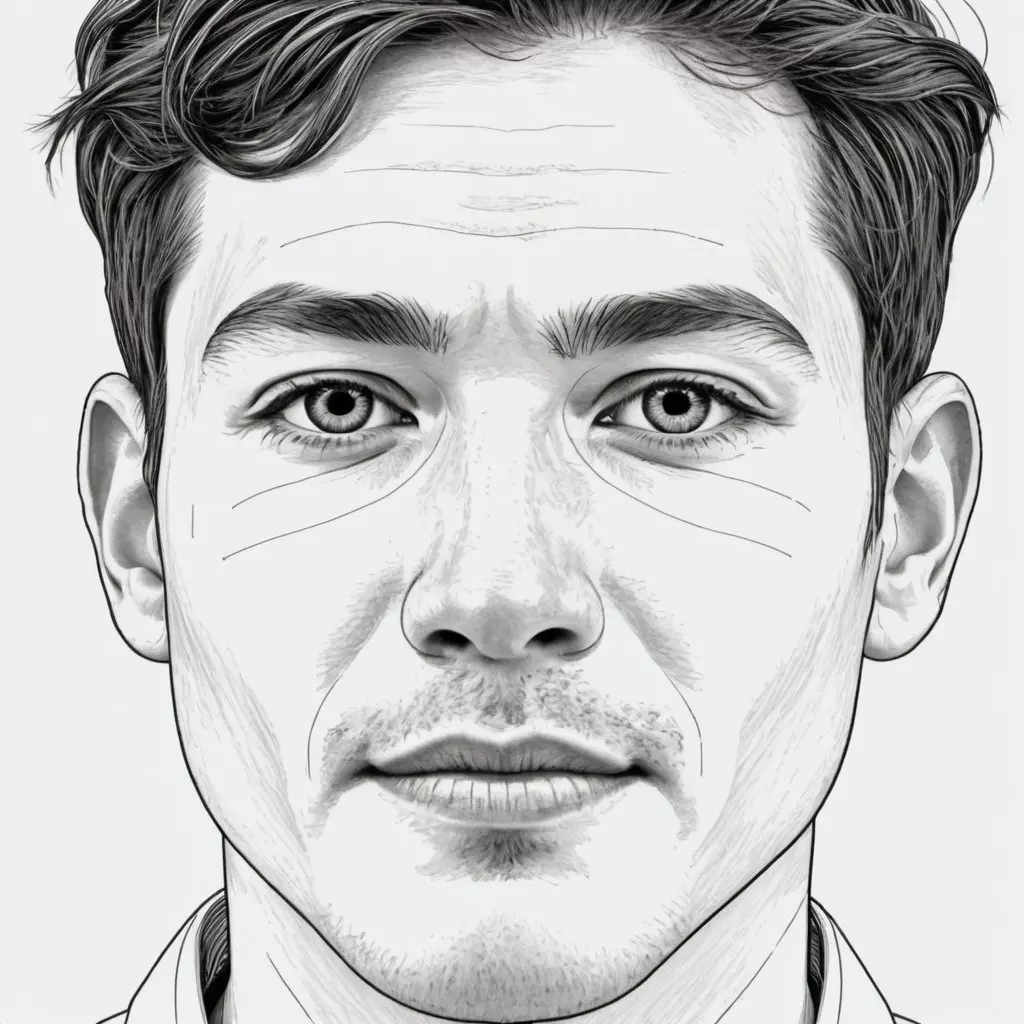
Free AI Art Creation: Easy Step-by-Step Guide for Beginners
Artificial intelligence has completely transformed the world of digital art. A few years ago, creating professional-looking artwork required advanced tools, expensive software, and years of drawing experience.
Today, with powerful free AI art generators, AI Line Art Generators, and other creative AI tools, anyone can produce beautiful artwork in seconds—even without traditional art skills. These generators allow you to create illustrations, portraits, line drawings, sketches, and aesthetic visuals simply by typing a prompt.
If you’ve ever wondered how to make AI art for free, this step-by-step guide will walk you through everything you need to know. With modern tools like AI Image Generators, AI Line Art Generators, and free AI design platforms, beginners can now create detailed artwork, sketches, and stylized line illustrations effortlessly.
Whether you're creating art for fun, for social media, or for professional design projects, this guide makes it simple to get started and create your first AI-generated masterpiece.
Read: How AI-Generated Images Are Changing Online Creativity
What Is AI Art?
AI art is artwork created with the help of artificial intelligence systems—typically trained on millions of images—allowing them to generate new images based on text descriptions. These tools use deep learning models like diffusion or transformers to interpret your instructions and turn them into high-quality visuals.
In simple terms:
You describe what you want, and AI draws it for you.
For example:
- “A futuristic city floating in the clouds, ultra-realistic, cinematic lighting”
- “Cute cartoon cat drinking boba tea in pastel colors”
- “A watercolor painting of a forest at sunset”
AI then generates artwork that matches your description.
The best part? Many popular AI tools offer free versions, so creating beautiful art is easier and more accessible than ever.
Why Make AI Art? Key Benefits
Whether you're a beginner or a seasoned designer, AI art generators offer benefits that traditional methods simply can't match:
1. Completely free to start
Most tools offer a free tier with enough credits to experiment and learn.
2. Beginner-friendly
You don’t need drawing or design skills—just ideas.
3. Fast and efficient
AI creates art in seconds, saving hours of manual work.
4. Perfect for social media
AI can create stylish, aesthetic images for Instagram, YouTube thumbnails, or TikTok posts.
5. Great for business
Marketers, startups, and brands use AI art for banners, ads, product concepts, and more.
6. Endless creative styles
You can generate:
- Anime
- Realistic portraits
- Digital paintings
- Line art
- Pixel art
- Illustrations
- Surreal fantasy art
AI removes limitations and lets you explore unlimited creative directions.
How Does an AI Art Generator Work?
Most AI art generators use text-to-image models such as:
- Stable Diffusion
- DALL·E
- Midjourney-style diffusion models
These systems are trained on vast datasets and can understand:
- Objects (cat, house, mountains)
- Styles (anime, watercolor, cyberpunk, minimalist)
- Textures (glossy, matte, neon glow)
- Lighting (soft light, cinematic lighting)
When you type a prompt, the AI processes your words, analyzes the style, and produces visually pleasing artwork.
Step-by-Step Guide: How to Make AI Art for Free
Below is the simplest beginner-friendly guide to create free AI art using any AI art generator.
Step 1: Choose a Free AI Art Generator
Here are the most popular free tools:
Pixel Studio (Free AI Art Generator)
Great for image creation, art styles, face editing, and high-quality outputs.
Bing Image Creator (Free DALL·E)
Allows unlimited text-to-image generation.
Stable Diffusion Web UI (Free)
Open-source and highly customizable.
Lexica Art
Simple interface, great for beginners.
Craiyon (Free Unlimited)
Basic but fun for quick sketches.
If you’re a complete beginner, choose a tool with:
Easy interface
Free credits
Fast generation
Style presets
Pixel Studio, Bing Image Creator, and Lexica meet all these requirements.
Step 2: Create an Account (Optional but Helpful)
Most platforms allow free use without signing up, but creating an account gives benefits:
- Higher-quality images
- More prompt styles
- Save your artwork automatically
- Access to advanced settings
Once you sign up, you're ready to start generating AI art.
Step 3: Write a Good Prompt
Your prompt (description) is the most important part of AI art creation. The clearer and more detailed it is, the better the results.
Example Prompt Structure:
[Subject] + [Style] + [Details] + [Lighting] + [Quality]
Example 1 (Realistic Portrait)
A young woman with curly hair, photorealistic portrait, soft lighting, 4K details, natural skin texture, studio background
Example 2 (Anime Character)
Cute anime boy with white hair and blue eyes, pastel colors, Japanese manga style, clean lines, HD illustration
Example 3 (Fantasy Landscape)
Floating castle above a glowing forest, magical atmosphere, cinematic lighting, ultra-detailed fantasy art
Tips for Writing Better Prompts
- Be descriptive
- Specify colors
- Mention camera style (if realistic)
- Add mood (dark, aesthetic, dreamy)
- Add art styles: watercolor, cyberpunk, neon, oil painting
- Add quality tags: 4K, ultra-detailed, high-resolution
Step 4: Choose the Style or Model
Most AI generators offer multiple styles like:
- Anime
- Cartoon
- Pixel art
- Line art
- Realistic
- 3D render
- Watercolor
- Digital painting
Choose the style that matches your creative vision.
For beginners, presets like Realistic, Anime, or Digital Art are easiest to use.
Step 5: Generate the Artwork
Click Generate, and within a few seconds, your artwork will appear.
What you will see:
- 1 to 4 image variations
- Different interpretations of your prompt
- Option to enhance or upscale the image
If you don’t like the result:
- Edit your prompt
- Add more detail
- Remove confusing elements
- Change style
AI improves with better instructions.
Step 6: Refine or Regenerate
If the artwork is close to what you want, refine it:
Possible edits:
- Upscale to HD
- Remove background
- Adjust colors
- Add filters
- Regenerate with slight prompt tweaks
If the output looks off, modify your prompt:
- Too blurry → add “high quality, sharp details”
- Wrong style → specify “anime” or “realistic”
- Wrong colors → add exact color names
Small changes can completely transform the result.
Step 7: Download Your AI Art (For Free)
Once satisfied, download your image in available formats such as:
- PNG
- JPG
- WebP
- HD or 4K (if supported)
You can now use the AI art for:
- Wallpapers
- Social media
- Posters
- Graphic design
- YouTube thumbnails
- Blogs
- Creative projects
Best Free AI Art Tips for Beginners
Here are important tips to make your AI art look professional:
1. Start with Simple Prompts
Complicated prompts confuse beginners.
Start simple:
“Cute cat illustration, watercolor style”
2. Learn Prompt Syntax
Use descriptive words:
- “soft light,” “dramatic shadows”
- “high detail,” “sharp focus”
- “cyberpunk,” “vintage,” “abstract”
3. Use Negative Prompts (If Available)
Negative prompts remove unwanted elements.
Examples:
- “no text”
- “no distorted hands”
- “no extra limbs”
- “no blurry details”
4. Experiment With Styles
Try creating the same prompt in different styles like:
- Pixel art
- Anime
- Realistic
- Sketch
- Digital painting
This helps you understand which styles suit your vision.
5. Use Reference Images (Optional)
Some AI art tools allow you to upload a picture for:
- Style guidance
- Face similarity
- Composition matching
This helps create consistent artwork.
6. Save Your Best Prompts
Once a prompt works well, save it for future use.
Best Free AI Art Generators to Try in 2025
Here are the most beginner-friendly free tools:
1. Pixel Studio – Free AI Art & Face Tools
Perfect for HD AI art, anime, realistic images, and creative edits.
2. Bing Image Creator (DALL·E)
Fully free, no limits.
3. Lexica Art
Clean interface and stylish image models.
4. Stable Diffusion Online
Open-source and customizable.
5. Canva AI Art
Great for social media creators.
6. Adobe Firefly Free Tier
High-quality artistic styles and safe content.
What Can You Create Using Free AI Art?
AI art generators can produce almost anything:
- Logos
- Digital portraits
- Fantasy illustrations
- Product mockups
- YouTube thumbnails
- Anime characters
- Game characters
- Pixelized art
- Cartoon avatars
- Book covers
- Wallpapers
- T-shirt designs
Your creativity determines the result.
Is Free AI Art Useful for Beginners?
Absolutely yes.
AI art is perfect for beginners because:
- No artistic skill is needed
- You learn visually and quickly
- You can experiment endlessly
- It boosts your creative confidence
Many professional artists now use AI tools daily for inspiration and concepts.
Read: How AI Is Transforming Interior Design with Smart Visualization
Conclusion: Start Making Free AI Art Today
Creating AI art is now easier, faster, and more accessible than ever. With dozens of free AI art generators available, anyone can turn their ideas into beautiful artwork within seconds. Whether you're a beginner experimenting for fun or someone creating content for social media, AI tools give you the power to create stunning visuals—without spending money or learning complicated software.
Follow the steps in this guide:
- Choose a free AI art generator
- Write a clear prompt
- Pick your style
- Generate
- Refine
- Download and share
With practice, your AI art will become more detailed, expressive, and visually impressive. Start today and unlock your creative potential at zero cost!