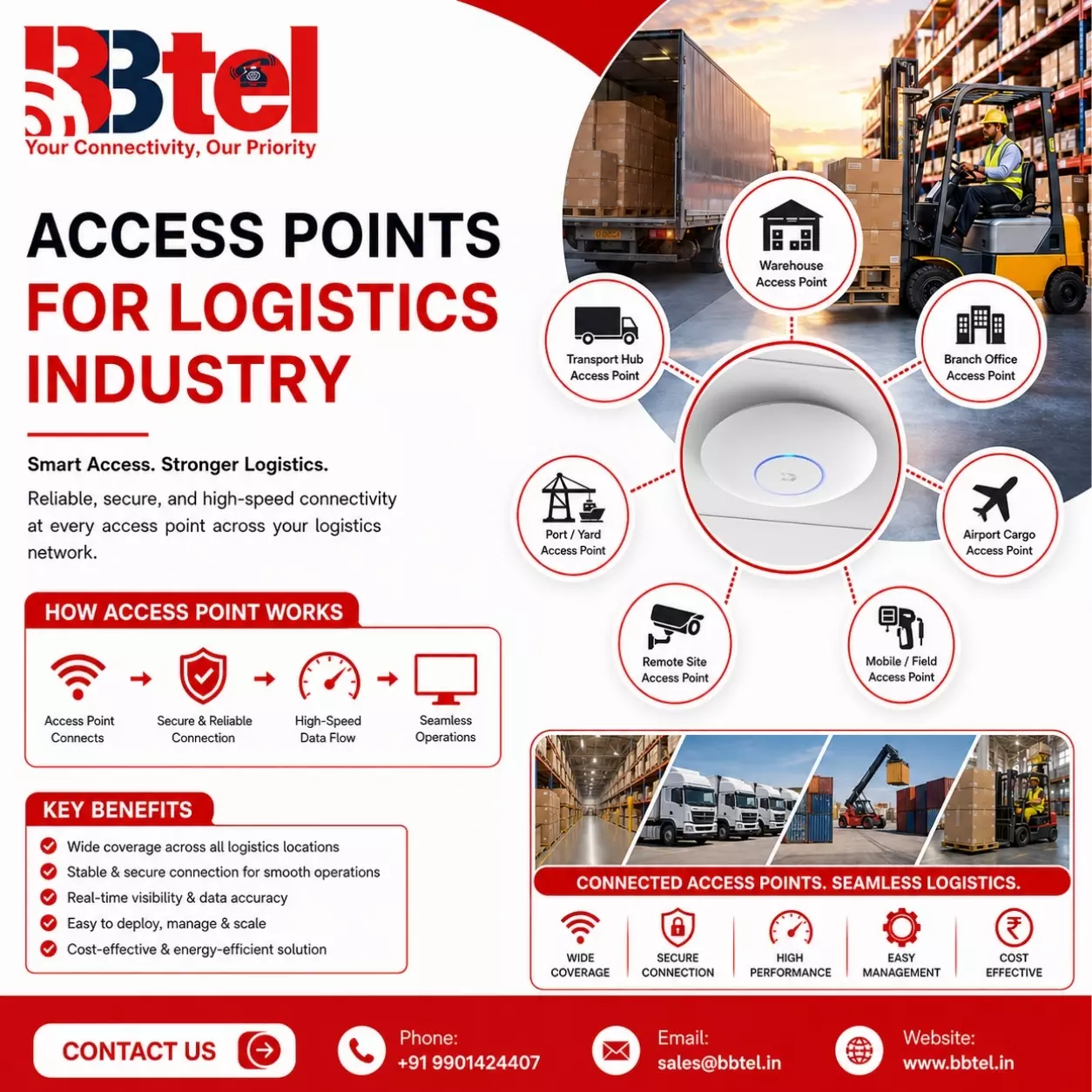
Access Point Device: The Foundation of Reliable Wireless Connectivity
In today's connected world, businesses, educational institutions, Access point vs router healthcare facilities, and homes depend on fast and stable wireless internet access.
As the number of Wi-Fi-enabled devices continues to grow, a standard wireless router may not provide adequate coverage or performance.
This is where an Access Point (AP) device becomes essential. An access point extends wireless network coverage, improves connectivity, and allows multiple users to access the internet simultaneously without compromising speed or reliability.
An access point is a networking device that creates a wireless local area network (WLAN) by connecting to a wired network through an Ethernet cable.
Unlike a traditional Wi-Fi router, an access point is designed to expand the existing network, providing seamless wireless access across larger spaces such as offices, campuses, hotels, shopping malls, warehouses, and industrial facilities.
What is an Access Point Device?
An access point device acts as a bridge between wired and wireless networks.
It receives data from the wired network and transmits it wirelessly to laptops, smartphones, tablets, printers, security cameras, and other connected devices. Businesses often install multiple access points to provide consistent Wi-Fi coverage throughout their premises.
Modern access points support advanced Wi-Fi technologies, allowing users to experience high-speed internet with improved stability, even in environments where many devices are connected at the same time.
How Does an Access Point Work?
An access point connects directly to a network switch or router using an Ethernet cable. Once connected, it broadcasts a wireless signal that enables nearby devices to join the network securely.
When users move throughout a building, multiple access points work together to provide uninterrupted connectivity.
Devices automatically connect to the strongest available access point without requiring users to reconnect manually. This seamless roaming improves productivity and enhances the user experience.
Read: How to Configure the RangeXTD Booster in Access Point Mode
Benefits of Using an Access Point Device
Extended Wireless Coverage
One of the biggest advantages of an access point is its ability to expand Wi-Fi coverage.
Large buildings often have dead zones where wireless signals are weak or unavailable. Installing access points in strategic locations eliminates these coverage gaps and provides reliable connectivity throughout the facility.
High-Speed Performance
Modern access point devices support the latest Wi-Fi standards, delivering faster data transfer speeds and lower latency. Access points in networking This ensures smooth video conferencing, cloud application access, online collaboration, and large file transfers.
Supports Multiple Connected Devices
Businesses today rely on numerous internet-connected devices. Access points are designed to handle dozens or even hundreds of simultaneous connections without significantly affecting network performance. This makes them ideal for offices, educational institutions, and public venues.
Enhanced Network Security
Enterprise-grade access points include advanced security features such as WPA3 encryption, secure authentication, guest network isolation, access control, and traffic monitoring.
These features help protect sensitive business information while preventing unauthorized network access.
Easy Network Management
Many modern access points include centralized management software that allows IT administrators to monitor network performance, configure settings,
update firmware, and troubleshoot issues from a single dashboard. This simplifies network administration and reduces maintenance time.
Applications of Access Point Devices
Access point devices are widely used across various industries, including:
- Corporate offices and business parks
- Educational institutions and universities
- Hospitals and healthcare centers
- Hotels and hospitality businesses
- Retail stores and shopping malls
- Manufacturing plants and warehouses
- Airports and transportation hubs
- Government offices
- Event venues and conference centers
These environments require reliable wireless connectivity for employees, customers, visitors, and smart devices.
Choosing the Right Access Point
Selecting the right access point depends on several factors, including the size of the building, the number of users, bandwidth requirements, and business applications.
Organizations should also consider Wi-Fi standards, indoor or outdoor deployment, security features, scalability, and centralized management capabilities.
Businesses planning future expansion should choose access points that support growing user demands and emerging wireless technologies.
Why Businesses Invest in Access Point Devices
As organizations increasingly depend on cloud services, remote collaboration, video conferencing, and Internet of Things (IoT) devices, reliable Wi-Fi infrastructure has become a necessity.
Access point devices provide the performance, coverage, and scalability needed to support modern digital operations.
Unlike basic wireless routers, enterprise access points are built to deliver consistent connectivity across large environments while maintaining high security and efficient network management.
Conclusion
Access point devices play a crucial role in building strong, secure, and high-performance wireless networks.
They extend Wi-Fi coverage, support large numbers of connected devices, improve network reliability, and simplify administration through centralized management.
Whether deployed in a small office, a large enterprise, or a public facility, access points ensure seamless wireless connectivity that keeps users productive and connected.
Investing in the right access point solution enables businesses to create a scalable wireless network capable of supporting current operations while preparing for future technological growth.