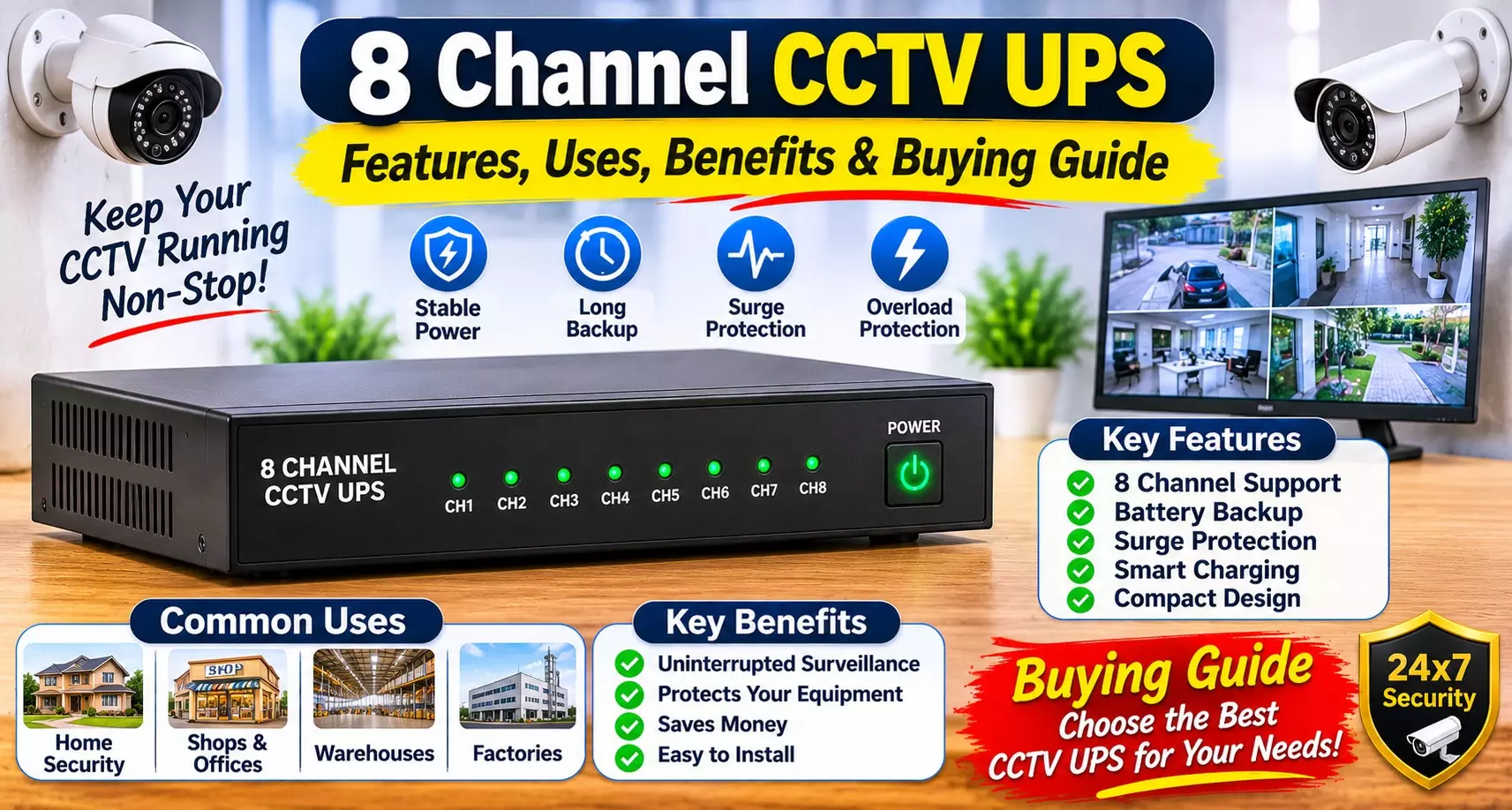
8 Channel CCTV UPS: Features, Uses, Benefits & Buying Guide
A CCTV surveillance system plays an important role in protecting homes, offices, shops, warehouses and commercial spaces. However, one common problem with security cameras is power failure.
When the electricity goes out, connected cameras and recording equipment may stop working unless a suitable backup solution is available.
An 8 Channel CCTV UPS is designed to provide backup power to compatible CCTV camera setups during electricity interruptions.
It helps maintain surveillance when the main power supply is unavailable. With features such as 12V output, 8Amp current capacity, lithium-ion battery technology, zero-lag switching and over-current protection, this type of UPS can be a useful addition to a security system.
In this guide, we will explore its features, working principle, applications, benefits and important factors to consider before choosing a suitable model.
What Is an 8 Channel CCTV UPS?
An 8-channel CCTV UPS is a backup power device designed for compatible surveillance systems with multiple camera connections. It provides power to supported CCTV equipment when the regular electricity supply is interrupted.
Unlike a standard computer UPS, which is generally designed for computers and other electronic devices, a CCTV UPS is intended for the power requirements of security cameras and compatible surveillance equipment.
A suitable CCTV Power Backup System helps keep connected cameras operational during power interruptions, depending on the battery capacity, connected load and device compatibility.
How Does a CCTV UPS Work?
A CCTV UPS works by supplying power from the main electricity source during normal operation while keeping its internal battery ready for backup.
When the main power supply is interrupted, the UPS switches to battery power to continue supplying electricity to compatible connected devices.
The basic working process includes:
- Normal Power Supply: The UPS receives electricity from the main power source and supplies the required output to connected devices.
- Battery Charging: Its internal battery remains charged and ready for backup operation.
- Power Failure Detection: The UPS detects an interruption in the main electricity supply.
- Automatic Switching: The system switches to battery operation to maintain power to supported equipment.
- Power Restoration: When electricity returns, the UPS resumes normal operation and recharges the battery.
A CCTV Camera Battery Backup solution can help reduce surveillance interruptions caused by unexpected power cuts.
Key Features of a 12V 8Amp CCTV UPS
Before purchasing a backup device, it is important to understand its main specifications and how they support a surveillance setup.
1. 12V Power Output
A 12V output is commonly used by many CCTV cameras and compatible surveillance accessories. It is important to check the voltage requirements of your cameras before connecting them.
A compatible 12V CCTV Power Supply helps provide the required power to supported devices. Always verify the output voltage, connector type and polarity before installation.
2. 8Amp Current Capacity
An 8Amp rating indicates the maximum current capacity of the power supply under its specified operating conditions. It can support multiple compatible devices, provided their combined power requirements remain within the UPS rating.
Before connecting several cameras, calculate their total current consumption and allow sufficient capacity for stable operation.
3. Lithium-Ion Battery Technology
Lithium-ion batteries are used in many modern backup power devices because of their rechargeable design and energy storage capabilities.
A CCTV Backup Solutions setup using a lithium-ion battery can provide backup power to compatible surveillance equipment during electricity interruptions.
Actual backup duration depends on the battery capacity, battery condition and total connected load.
4. Zero-Lag Switching
Zero-lag switching is designed to minimise interruption when the main power supply fails and the UPS changes to battery operation.
This feature is particularly useful for surveillance installations where continuous power is important. However, the actual switching performance depends on the device's design and specifications.
5. Over-Current Protection
Over-current protection helps protect the UPS and connected equipment against excessive current conditions.
It is an important safety feature because CCTV systems may have multiple connected devices with different power requirements.
Uses of an 8 Channel CCTV UPS
A DVR Power Backup arrangement can help maintain power to compatible surveillance equipment during electricity failures.
Some common applications include:
- Homes: Maintain power to compatible security cameras installed at entrances, balconies and other important areas.
- Retail Shops: Help keep surveillance systems powered during unexpected electricity interruptions.
- Offices: Support compatible security camera installations in workplaces and commercial buildings.
- Warehouses: Provide backup power for surveillance equipment monitoring storage and operational areas.
- Small Businesses: Help reduce interruptions in security monitoring caused by power cuts.
- Commercial Buildings: Support suitable CCTV installations where consistent surveillance is required.
Benefits of Using a CCTV UPS
Choosing a suitable Security Camera UPS offers several practical advantages for surveillance installations.
1. Helps Maintain Surveillance
Power interruptions can affect the operation of security cameras. A compatible backup unit helps keep supported cameras running when the main electricity supply is unavailable.
2. Reduces Recording Interruptions
When connected cameras and recording equipment receive uninterrupted power, the risk of recording gaps caused by power failure can be reduced. The DVR or NVR must also have a suitable backup power arrangement.
3. Convenient Automatic Operation
Automatic switching helps reduce the need for manual intervention when the electricity supply fails or returns.
4. Supports Multiple Camera Connections
An appropriately rated unit can supply power to multiple compatible cameras. The number of cameras it can support depends on their individual current requirements and the available output capacity.
5. Additional Electrical Protection
Built-in over-current protection can help reduce the risk associated with excessive current conditions. Users should still follow proper installation and electrical safety practices.
How to Choose the Right CCTV UPS
Selecting the correct model is important for reliable performance. Consider these factors before purchasing.
1. Check Voltage Compatibility
First, check whether your cameras require 12V DC or another voltage. The UPS output must match the requirements of the connected equipment.
2. Calculate Total Current Consumption
Add the current requirements of all connected cameras and accessories. Make sure the total load does not exceed the UPS's rated capacity.
3. Check Battery Capacity
Battery capacity plays an important role in determining backup duration. A larger battery capacity may provide longer backup, but actual runtime also depends on the connected load and battery condition.
4. Look for Protection Features
Choose a model with suitable electrical protection, such as over-current protection. Also check the manufacturer's instructions for safe usage.
5. Check Switching Performance
Automatic switching is useful for maintaining power during unexpected electricity interruptions. Review the product specifications to understand its switching performance.
6. Consider Installation Requirements
Check the number of output connections, connector type, cable arrangement and mounting requirements before selecting a model.
Installation and Maintenance Tips
Proper installation and maintenance can help improve the reliability of your backup system.
- Install the UPS in a clean, dry and ventilated location.
- Use compatible cables and connectors.
- Verify voltage and polarity before connecting cameras.
- Avoid exceeding the rated current capacity.
- Keep the device away from moisture and excessive heat.
- Inspect cables and connections periodically.
- Follow the manufacturer's battery charging and maintenance instructions.
- Get electrical installation work done by a qualified technician when required.
Common Mistakes to Avoid
Some installation mistakes can affect the performance and safety of a CCTV backup setup.
- Connecting cameras with an incompatible voltage rating.
- Exceeding the maximum current capacity.
- Ignoring battery capacity when estimating backup time.
- Using unsuitable connectors or cables.
- Connecting recording equipment without checking its power requirements.
- Installing the UPS in a poorly ventilated or damp location.
- Assuming that every 8-channel UPS can support any combination of eight cameras.
Avoiding these mistakes can help ensure that your surveillance equipment receives suitable backup power.
Conclusion
A reliable backup power arrangement is important for maintaining CCTV surveillance during unexpected electricity interruptions. A 12V 8Amp lithium-ion UPS with automatic switching and over-current protection can be a practical option for compatible multi-camera security installations.
A suitable Surveillance Power Supply should match the voltage and combined current requirements of the connected equipment. Before purchasing, always check battery capacity, switching performance, output connections and installation requirements.
Whether you are setting up security cameras at home, in an office, a retail shop or a warehouse, choosing the right backup device can help reduce power-related surveillance interruptions.
Frequently Asked Questions (FAQs)
1. What is an 8-channel CCTV UPS?
It is a backup power device designed for compatible CCTV installations with multiple camera connections.
2. What does 12V 8Amp mean in a CCTV UPS?
12V represents the output voltage, while 8Amp indicates its rated current capacity under specified conditions.
3. How many CCTV cameras can an 8-channel UPS support?
It is designed for an eight-channel setup, but the actual supported load depends on the current consumption of the connected cameras and the UPS specifications.
4. Does a CCTV UPS work during a power cut?
Yes, its internal battery supplies power to compatible connected equipment when the main electricity supply is interrupted.
5. What is zero-lag switching in a CCTV UPS?
It refers to switching from main power to battery power with minimal interruption, helping maintain the power supply to connected devices.
6. What type of battery is used in this CCTV UPS?
The product described uses a lithium-ion battery. Its capacity and backup duration should be checked in the product specifications.
7. Can I connect a DVR to a CCTV UPS?
You can connect a DVR only if the UPS has a compatible output and sufficient capacity for its power requirements.
8. Does a CCTV UPS provide backup to Wi-Fi routers?
It can support a router if the output voltage, connector and current requirements are compatible.
9. How long does a CCTV UPS provide backup?
Backup duration depends on battery capacity, connected load, battery condition and operating conditions.
10. What is over-current protection?
It is a safety feature designed to protect the power supply and connected equipment against excessive current.
11. Is a CCTV UPS different from a computer UPS?
Yes. A CCTV UPS is designed around compatible surveillance equipment power requirements, while a computer UPS is generally designed for computers and related electronics.
12. Can I use a 12V CCTV UPS with all security cameras?
No. The camera must support the UPS output voltage, connector type, polarity and required current.
13. Does a CCTV UPS automatically charge its battery?
Many models recharge their internal batteries when connected to the main power supply. Check the specific model's charging specifications.
14. Can I use a CCTV UPS for multiple devices?
Yes, if the connected devices are compatible and their combined power consumption stays within the rated capacity.
15. Is a CCTV UPS necessary for home security cameras?
It is useful if you want compatible security cameras to continue receiving power during electricity interruptions.