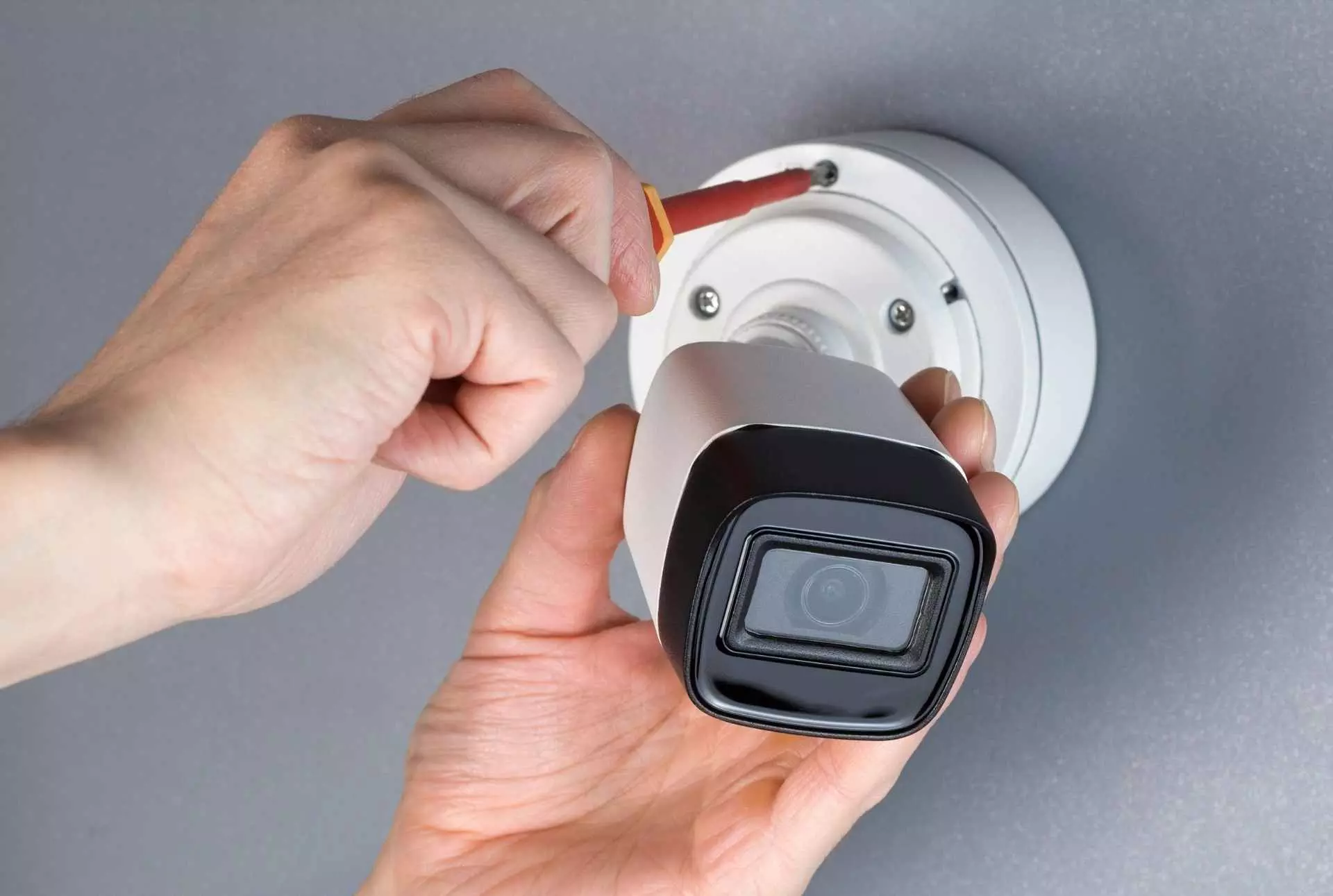
Grasping Improper Structure in CCTV Installation Near me
To have a CCTV system in place is quite a different thing, rather than to be configured properly. The most state-of-the-art cameras and recording devices can still leave a lot to be desired unless you are keeping an eye on your camera and recording set up. Mistakes in configuration can have homeowners and business operators leaving blind spots, poorer video quality or wasted recorded video during moments, in which they are in need of the recording.
The article discusses the prevalent set up mistakes in CCTV installation in Dubai and gives a way out of making them.
Why Proper Configuration Matters
CCTV systems are meant to record, keep, or even handle video recordings. Without proper configuration:
- Important events may not be recorded.
- Storage may run out sooner than expected.
- Cameras may not work in sync with your security needs.
- Alerts and motion detection features may not function.
In short, the system may not serve its core purpose: to keep you informed and secure.
1. Wrong Camera Resolution Settings
Many users install high-definition cameras but leave them on default or low-resolution settings. This results in:
- Blurry or pixelated footage.
- Difficulty identifying faces or license plates.
- Larger storage consumption if resolution is too high for need.
What You Should Do:
- Adjust resolution settings according to the purpose of each camera.
- Use higher resolution in sensitive or critical zones like entrances.
- Optimize frame rate and bitrate to balance quality and storage.
2. Incorrect Time and Date Settings
This might seem minor, but having the wrong time and date on your system can cause major confusion during playback or legal review.
Real-World Problem:
Imagine reviewing footage of a security incident only to find timestamps mismatched or off by hours or days. This can make evidence inadmissible in investigations.
Best Practice:
- Set the system clock manually during installation.
- Sync with internet time servers if possible.
- Regularly verify time settings, especially after power outages or updates.
3. Ignoring Motion Detection Settings
The motion detection is a perfect feature that is however not well implemented in most systems or it remains disabled.
Common Mistakes:
- Entire scene marked for detection (including busy roads, moving trees, etc.), leading to too many false alerts.
- Sensitivity set too low, causing missed detection of real events.
Recommendations:
- Define motion zones carefully — focus only on high-risk areas.
- Sensitivity level should be adjusted depending on the environment (low indoors, moderate at the entrance to the outdoors).
- Regularly test and tweak settings.
4. Improper Recording Schedules
Not all CCTV installation near me systems need to record 24/7. However, improper schedule configuration can result in:
- Gaps in surveillance when it’s most needed.
- Unnecessary footage taking up valuable storage.
Examples of Bad Practice:
- Office CCTV system only records during working hours — ignoring weekends when break-ins are more likely.
- Home cameras active all day but off at night due to default scheduling.
Solution:
- Customize recording schedules based on your risk profile.
- Combine scheduled recording with motion-triggered recording for efficiency.
- Monitor usage patterns and adjust schedules over time.
5. Incomplete Camera Coverage due to Field of View Errors
A camera might be positioned correctly but still not show the full area it needs to if it's not configured properly.
Issues Include:
- Zoom too close — limits the scene captured.
- Tilted or angled wrong — cuts off critical parts of the view.
- Lens focus not calibrated — leads to unclear images.
Fix:
- Use the live view during setup to calibrate each camera.
- Walk through the area while monitoring footage to identify blind spots.
- Revisit settings periodically — angles and lighting may change seasonally.
6. No User Access Management
A CCTV system may support many users, but most of the installers fail to define good roles and access controls.
Risks:
- Deleting footage or even interfering with settings can be done by intruders.
- Inability to find out who accessed the system and when.
- Vulnerability to misuse or accidental misconfiguration.
Tips:
- Make individual user accounts (admin, viewer, and manager).
- Change the passwords frequently, and use hard ones.
- Enable access logs if available.
7. Not Configuring Alerts or Notifications
Whether it will stop theft or alert you on issues in real-time, it all depends on whether they are set up.
Mistake:
Many users skip this step, thinking it's optional or complicated.
Best Use:
- Configure alerts for motion detection after hours.
- Link notifications to your phone or email.
- The alerts should also be tested on a regular basis to make sure they are reliable.
8. Skipping Firmware and Software Configuration
A new CCTV system installed may be perfectly efficient but then leaving it on an obsolete firmware or software is very dangerous.
Consequences:
- Missed updates and bug fixes.
- Unpatched security vulnerabilities.
- Compatibility issues with apps or monitoring software.
What to Do:
- Check for updates after installation.
- Enable auto-updates if supported.
- Review manufacturer settings for privacy, data handling, and permissions.
9. Overlooking Backup Settings
What happens if the DVR/NVR blows or the media gets borked?
Lots of users don’t enroll themselves in auto-backups or cloud storage.
Solution:
- Set up scheduled backups to an external drive or secure cloud.
- Keep at least 2 weeks of rolling backup if possible.
- Test the restore process—don’t wait until an emergency.
Final Thoughts
Poor setup during CCTV installation services in Dubai is another problem that is most often ignored but effective. The physical layout of cameras is very necessary but what matters is how the system has been arranged because that will dictate whether the system will be effective on the ground.
Configuration is something you need to take seriously when you are either installing the system yourself or monitoring one on your own behalf in a home or business scenario. A properly set-up system gives insight, proof, and confidence at the right time.