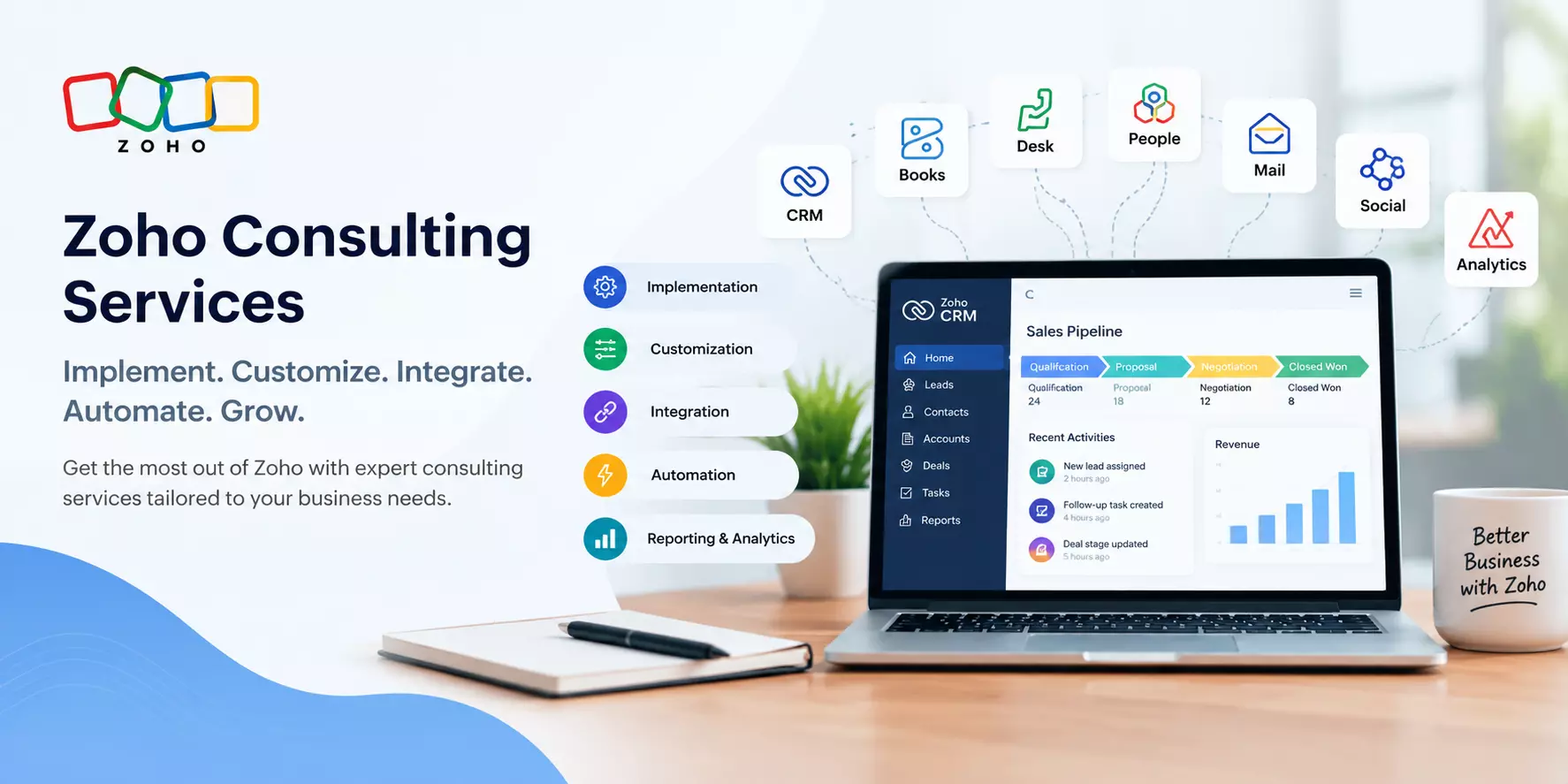
Zoho Consulting Services: How to Implement CRM, Automate Workflows, and Improve Business Efficiency
Businesses often invest in CRM software to manage customer relationships, organize sales activities, and improve productivity. However, simply purchasing a CRM platform does not guarantee better results.
Companies also need the right configuration, workflows, integrations, and adoption strategy. This is where Zoho consulting services can make a difference.
Zoho offers a range of business applications for sales, marketing, finance, customer support, human resources, and analytics.
With the right implementation strategy, businesses can connect these applications and reduce the manual work involved in managing daily operations.
What Are Zoho Consulting Services?
Zoho consulting services help businesses select, configure, customize, integrate, and optimize Zoho applications according to their operational requirements.
A Zoho consultant evaluates existing business processes, identifies workflow gaps, and recommends suitable Zoho products and configurations.
The goal is to make the software work around the company's requirements rather than forcing employees to adapt to an unsuitable system.
These services can benefit startups, small businesses, and growing organizations that want to improve customer management, automate repetitive tasks, or connect disconnected business tools.
Why Do Businesses Need Zoho Consulting Services?
Many businesses begin using CRM software with basic contact management and gradually discover that their requirements are more complex.
Sales teams may need automated lead assignments, managers may require customized reports, and finance teams may need access to accurate customer and transaction information.
Without proper planning, these requirements can lead to manual workarounds and disconnected data.
Zoho consulting can help address these challenges in several ways:
- Better customer management: Organize leads, contacts, accounts, and sales opportunities in a centralized system.
- Workflow automation: Automate repetitive activities such as follow-up reminders, lead assignments, notifications, and approval processes.
- Connected applications: Integrate relevant Zoho applications to reduce duplicate data entry.
- Improved reporting: Create dashboards and reports that help teams monitor business performance.
- Scalable processes: Configure workflows that can evolve as business requirements change.
The right approach depends on the organization's goals, existing software, budget, and operational complexity.
Key Zoho Consulting Services Businesses Should Consider
1. Zoho CRM Implementation
Zoho CRM implementation involves configuring the platform to support a company's sales process and customer management requirements.
This may include setting up sales pipelines, custom fields, user roles, lead assignment rules, email templates, and automation workflows. A properly planned implementation also defines how employees should enter, update, and manage customer information.
For example, a B2B company receiving inquiries through its website, email, and marketing campaigns can configure lead capture and assignment processes to help sales representatives respond more consistently.
2. Zoho CRM Customization
Every business has its own processes, reporting requirements, and customer journey. Standard CRM settings may not cover every operational need.
Zoho CRM customization can include custom modules, page layouts, validation rules, workflow automation, approval processes, and custom functions using Deluge, Zoho's scripting language.
Customization should solve a clearly defined business problem. Adding unnecessary fields or complicated workflows can make the CRM harder to use and reduce employee adoption.
3. Zoho Application Integration
Businesses frequently use different tools for accounting, customer support, marketing, communication, and inventory management. When these tools operate separately, employees may need to enter the same information multiple times.
Zoho integration services help connect relevant applications and third-party systems using available integrations, APIs, webhooks, or automation tools.
For example, connecting Zoho CRM with Zoho Books can help link customer and sales information with invoicing workflows, depending on the configuration. Integrating CRM with Zoho Desk can also help teams access relevant customer and support information.
The exact integration capabilities depend on the applications, subscription plans, and technical requirements involved.
Read: Expert Zoho CRM Implementation & Development Solutions
4. Zoho Workflow Automation
Workflow automation helps businesses reduce repetitive manual tasks and maintain consistent processes.
Using Zoho's automation capabilities, businesses can configure actions such as assigning leads, sending notifications, creating follow-up tasks, updating records, and initiating approval workflows.
Consider a company that receives dozens of new inquiries each day. Instead of manually assigning every lead, the company can establish assignment rules based on territory, product interest, or other business criteria.
Automation can save time, but it should include appropriate conditions, testing, and exception handling to prevent incorrect actions.
5. Zoho Analytics and Reporting
Business decisions become difficult when important information is spread across spreadsheets and separate applications.
Zoho Analytics helps businesses analyze data and create reports and dashboards.
Depending on the available data sources and configuration, teams can monitor sales performance, lead conversion, revenue trends, customer activity, and other key performance indicators.
Before building dashboards, businesses should identify the questions they want their reports to answer. This keeps reporting focused on useful insights instead of presenting large amounts of data without a clear purpose.
6. Zoho Migration, Training, and Support
Businesses moving from spreadsheets or another CRM may need help transferring customer records, mapping fields, identifying duplicates, and validating migrated data.
Training is equally important. Employees need to understand how the system supports their daily responsibilities, while administrators need guidance on managing users, permissions, workflows, and configuration changes.
Ongoing support can help resolve technical issues, review existing automation, and adjust the system when business requirements change.
How to Choose the Right Zoho Consulting Partner
Selecting a consulting partner requires more than comparing service prices. Businesses should evaluate the provider's technical capabilities, communication process, and understanding of their operational needs.
Consider these factors before making a decision:
- Business process understanding: Does the consultant understand your sales, finance, support, or operational workflows?
- Relevant technical experience: Can the provider handle the required Zoho products, integrations, and customization?
- Clear implementation scope: Are deliverables, responsibilities, timelines, and dependencies defined before work begins?
- Data security and migration: Are access permissions, backups, data validation, and migration procedures addressed?
- Training and documentation: Will employees receive practical training and administrators receive useful documentation?
- Post-launch support: Is there a clear process for troubleshooting, maintenance, and future improvements?
A reliable consulting engagement should begin with requirements discovery and a practical implementation plan rather than immediately adding custom features.
What Is the Typical Zoho Implementation Process?
Although every project differs, a structured implementation generally follows these steps:
Step 1: Requirements assessment. Identify business objectives, existing tools, workflow problems, and reporting needs.
Step 2: Solution design. Select the appropriate Zoho applications and define the data structure, user roles, integrations, and automation requirements.
Step 3: Configuration and customization. Configure the selected applications and develop additional functionality where necessary.
Step 4: Integration and data migration. Connect relevant systems and transfer existing records with appropriate validation.
Step 5: Testing and training. Test important workflows, permissions, integrations, and reports before training users.
Step 6: Launch and optimization. Monitor adoption, resolve issues, and refine the system based on actual usage and feedback.
Following these steps helps businesses identify potential problems earlier and avoid unnecessary complexity.
Conclusion
Zoho consulting services can help businesses turn a collection of software applications into a more organized and connected operating system.
From CRM implementation and customization to integrations, automation, analytics, and user training, the right approach focuses on solving real business problems.
The most effective Zoho setup is not necessarily the one with the most features. It is the one that supports everyday workflows, provides reliable information, and remains practical as the business grows.
Businesses exploring Zoho implementation or optimization can learn more about Zoho consulting and CRM solutions to understand how CRM configuration, automation, and integration can support their requirements.