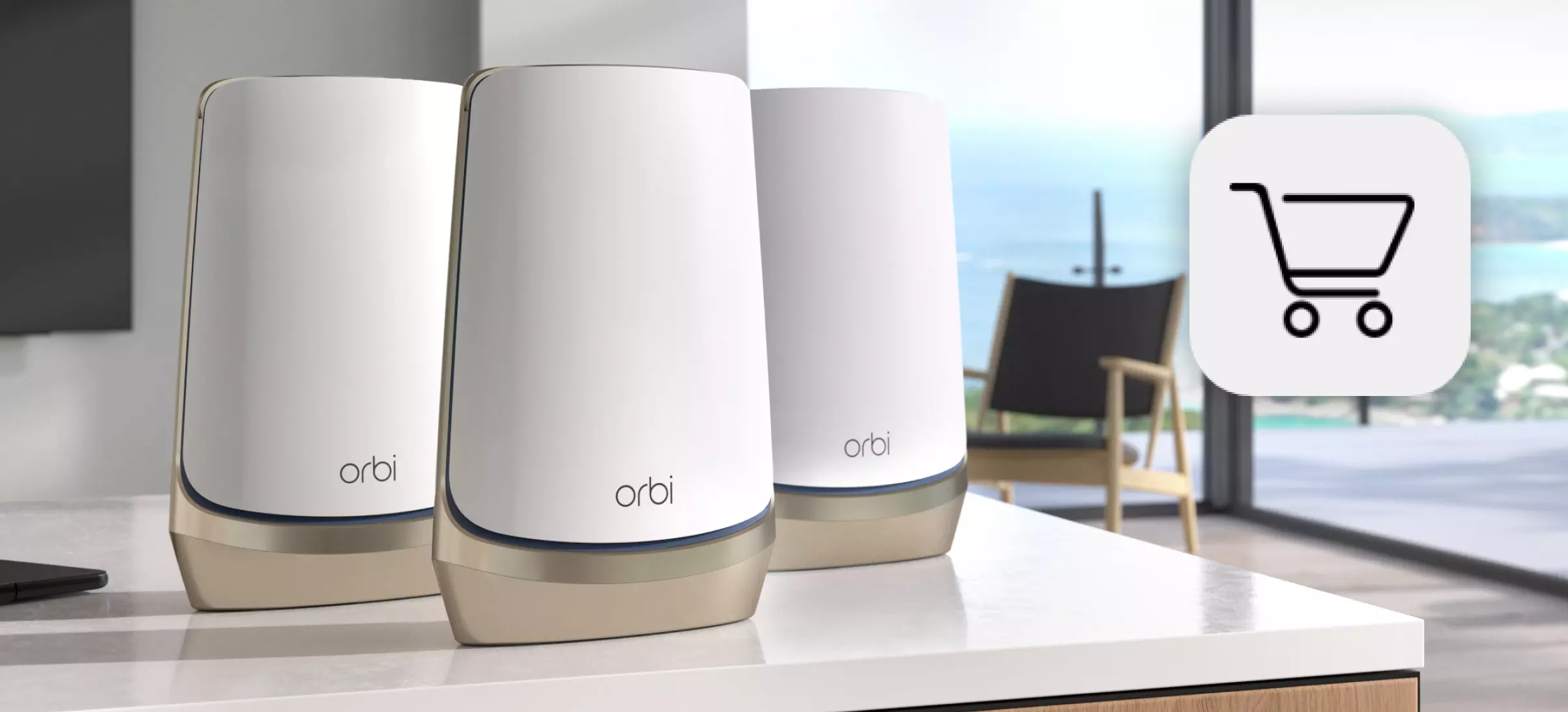
Why Your Orbi Satellite Changes Colors – and What to Do About It?
ok, so first off — those colors actually mean something. they’re not just for vibes. Netgear decided to make the thing talk to you in light instead of words, which is fine, but also kind of annoying because you have to remember what blue vs amber vs magenta even stands for all the Orbi satellite colors.
A Orbi Satellite Colors Guide
let me try to recall — blue usually means things are good. like, it just synced with the main router. solid connection. no problem. that’s your Orbi saying, “we’re cool.” it only stays blue for like a minute after it syncs, though, then it goes white or off.
Read: Orbi AX4200: Solving Your Internet Dead Zones
amber (or orange, depending on your eyes and the light in your room) is like... not great but not terrible. it means the satellite is connected but the signal’s kinda weak. so maybe it’s too far away from the main router. not the end of the world, but it’s like your Wi-Fi’s trying to whisper across a room instead of talking normally.
magenta (the pink-purple color) — yeah, that’s the one that usually freaks people out. that means “no connection.” basically, your Orbi satellite’s standing there screaming into the void and no one’s answering.
white usually means it’s booting up, or resetting, or trying to do something behind the scenes. solid white, blinking white — slightly different meanings but basically “hold on, i’m doing something.”
ok, so now that we know the colors, what do you do about them?
if it’s blue — cool. honestly, just leave it alone. it’ll probably turn off soon. if it stays blue forever, maybe it’s frozen or something, but usually it just means things are fine.
if it’s amber/orange — yeah, you’ll want to move the satellite closer to the main router. Orbi works best when there’s like, not too many walls in between. Wi-Fi hates walls. especially thick ones or ones with metal or mirrors. i had mine in the hallway at first — terrible. moved it to a table closer to the living room — perfect. literally fixed it by dragging it two feet over.
you can also use the Orbi app to check signal strength. they’ve got this little bar thing that tells you if it’s good or weak. kind of like cell service bars. if you’re getting 1 or 2 bars, yeah, move it.
if it’s magenta — alright, that’s the problem child. means no connection to the main router at all.
Some Solutions & Tips: Orbi Satellite Colors
- unplug the satellite, wait 30 seconds, plug it back in. old trick but it works way more than it should.
- make sure the router itself is on and working. sometimes the satellite’s fine but the router rebooted or crashed or whatever.
- if it’s still magenta, try syncing them again. there’s a sync button on both. press the one on the router, then within like two minutes press the one on the satellite. they should do their little blinking dance and hopefully turn blue again.
- worst case, factory reset. there’s that tiny hole on the back. paperclip it, hold for like 10 seconds until it flashes. annoying, but if it’s totally lost connection, that might be the only fix.
oh — one more thing: white light. if it’s flashing white forever, it’s probably stuck booting. unplug it, wait, plug back in. if it does that again, yeah, reset time. sometimes a firmware update gets stuck and the poor thing just spins its wheels forever.
and just so you know, sometimes these lights stay on after everything’s already fine, and you’re sitting there thinking something’s wrong when it’s not. you can actually turn the LEDs off in the app if it’s bugging you. there’s literally a toggle for that under “LEDs.” i found that out after like two weeks of covering mine with a sticky note.
Read: How to Resolve Orbi WiFi Blinking White Light Error
Orbi Light Colors Initiative
there’s also this weird thing where the satellite will blink once in a while for a few seconds — like blue, then off, then nothing. that’s just it reconnecting for a second or syncing or whatever. totally normal. i thought mine was haunted the first time it did that at 2 a.m.
anyway, that’s pretty much it. the colors are just like a mood ring for your Wi-Fi. blue = happy, amber = meh, magenta = sad. white = waking up.
if you’re constantly getting magenta or amber though, maybe check if your firmware’s up to date. you can do that in the Orbi app too. sometimes updates fix those random drop-outs. and if it’s happening a lot, like daily, there might be interference from something — microwaves, cordless phones (yeah, still a thing), or even your neighbor’s Wi-Fi.
also, don’t chain too many satellites. people think more satellites = better Wi-Fi, but sometimes it just confuses the network. two or three is fine for most houses.
Read: How to Find and Update Firmware for the Orbi RBR750
ok, what else… oh yeah. if you just got a new satellite and it’s not connecting at all, make sure it’s the right model for your Orbi router. they don’t all talk to each other. Netgear’s got like 20 variations and not all of them are compatible. check the label.