Why Businesses Need Flexible POS Packages and POS Systems in Ottawa
A point-of-sale system used to only handle payments. These days, many stores rely on POS tools for more than sales. They track inventory, keep customer details, watch employee activity, and generate reports.
Many teams also run daily tasks from one place, which helps them stay on the same page. As a business expands, needs often shift. Customers also expect faster service and fewer delays. A POS setup that can fit those changes may help work feel less messy and more steady.
A lot of companies use POS tools, but not all of them work the same for every business. This blog looks at how a flexible POS setup can help with everyday work.
It can support sales at the counter, keep inventory in order, and make customer help easier. It also talks about reporting and day to day operations.
The key point is that the right system should fit the business as it changes. Some tools are made for small shops, while others handle bigger needs too.
Improving Sales and Payment Management
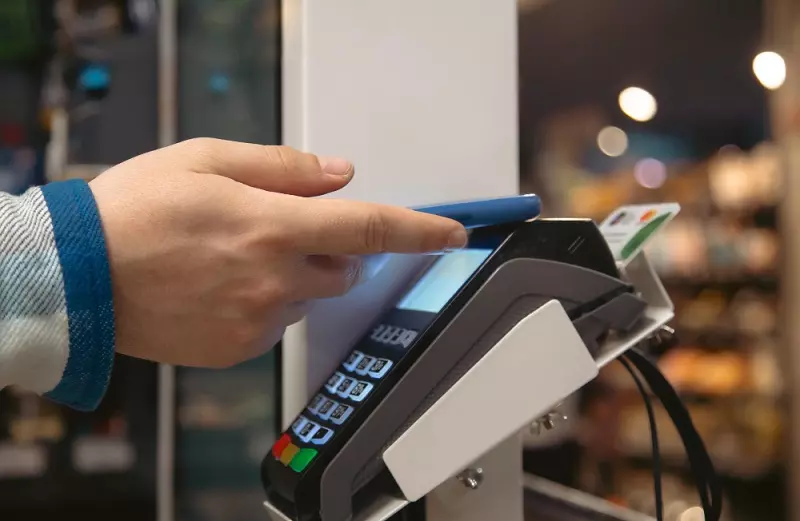
Fast payment handling is a key part of any modern register system. Companies want a steady way to take several types of payments and keep each sale neat and easy to track.
With POS systems in Ottawa, businesses can find setups that aim for quick checkouts and payment choices that fit different needs. A good POS platform can cut down on extra steps for staff.
It can also lower the chance of mistakes at the register. Shoppers may finish faster, and lines can move sooner when it gets busy. That means the team can spend more time on customers and other tasks that matter.
Supporting Inventory Management
Keeping track of inventory gets tough fast when teams use paper sheets or separate software. Stock data ends up split, and it is hard to know what is really on hand. A POS system that works well can bring those details together.
It can show what items are moving, what sales look like, and what stock remains. When sales updates link to inventory, it becomes easier to spot patterns.
They can see which products go out quickly. They can also notice items that sit too long. With that info, they can restock at the right time instead of guessing.
Read: How to Use POS System in a Restaurant: A Complete Guide for
Choosing the Right POS Package
No two businesses run in the same way, so a good POS setup should not lock everyone into one path. A small cafe might only need simple card payments and stock tracking.
A bigger restaurant or retail store often needs staff tools, deeper reports, customer records, and support for more than one site.
When picking a POS package, look at what use today and what might add later. A flexible option lets buy only the parts need now. It also makes it easier to add more features down the road as business changes.
Simplifying Employee Management
Staff members matter in day to day work, and point of sale tools can help to run shifts with less stress. Some POS setups let add separate logins for each employee.
Many also track sales actions, set what each person can do, and show basic stats on how someone performs. When these tools are in place, managers get a clearer view of what happens each day.
Having one shared system can also cut down on paper logs and other hand-kept notes. That means staff can focus on helping customers and finishing routine tasks instead of writing everything down.
Supporting Business Growth and Scalability
A point of sale setup should handle today’s needs, but it should also fit what comes next. As a company grows, it might bring in new items, hire more staff, or open another branch.
Some businesses also start using new ways to sell, like online pickup or other channels. A POS that can adjust helps a lot with that work. When the platform can scale, there is less pressure to swap everything out each time plans shift.
Rather than replacing the full system, a business can add more options when it actually needs them. That way, the money spent on the system can feel more useful over time.
Improving Operational Accuracy
Typing numbers by hand can cause problems. They might enter the wrong price, miss an order, record the wrong stock count, or save an incorrect transaction.
A POS setup that runs automatically can lower the risk. It ties what happens at checkout to digital files. When a worker places an order or finishes a sale in the system, the details can be saved without extra steps.
Then the records match more closely from one transaction to the next. With cleaner documentation, checking totals later is simpler. This matters a lot when a business handles many sales every day.
Conclusion
Flexible POS tools can make it easier to handle payments, keep track of stock, and get useful reports. They can also help teams stay in sync, and they can improve how customers are served.
When a company picks a system that can adjust as needs shift, daily work can run smoother. That also gives a steadier base for what comes next. LOOPos offers POS options meant for how businesses operate now.
With these tools, companies can manage sales at the counter and handle day to day tasks in a more practical way.