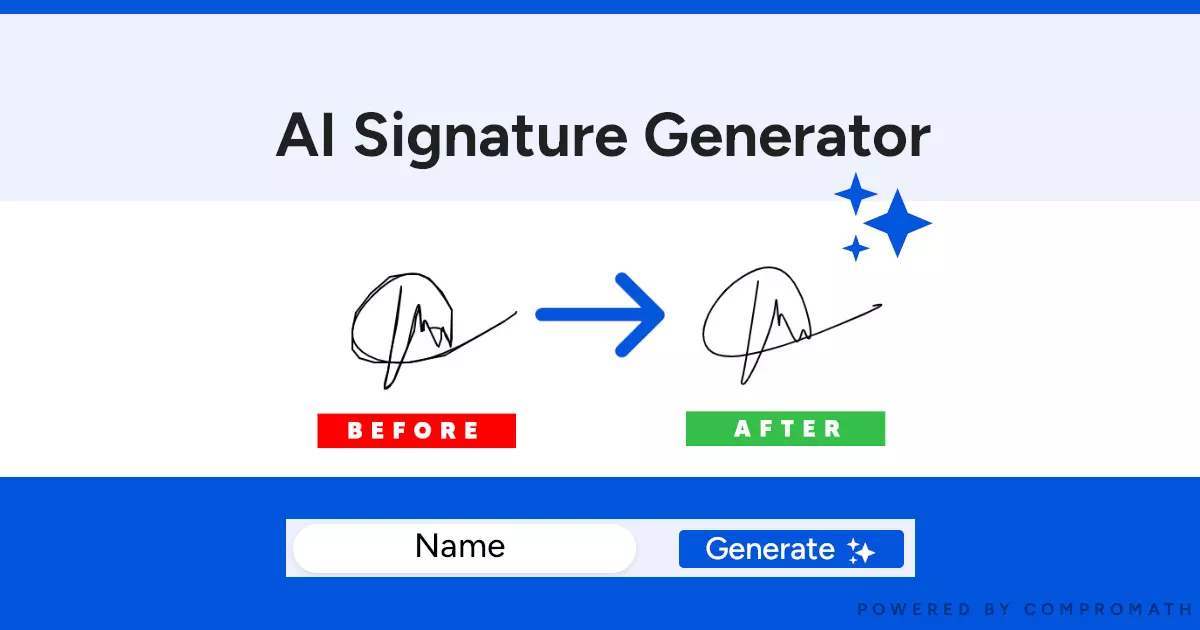
What is a Signature Generator?
A signature generator or signature maker is an online tool that works on a specific algorithm to convert your given text into a signature. With the help of a signature creator, you can easily get digital or e-signature to paste on your digitally scanned documents.
Simply, a signature generator online is a tool that can convert your name or insert alphabets into an electronic signature instantly after typing. Through this online signature creator, you can create a signature as well as download it to your device to use anywhere for any purpose.
You can download it in different formats including PDF and Doc files. After downloading, you can insert that signature in any document like your email, official documents, payment verification slip, and anywhere else.
Why use this Signature Generator?
Undoubtedly, multiple signature generators are available online that you can use for quick signature creation. But why is this signature generator over those? It is because you will get multiple features in this online handy tool that are mentioned below.
Cost-effective
Unlike other tools, it doesn’t ask you to have a free trial for some duration. Neither you need to buy a subscription nor do you need to get ads in free mode, this signature generator is cost-effective for everyone. You can use it from any of your devices like mobile, tablet, computer, or laptop without paying anything.
Simple Interface
Creating a signature through an online tool is only hard when the tool has a complex interface. It won’t be difficult if you can do it simply by typing, adjusting, and downloading. Right? This signature generator is a good choice if you are looking for a tool with a user-friendly and simple interface. Just browse it, type your signature, set style & size, and download it.
Variety of Styles
This signature generator is far better than others in this aspect as you will get a limited list of 5 to 10 styles in other tools. But this online tool has a vast list of styles that you can choose for your signature. Doesn’t matter if you need a signature for an educational document or an informal letter, you can find the required signature style here.
Instant Signature Creation
Don’t wait even for a minute to get your sign when you are using this signature generator. This online tool has been designed with the instant working algorithm. It will display the signature in the box side by side when you are typing it in the text insertion box. You can change the style to have a preview instantly after the selection of the style.
No Login/Signup Required
Look no further if you don’t want to use your email for account creation just for signature creation. This sign generator online is for you if you want to create a signature without account creation. It doesn’t ask for any verification or account creation to use it as many times as you want.
Features of this Signature Generator
Unlimited Downloads
Want to try different signatures for multiple documents? Don’t worry if you are because this signature generator online enables you to download as many signatures as you want. It won’t restrict you from downloading or sign creation. Have a seat and start creating your signature unless you have collected some stylish, appealing, and beautiful signatures.
Responsive Features
Don’t like your signature and want to check it for different looks? Want to make your signature bigger and more stylish? Look no further as you can do all such experiments using this online signature generator. This tool has multiple advanced features like font size adjustment, style adjustment, color adjustment, and slope adjustment. Just set your required parameters and you will get a new signature.
Type/Draw Options
Do you have a unique signature style in your mind? Do you want to convert your handwritten stylish signature into different digital font styles? This signature maker online is for you as it allows you to draw your signature too. So, you can type your signature or draw it to have a look at different font styles, sizes, and backgrounds.
How to use this Signature Generator?
Don’t worry if you don’t know how to use this signature generator online. Follow these steps to create your signature.
Type Your Signature
Look at the text insertion box given at the top and type the alphabets of your name there. You can also switch to the draw option to draw your signature there if your device supports the touchscreen.
Adjust Size, Style, & Color
After typing, use the given adjustment bars or options to set the font style, size, color of signature, and other sections. You can also set the background of your signature to change its entire preview at the end.
Download Your E-signature
Once you have done with the signature creation process, just tap on the Download e-Signature. It will download your signature to your device. Keep it safe and insert it wherever you want and whenever you want.
FAQs
What is a digital signature?
A digital signature is a form of a scanned signature that people use on their digital documents like educational degrees, payment slips, and others.
How this generator will change my handwritten signature?
This signature generator online will only show your handwritten signatures in different font styles. You can keep switching the font styles to have a different preview for your sign.
Can I use the signature from this generator in my emails?
Yes, you can use this signature anywhere including in emails, documents, pay slips, and others.
Which format does this signature generator support?
This signature generator online supports PDF and Document formats for downloading.
Do you save my generated signatures?
No, we don’t save anyone’s signature in our database or anywhere else.
Can I use the signature generated by this tool for official documents?
Yes, you can use the signature generated by this tool anywhere without any exceptional case.
Does your signature have to be your name?
It is not compulsory but people normally use their names as their signatures. But you can also set your name’s initials as your signature.
Is this signature generator free?
Yes, this signature creator online is free for everyone.
Do I have to sign up for using this signature generator online?
No, you don’t need to sign up for using this online signature generator. Just browse this tool and start using it to have your signature in different formats.