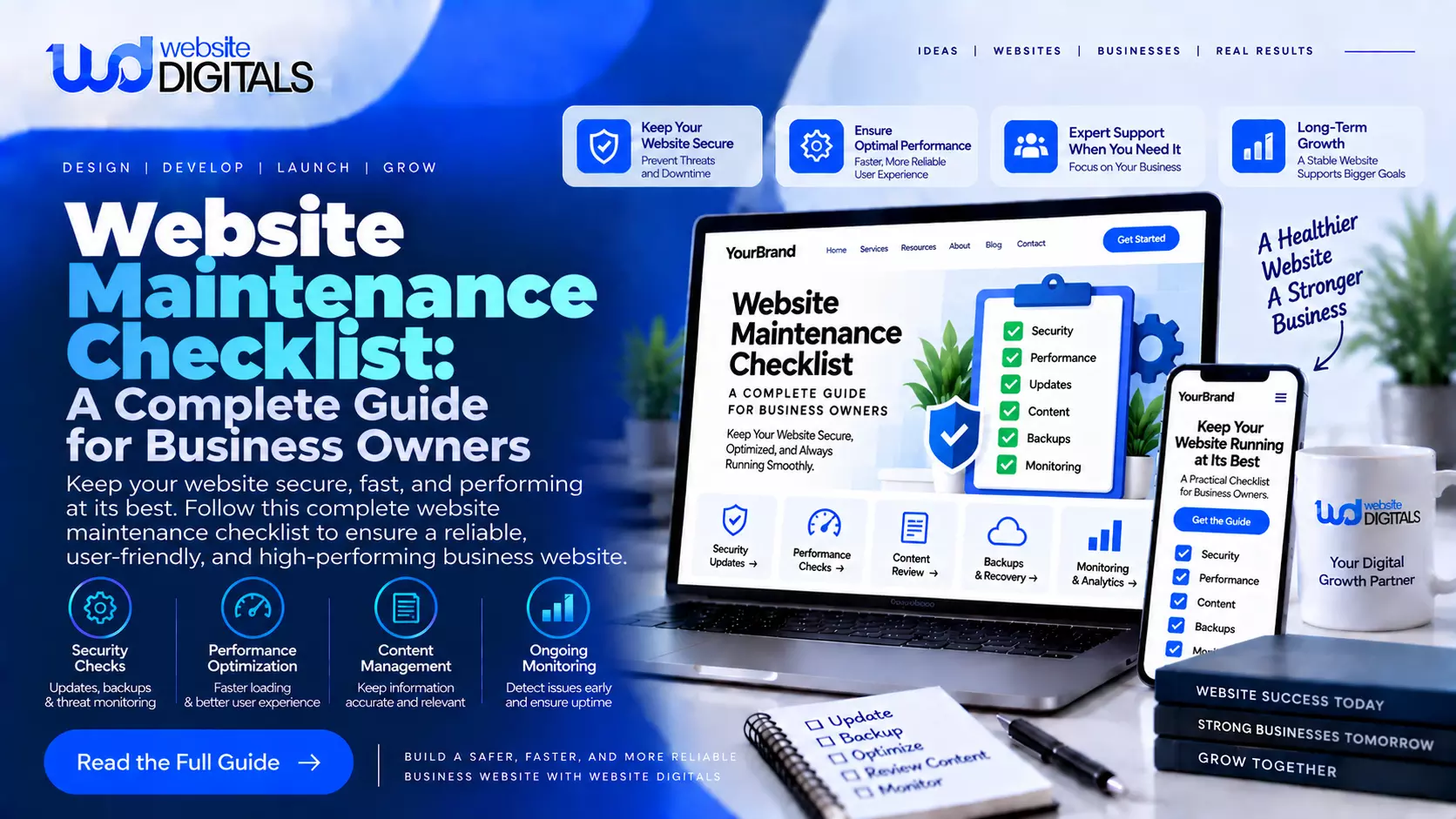
Website Maintenance Checklist: A Complete Guide for Business Owners
Launching a business website is only the beginning of maintaining a successful online presence.
Websites need regular attention to remain secure, functional, fast, and useful for visitors. Software changes, outdated content, broken links, security vulnerabilities, and performance problems can develop over time if a site is neglected.
Following a structured website maintenance checklist helps businesses identify potential issues before they become serious problems.
Regular maintenance also provides an opportunity to improve user experience, update important information, and make sure the website continues supporting business objectives.
Why Regular Website Maintenance Matters
Customers often interact with a website before contacting a company directly. If pages load slowly, forms fail, links lead nowhere, or information is outdated, visitors may lose confidence in the business.
Routine maintenance helps ensure that essential website features continue working as expected. It can also reduce the likelihood of unexpected downtime and expensive emergency repairs.
Website Digitals helps businesses maintain dependable digital platforms through ongoing technical support, performance improvements, security checks, and website updates.
Review Website Software and Updates
One of the first items on a website maintenance checklist should be reviewing the software that powers the site. Content management systems, plugins, themes, frameworks, and other components may receive updates throughout the year.
Updates can include security improvements, bug fixes, compatibility changes, and new functionality. Ignoring them for long periods may increase technical problems.
However, businesses should avoid applying important updates without preparation. Backing up the website first and testing significant changes can reduce the risk of unexpected compatibility issues.
Create and Verify Backups
Backups provide an important recovery option when technical problems occur. A website backup may include files, databases, configurations, images, and other essential information.
The appropriate backup frequency depends on how often the website changes. A frequently updated ecommerce store may require a different schedule from a small informational website.
Businesses should also confirm that backups are actually working. Simply having an automated backup system does not guarantee that stored data can be successfully restored when needed.
Monitor Website Security
Security should be treated as an ongoing responsibility rather than a one-time setup task. Websites can become vulnerable when software becomes outdated, passwords are weak, or unnecessary administrator accounts remain active.
Routine security reviews can include checking user permissions, monitoring suspicious activity, installing appropriate updates, reviewing security configurations, and removing accounts that are no longer required.
Companies without dedicated internal technical teams may consider affordable web maintenance services to handle recurring security and technical tasks while allowing employees to focus on core business operations.
Read: Website Development Company in Jaipur | Top Web Agency
Test Important Website Features
Forms, buttons, navigation menus, search functions, customer accounts, and other interactive elements should be tested regularly.
A feature that worked correctly at launch can later experience problems because of software updates, integration changes, or configuration issues.
For ecommerce websites, testing becomes even more important. Product pages, shopping carts, checkout processes, payment systems, order notifications, and account features should function correctly.
Adding these checks to a website maintenance checklist makes it easier to identify customer-facing problems before they affect a large number of visitors.
Check Website Speed and Performance
Website performance can change over time. New images, videos, tracking scripts, plugins, advertisements, and integrations may increase the amount of data a browser needs to process.
Businesses should periodically review important pages and identify unnecessary resources or unusually large files. Image optimization, caching, script management, and technical improvements can contribute to better performance.
Mobile performance also deserves attention because customers may visit a website using different devices and connection speeds.
Find and Fix Broken Links
Broken links can create frustrating experiences for visitors. They may appear when pages are removed, URLs change, external resources disappear, or website content is reorganized.
Regularly checking internal and external links can help maintain smooth navigation. Important calls to action should receive particular attention because broken links can prevent visitors from contacting the business, requesting information, or reaching conversion pages.
Redirects can sometimes be used when an important page has moved to a new address.
Keep Content Accurate
Website content should accurately represent the current business. Companies frequently change services, products, pricing, team members, locations, policies, contact details, and promotional offers.
A website maintenance checklist should therefore include periodic content reviews. Businesses can examine important service pages, contact information, company descriptions, FAQs, and other frequently visited content.
Old articles can also be reviewed. Some may need updated information, new internal links, refreshed examples, or revised calls to action.
Review Mobile Responsiveness
Responsive design allows websites to adapt to different screen sizes, but new content can sometimes create layout problems. Large images, long headings, embedded elements, tables, and new functionality may display differently on smaller screens.
Businesses should periodically review important pages on smartphones and tablets. Menus should remain easy to navigate, buttons should be usable, forms should fit properly, and text should remain readable.
A smooth mobile experience helps businesses provide consistent access to information regardless of the device visitors use.
Monitor Forms and Lead Generation
Contact forms and lead-generation features are essential for many service businesses. If a form stops sending notifications, valuable inquiries can be missed without anyone immediately realizing there is a technical problem.
Businesses should submit test inquiries periodically and confirm that messages reach the correct destination. Automated confirmations, CRM connections, and other integrations should also be reviewed.
Website Digitals focuses on maintaining essential website functionality so businesses can provide customers with a reliable digital experience.
Review Analytics and User Behavior
Maintenance is not limited to technical fixes. Website analytics can reveal opportunities to improve the customer journey.
Businesses can examine which pages attract visitors, where users leave the site, which content generates engagement, and which calls to action lead to conversions. These insights can guide future improvements.
Analytics should be interpreted alongside business goals. High traffic alone does not necessarily indicate success if visitors are not completing meaningful actions.
Check SEO Elements
Regular maintenance can also support ongoing search visibility. Businesses should review important page titles, headings, descriptions, internal links, image information, and URL structures.
Duplicate or outdated pages may need attention. When content is removed or moved, appropriate redirects can help visitors and search engines reach the correct destination.
Adding SEO reviews to a website maintenance checklist creates a more organized process for keeping important website elements current.
Consider Professional Maintenance Support
Small websites with limited functionality may be manageable internally. However, larger business websites, ecommerce stores, custom applications, and sites with multiple integrations can require more specialized attention.
Professional support can cover backups, updates, security monitoring, troubleshooting, performance optimization, and routine technical checks.
Businesses exploring affordable web maintenance services should compare providers based on experience, communication, included tasks, response times, security practices, and ongoing support rather than choosing based only on the lowest price.
Plan Maintenance Frequency
Not every maintenance task needs to happen at the same frequency. Security monitoring and backups may require frequent attention, while detailed content reviews might be completed monthly or quarterly.
Businesses should develop a schedule based on website complexity, traffic, functionality, and how often content changes. Assigning responsibility for each task can also prevent important checks from being forgotten.
Website Digitals provides ongoing support designed to help businesses keep websites updated, secure, functional, and prepared for changing digital requirements.
Prepare for Future Growth
Maintenance also creates opportunities to evaluate whether the website still meets business needs. A company may introduce new services, expand into additional locations, add ecommerce functionality, or integrate new software.
Regular technical reviews can reveal whether the current website structure can support those changes. Addressing scalability early can make future development projects easier to manage.
A comprehensive website maintenance checklist should therefore consider both immediate technical health and longer-term business objectives.
Final Thoughts
A business website requires consistent attention after launch. Updates, backups, security monitoring, performance reviews, content checks, responsive testing, and functionality testing all contribute to a reliable digital presence.
Regular maintenance can help businesses detect issues earlier, protect their investment, and provide visitors with a smoother experience.
Instead of waiting until something breaks, organizations can establish a proactive process that keeps their website aligned with technical requirements and business goals.
By creating a structured maintenance routine and reviewing it as the website evolves, businesses can build a stronger foundation for security, performance, customer engagement, and sustainable online growth.