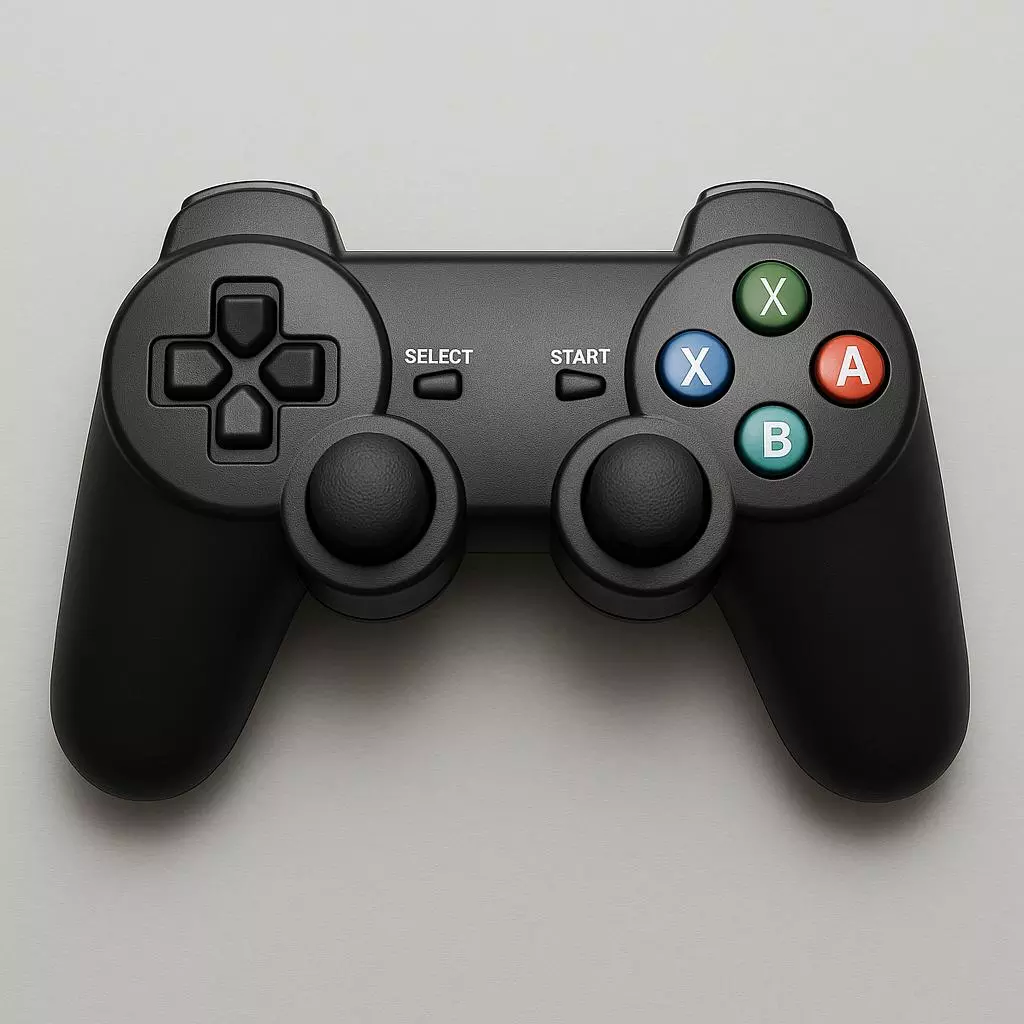
Understanding Gamepad Testers: A Comprehensive Guide Introduction
Understanding Gamepad Testers: A Comprehensive Guide
Introduction
In the world of gaming, having a reliable controller can mean the difference between a frustrating experience and seamless, immersive gameplay. Whether you’re using a gamepad for console gaming, PC gaming, or mobile devices, it’s essential to ensure that all buttons, triggers, and analog sticks are functioning optimally.
This is where gamepad testers come into play. A gamepad tester is a tool that helps players assess the performance of their game controllers, ensuring that every input works as expected. With the growing importance of precision and responsiveness in modern gaming, gamepad testers have become invaluable for gamers, repair technicians, and developers alike.
In this article, we’ll explore the role of gamepad testers, how they work, the different types of testers available, and why they’re essential for enhancing your gaming experience.
What is a Gamepad Tester?
A gamepad tester is a diagnostic tool used to evaluate the functionality of game controllers. It checks whether the buttons, analog sticks, triggers, and other inputs on a gamepad are working correctly. These tools provide real-time feedback, making it easier to spot problems such as unresponsive buttons, drift in analog sticks, or issues with trigger sensitivity.
Gamepad testers can be either software-based or hardware-based. Software-based testers are usually available as downloadable applications or web-based platforms, while hardware testers are physical devices used to measure input signals at a more technical level. The goal of any gamepad tester is to ensure that the controller is functioning at peak performance, which is crucial for a smooth and enjoyable gaming experience.
Why Gamepad Testers Matter
Controllers are the primary interface between the player and the game, and they are often subjected to extensive wear and tear over time. Repeated button presses, joystick movements, and trigger pulls can lead to malfunctions, which can negatively impact gameplay. For instance, a faulty button or unresponsive trigger can break the flow of a game, especially in competitive scenarios where every input matters.
By using a gamepad tester, gamers can ensure that their controller is in good condition before playing. This is particularly important for competitive players who rely on precision, as even the slightest delay or input inconsistency can result in a lost game. Additionally, gamepad testers help repair technicians diagnose and fix issues with controllers, and they also assist developers in ensuring that controllers function properly across different platforms and systems.
How Gamepad Testers Work
Gamepad testers work by sending signals to the controller and monitoring the input data. When you press a button, move an analog stick, or pull a trigger, the tester tracks the response and displays it on a screen. For software-based testers, the interface usually consists of a dashboard that shows a visual representation of each button, analog stick, and trigger.
Here are the key features and functions that most gamepad testers assess:
- Button Input Status
- A gamepad tester will illuminate a visual indicator each time a button is pressed, indicating whether the button responds as expected. This is important for identifying unresponsive buttons or buttons that register multiple presses when only one is intended.
- Analog Stick Movement
- Analog sticks are crucial for controlling movement in many games, and their functionality is often tested using a graph or on-screen representation. When you move the stick, the tester shows its exact position, helping identify drift (where the stick moves on its own) or uneven movement.
- Trigger Sensitivity
- Many modern controllers, particularly those for PCs and consoles, feature triggers that are sensitive to varying degrees of pressure. A gamepad tester can check the depth and sensitivity of these triggers, ensuring they work properly in games that require precise control, such as racing or shooting games.
- Dead Zone Calibration
- Controllers, especially those with analog sticks, often have a “dead zone” near the center where small movements don’t register. Gamepad testers allow you to monitor and adjust these dead zones, which can affect how accurately a controller responds to input.
- Vibration Feedback
- Some advanced gamepad testers can also evaluate vibration feedback, a crucial feature for many games that utilize haptic feedback for enhanced immersion. Testing this function ensures that the controller delivers the right tactile responses during gameplay.
Types of Gamepad Testers
There are two primary types of gamepad testers: software-based testers and hardware-based testers. Each has its advantages and limitations depending on the user’s needs.
Software-Based Gamepad Testers
Software-based testers are the most common type and are often available for free or at a low cost. They are easy to use and can be accessed from a computer or mobile device with an internet connection. These testers work by connecting the gamepad via USB or Bluetooth, and the software provides real-time feedback on the controller’s inputs.
Here are a few popular examples of software-based gamepad testers:
- Gamepad Tester (Web-Based)
- Gamepad Tester (gamepadtester.com) is a popular online tool that allows users to test their controllers directly through a web browser. The website provides an intuitive interface that displays a visual map of the controller’s buttons, triggers, and analog sticks. Users can verify whether each input is functioning properly and even test the vibration feedback.
- Joystick Tester (Downloadable)
- Joystick Tester is another downloadable tool available for Windows and macOS. It provides detailed feedback on the controller’s performance, including button presses, analog stick movement, and trigger sensitivity. Gamers and developers often use the software to ensure that controllers are calibrated correctly.
- Steam Big Picture Mode
- Steam’s Big Picture Mode offers a built-in gamepad tester for controllers connected to your PC. This feature allows you to test all buttons, analog sticks, and triggers directly within the Steam interface, making it convenient for PC gamers who use Steam as their primary gaming platform.
Hardware-Based Gamepad Testers
Hardware-based testers are physical devices used to test the functionality of game controllers at a more technical level. These testers are often used by professional repair technicians and manufacturers who need to measure input signals and ensure that controllers are functioning to their specifications.
While hardware testers are less common for consumer use, they offer deeper insights into a controller’s performance, especially in cases where software-based testers may not provide enough detail. Some hardware testers are designed to test the electrical signals generated by the controller’s circuits, which is essential for diagnosing more complex issues such as broken solder joints or faulty wiring.
Examples of hardware-based testers include:
H2O Controller Tester
The H2O Controller Tester is a professional-grade device that measures input signals from a game controller. It is often used by repair shops and manufacturers to test controllers during quality control or repair processes.
USB Gamepad Tester
A USB gamepad tester is a simple, portable device that connects directly to a game controller via USB. It provides basic functionality checks for buttons, triggers, and analog sticks and is commonly used by technicians in repair shops.
Why You Should Use a Gamepad Tester
Using a gamepad tester regularly can significantly improve your gaming experience and prevent issues from arising at the most inconvenient times. Here are a few reasons why you should use a gamepad tester:
- Prevent Gamepad Failures
- Over time, gamepads can develop issues such as unresponsive buttons, drifting analog sticks, or malfunctioning triggers. Using a gamepad tester helps you catch these problems early, allowing you to address them before they interfere with gameplay.
- Ensure Competitive Edge
- For competitive gamers, a malfunctioning controller can make the difference between winning and losing. Gamepad testers allow you to make sure your controller is in peak condition before every tournament or match, giving you the edge you need.
- Optimize Gamepad Performance
- Gamepad testers can help you fine-tune your controller’s performance by adjusting dead zones, calibrating triggers, and ensuring that all inputs are responsive. This can lead to smoother and more responsive gameplay, particularly in games that require precision, such as first-person shooters or racing games.
- Save Money on Repairs
- Identifying issues with your controller early on can help you avoid costly repairs or replacements. If a problem is detected while the controller is still under warranty, you may be able to get it fixed or replaced for free. Additionally, identifying minor issues before they become bigger problems can save you money on repairs in the long run.
- Ensure Compatibility Across Platforms
- If you use your gamepad across multiple platforms (e.g., PC, PlayStation, Xbox), it’s important to ensure that the controller is compatible with each one. A gamepad tester can help verify that all buttons and features are working correctly across different systems, preventing compatibility issues during gameplay.
Conclusion
A gamepad tester is an essential tool for any gamer, technician, or developer looking to ensure that their controller is functioning properly. Whether you’re a casual gamer who wants to avoid input issues or a competitive player who needs every advantage, using a gamepad tester can help you identify and fix problems before they affect your gaming experience.
By understanding the different types of gamepad testers available and how they work, you can make informed decisions about which tester is right for you. Whether you opt for a simple web-based tool or invest in a professional hardware tester, ensuring your controller is in top condition is a crucial step in optimizing your gaming performance.
So, before you jump into your next gaming session, take a moment to test your gamepad and make sure it’s performing at its best. After all, a smooth gaming experience starts with reliable equipment.
For a quick and easy gamepad testing experience, check out GampadTester.com, where you can test your controller online for free and make sure your inputs are working flawlessly.