The 5 Phases of a Successful Zoho Implementation
Implementing Zoho is not simply about choosing applications and switching them on. A successful implementation requires careful planning, process alignment, accurate data, user adoption, and continuous improvement.
When approached strategically, Zoho can help businesses connect departments, automate repetitive tasks, improve visibility, and create more efficient workflows.
But achieving these benefits depends largely on how the implementation is planned and executed.
A structured approach can make the difference between a system that employees struggle to adopt and one that becomes a valuable part of everyday operations.
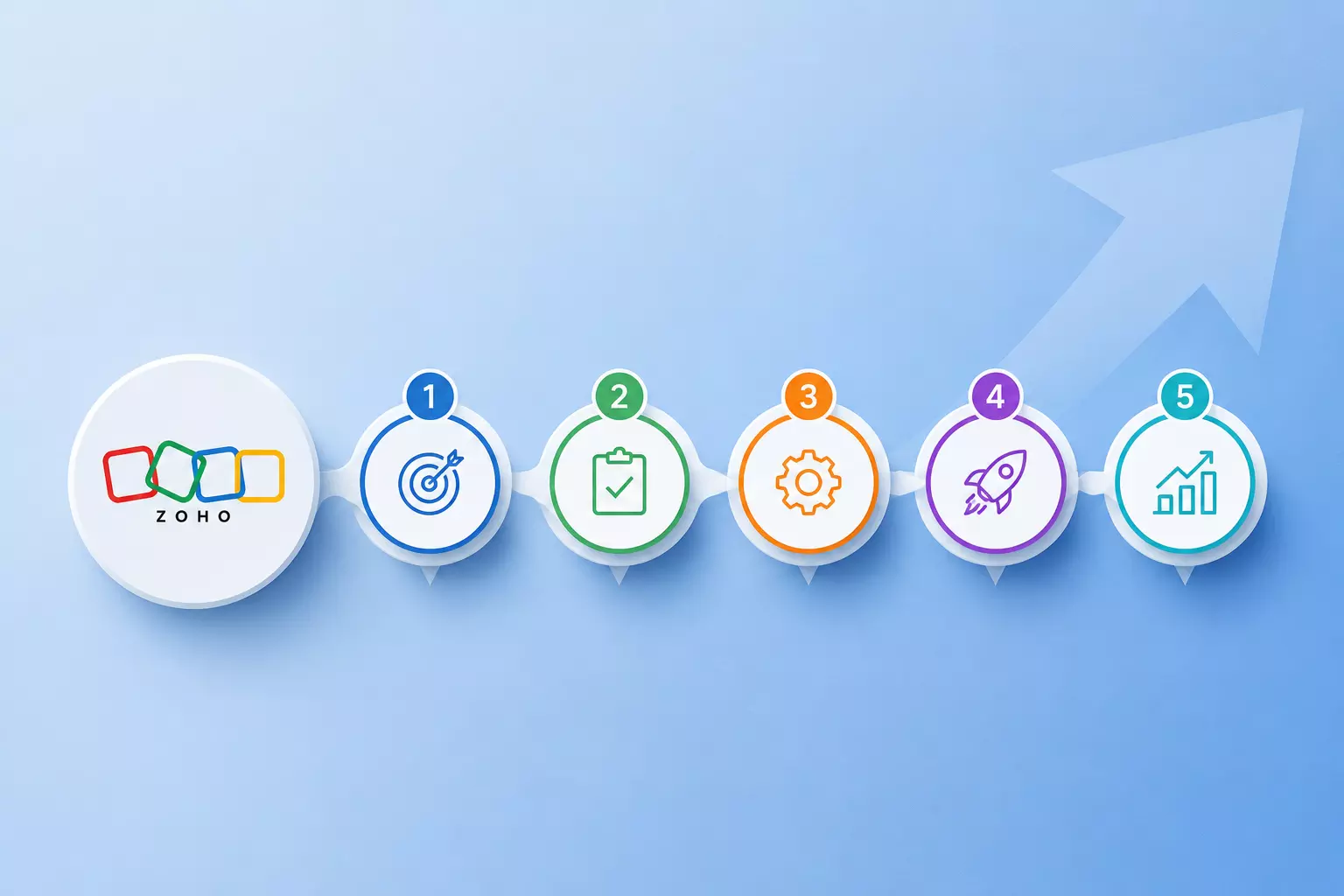
Here are the five key phases of a successful Zoho implementation.
Phase 1: Discovery and Business Requirement Analysis
Every successful Zoho implementation starts with understanding the business.
Before configuring applications or migrating data, organizations need to identify their current processes, challenges, goals, and expectations. This phase creates the foundation for all subsequent implementation decisions.
Understanding Existing Processes
Start by examining how different departments currently operate.
This may include:
- Sales and lead management
- Customer onboarding
- Marketing activities
- Finance and invoicing
- Customer support
- Employee management
- Internal approvals
- Reporting and analytics
The objective is to understand how information moves through the organization and where inefficiencies exist.
Identifying Pain Points
Businesses should identify areas where employees spend excessive time on repetitive tasks, enter the same information multiple times, rely heavily on spreadsheets, or switch between disconnected applications.
These pain points help determine where Zoho can create the greatest operational improvement.
Defining Clear Goals
A successful implementation should have measurable objectives.
For example, an organization may want to:
- Reduce manual data entry
- Improve sales visibility
- Centralize customer information
- Automate repetitive workflows
- Improve reporting
- Reduce response times
- Connect different departments
Clear objectives provide a benchmark for measuring the success of the implementation later.
Read: Expert Zoho CRM Implementation & Development Solutions
Phase 2: Solution Design and Zoho Architecture
Once business requirements are understood, the next step is designing the right Zoho environment.
This phase focuses on determining which applications are required, how they should communicate with each other, and how the overall system should support business processes.
Selecting the Right Applications
Zoho provides applications for CRM, finance, marketing, customer service, analytics, collaboration, and other business functions.
The goal should not be to use every available application. Instead, businesses should select the applications that solve their specific operational needs.
Designing the Data Structure
A well-planned data structure is essential for maintaining consistency.
Businesses should determine:
- Where different types of information will be stored
- Which application will act as the primary source of information
- Which records need to be synchronized
- What fields are required
- How duplicate records will be managed
- How information will move between departments
A strong data architecture helps prevent confusion and makes future expansion easier.
Planning Integrations and Automation
This is also the stage to identify opportunities for automation.
For example, when a sales opportunity reaches a particular stage, it could automatically trigger a notification, approval, customer onboarding activity, or another predefined process.
Automation should be introduced where it genuinely reduces repetitive work and improves consistency.
Phase 3: Configuration, Customization, and Data Migration
Once the solution has been designed, it is time to turn the plan into a working system.
This phase involves configuring the selected Zoho applications, creating necessary workflows, preparing integrations, and migrating business data.
For complex projects, an experienced Zoho implementation partner can help manage advanced configurations, integrations, custom workflows, and migration while ensuring that the system remains scalable.
Configuring the System
Configuration may include:
- User roles and permissions
- Modules and fields
- Page layouts
- Sales pipelines
- Approval processes
- Notifications
- Workflows
- Reports and dashboards
The system should be configured around actual business requirements rather than adding features simply because they are available.
Managing Customization
Some organizations require functionality beyond standard configurations.
Custom functions, applications, integrations, or other development may be appropriate when they address genuine business requirements.
However, unnecessary customization can increase complexity and make future maintenance more difficult. Every customization should therefore have a clear purpose.
Preparing Data for Migration
Data migration is one of the most important parts of the implementation.
Before importing information into Zoho, businesses should identify and correct:
- Duplicate records
- Incomplete information
- Incorrect formats
- Outdated data
- Inconsistent naming conventions
- Unnecessary records
Moving poor-quality data into a new system simply transfers existing problems to a new platform.
Phase 4: Testing, User Training, and Go-Live
A successful implementation is not only about whether the system works technically. Employees also need to know how to use it effectively.
This phase focuses on testing the system, preparing users, and managing the transition to the new environment.
Conducting User Acceptance Testing
User Acceptance Testing allows employees to validate the system using realistic business scenarios.
For example, a sales user might create a lead, convert it into an opportunity, move it through the sales pipeline, and complete the process through to closure.
Testing complete workflows can reveal problems that may not be visible when individual features are tested separately.
Providing Role-Based Training
Different users interact with Zoho in different ways.
Sales teams may need training on leads and opportunities, while finance teams may focus on invoices and payments. Administrators may require deeper knowledge of configuration and system management.
Role-specific training makes adoption easier and keeps training relevant.
Managing the Go-Live
Go-live should be carefully planned rather than treated as a single switch.
Before launch, businesses should verify:
- User access
- Data accuracy
- Integrations
- Automation
- Reports
- Security settings
- Backup procedures
- Support processes
A controlled launch reduces disruption and gives teams a clear process for addressing unexpected issues.
Phase 5: Optimization and Continuous Improvement
Going live does not mean the Zoho implementation is complete.
Once employees begin using the system in real-world situations, new insights will emerge. Some workflows may need adjustment, additional automation opportunities may become visible, and users may identify areas that could be simpler.
Monitoring System Performance
Organizations should regularly review:
- User adoption
- Data quality
- Workflow performance
- Integration reliability
- Automation results
- Reporting accuracy
- Support requests
These indicators can help identify areas requiring attention.
Gathering User Feedback
Employees who work with the system every day can provide valuable feedback.
Their experience can reveal unnecessary steps, confusing fields, missing functionality, or opportunities for further automation.
However, changes should be evaluated carefully to ensure they support long-term business objectives rather than adding unnecessary complexity.
Keeping the System Scalable
Business requirements change over time.
New employees may join, departments may expand, processes may evolve, and additional integrations may become necessary.
Regular reviews help ensure that the Zoho environment continues to support these changes without becoming difficult to manage.
Why These 5 Phases Matter
The five phases are closely connected.
- Discovery establishes what the business needs.
- Solution design determines how Zoho should support those needs.
- Configuration and migration turn the design into a working system.
- Testing and go-live prepare the organization for adoption.
- Optimization ensures that the system continues delivering value over time.
Skipping one of these phases can create problems later. Poor requirements can lead to an ineffective design, weak data preparation can affect reporting, and inadequate training can reduce user adoption.
A structured implementation helps businesses address these risks before they become costly problems.
Final Thoughts
A successful Zoho implementation is ultimately about more than technology. It is about creating a system that fits the way a business operates while giving teams the tools they need to work more efficiently.
By following the five phases—from discovery and solution design to configuration, go-live, and continuous improvement—organizations can create a stronger foundation for long-term success.
For businesses with complex requirements or limited internal resources, choosing the right Zoho implementation partner can provide valuable expertise throughout the process, particularly when advanced customization, integrations, data migration, or ongoing optimization are involved.
The right approach is not to implement everything at once. It is to understand the business, build around its priorities, involve users, and continuously improve the system as those priorities evolve.