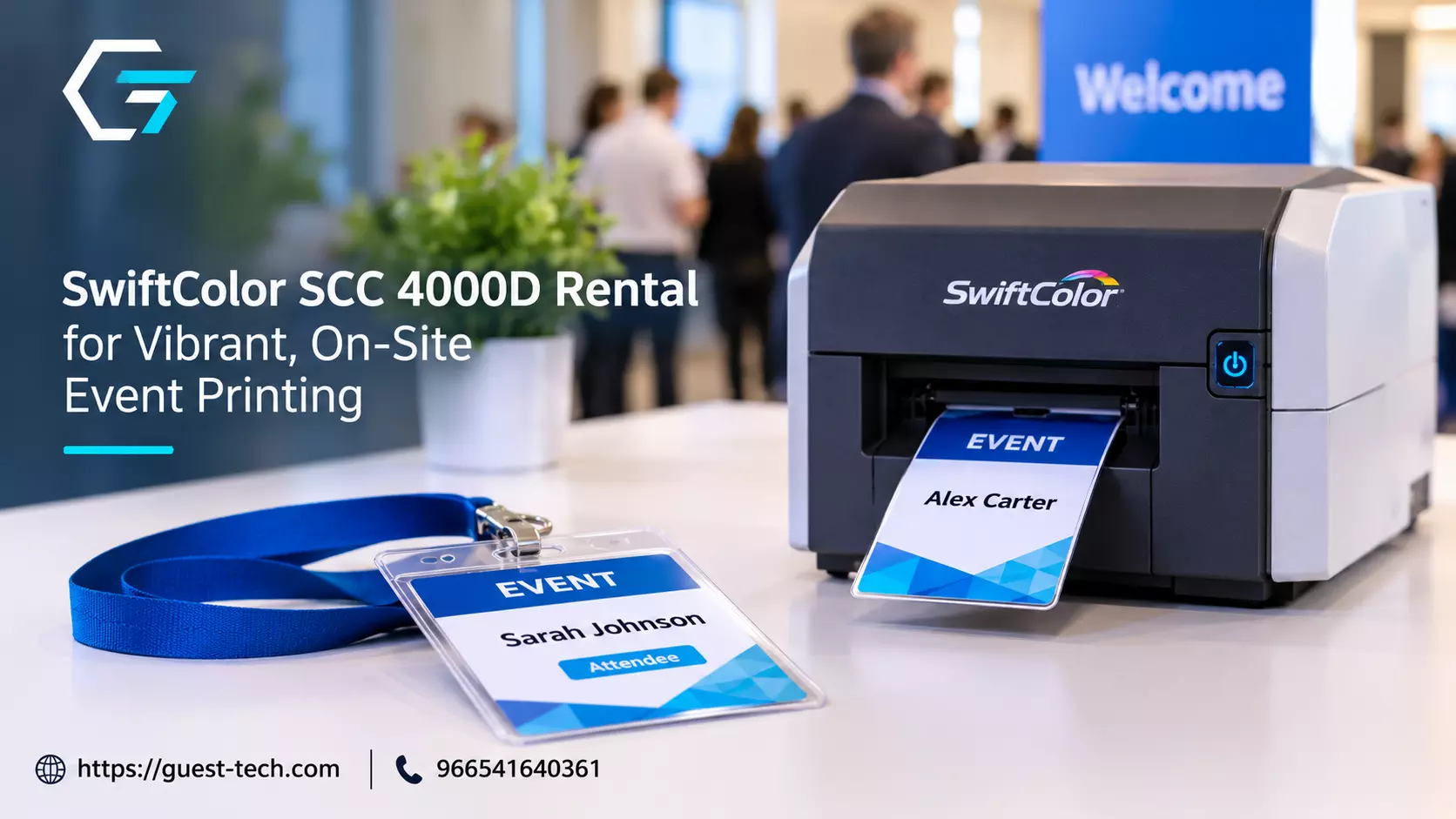
SwiftColor SCC 4000D Rental: When Color Printing Makes Sense at Events
Some events can get by on black-and-white paper. Others need a badge with a color band, a session card that matches the brand or a welcome sign that looks finished when a guest walks in.
Those details change how an event feels, and they often depend on a printer that can produce color reliably on site. A SwiftColor SCC 4000D rental is one way to get that capability for a single event without buying equipment you'll use a few times a year.
This guide explains where a color card printer fits at an event, how on-site printing compares with ordering in advance, what to check before you book and how to verify the claims a rental listing makes.
Guest Tech lists the SwiftColor SCC-4000D as an oversized credential printer for event badges. The points below separate what that listing says from what you should confirm yourself.
Where Color Printing Earns Its Place
Color isn't always necessary. A simple sign-in sheet or a black-and-white agenda can serve a small internal meeting well. Color earns its place when it signals something, such as a VIP badge color or a color-coded access card.
Color also helps with recognition. A team member scanning a crowded lobby can spot a yellow exhibitor badge or a blue staff pass faster than a name in black and white. For security teams, that quick visual cue can make a difference at a busy entrance.
What "Swift Printing" Means for Organizers
"Swift printing" is a search term people use for fast, on-site printing. In practice, it describes printing that happens at the venue during the event rather than weeks before it.
Organizers use on-site printing for badges printed as guests arrive, last-minute agenda changes, replacement credentials and signage that needs an overnight update.
The advantage is flexibility. You can fix a misspelled name, add a late speaker or reprint a damaged badge without waiting for an outside print shop.
The trade-off is that the printer has to run reliably through the busiest part of registration, with stock available and someone who can clear a jam quickly. The printer you choose matters as much as the design you send to it.
What the Listing Claims, and What to Verify
The SwiftColor SCC-4000D listing describes the printer as a high-speed, full-color printer for large-volume badge and card printing.
It states the printer produces up to four colors per second, and its page metadata describes two-second badge production. It also describes support for PVC cards, labels and other media, direct-to-media printing without extra labels, an easy interface and low power consumption.
Those are claims to verify, not facts to repeat. Ask for the manufacturer's datasheet, and check the rated speed against your own job.
A figure for four colors per second doesn't tell you how long a full badge takes on card stock, including loading, drying and any overlay. Ask the provider to print a sample of your actual badge on the stock you plan to use, and time it.
Also confirm which card thicknesses and materials the printer handles, and ask about the energy claim if power use matters at your venue.
Planning Volume and Supplies
Start with numbers. Estimate the total color items you'll print, when the peaks will happen and how many pages or badges each item needs. Then check the supplies. Confirm which card stock, labels and ink or toner come with the rental price, and whether extras can be bought on site.
Running out of color supplies during a session break is an avoidable problem. Keep a spare set at the desk, and ask who restocks during the event.
Testing Before the Event
Test each design on the actual printer and stock, and include the awkward cases: a long name, a long job title and a badge with a photo.
Those are the cards that tend to fail first. Screen colors often look different on paper, and a logo that looks crisp in a file may print pale or cropped near the edge. Run the test at the venue if you can, with the same people who will operate the printer.
Support on the Day
Ask who will be on site to handle jams, reloads and reprints. A color printer without a trained technician can stall a desk for an hour. Confirm the response time, the backup plan if the printer fails mid-event and whether a replacement unit can arrive quickly.
Guest Tech's website states it is ISO 9001:2015 certified. Ask for the current certificate and its scope, and get support commitments in writing.
Pairing the Printer With Badges and Other Equipment
A color printer works best as part of a complete setup. Guest Tech's badge printing services cover the badge types and stock that pair with color printing, including thermal and PVC options. The technical equipment rental page lists the devices that run the desk around it.
Match the printer to the job. If most of your output is text, a simpler printer may cost less and run longer between supplies. If color is central to your badges or signage, the SwiftColor setup is worth the extra planning.
Questions to Ask Before You Book
- What does the manufacturer's datasheet say about speed, and how does it compare with my badge time, including loading and drying?
- Can you print a sample of my actual badge on the stock I'll use, and time it?
- Which card materials, thicknesses and label types are supported?
- Which paper, card stock and ink or toner supplies are included in the price?
- Can the printer handle badges and documents at the same time without slowing the badge line?
- Who sets up the printer and runs a test print before the event?
- What happens if the printer fails during the event, and how quickly is a replacement available?
- What are the return terms, and what charges apply for damage or unused supplies?
Frequently Asked Questions
Is a color printer necessary for every event?
No. Color is most useful when it affects recognition or the guest experience. For internal meetings and simple handouts, black-and-white printing is often enough.
What is the difference between on-site printing and ordering in advance?
On-site printing happens at the venue during the event, so badges and documents can reflect late changes. Advance printing is cheaper per item for large fixed runs, but it can't reflect changes made after the order.
How much stock should I plan for?
Work from your totals and add a buffer for reprints, late additions and test prints. Keep spare supplies at the desk, since running out mid-session is one of the most common avoidable problems.
Getting Color Printing Right
A SwiftColor SCC-4000D rental can give your event sharp, flexible color output on site, but the results depend on planning. Decide where color matters, estimate your volume, test your designs on the real stock and confirm who will support the printer on the day.
Verify the speed and media claims against the manufacturer's documentation, and get support commitments in writing. With those pieces in place, color printing becomes a strength of your event rather than a last-minute worry