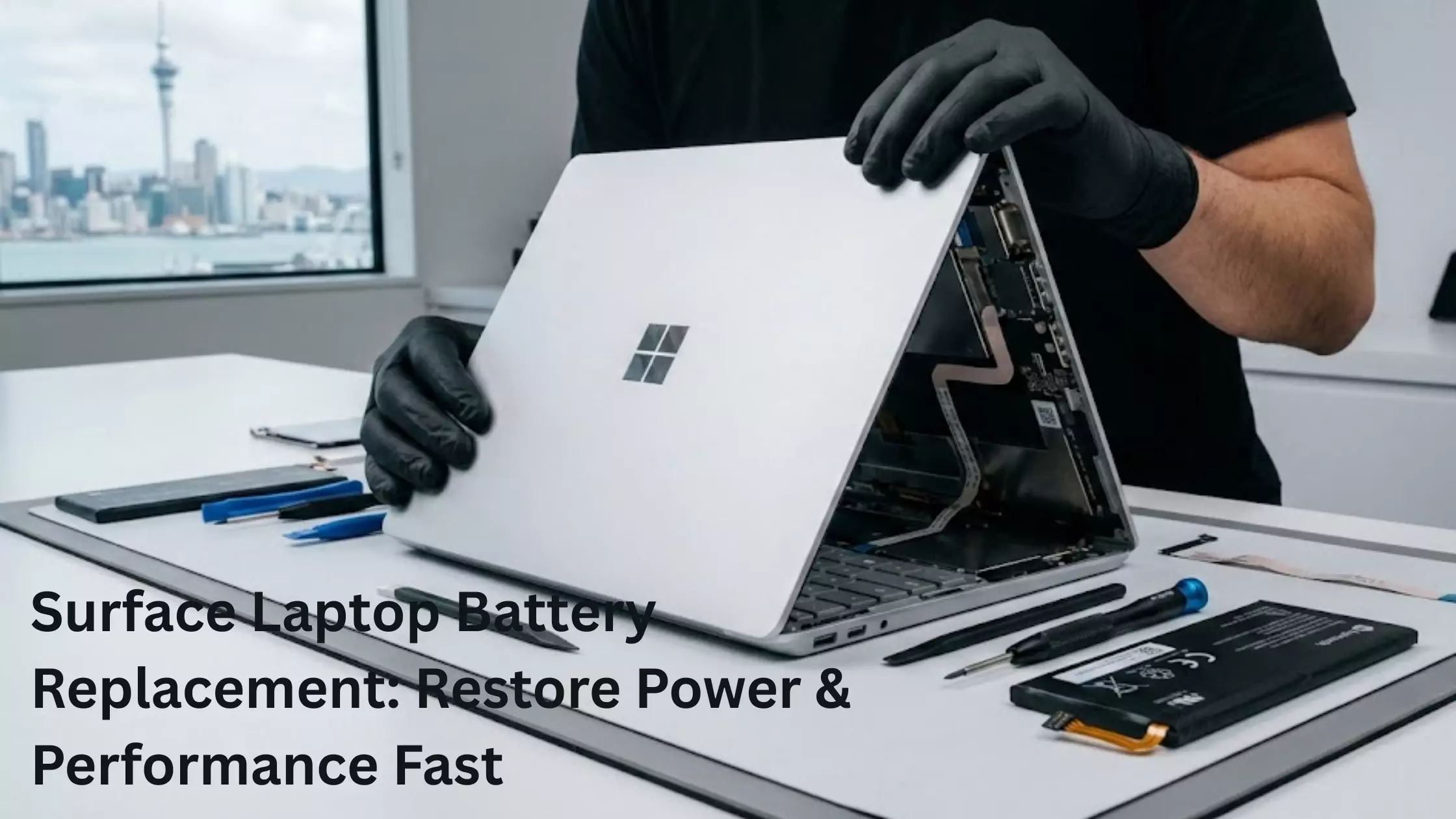
Surface Laptop Battery Replacement: Restore Power & Performance Fast
Your Surface Laptop is meant to be your everyday companion — portable, powerful, and smooth for work, study, and entertainment. But when the battery begins to drain too fast, overheat, or refuse to charge, that convenience quickly disappears. If you are constantly searching for a charger or your device shuts down at inconvenient moments, it's time to look deeper into what's going wrong and whether you need a Surface Laptop Battery Replacement.
In this guide, we break down why Surface Laptop batteries fail, the early warning signs to look for, and how expert repair services in Auckland, NZ—especially trusted providers like Smashed IT—can restore your device to its best.
Why Do Surface Laptop Batteries Fail?
Even though Microsoft engineered the Surface Laptop with efficiency in mind, no battery lasts forever. Every charge cycle slowly reduces battery health, and everyday habits can accelerate that decline.
1. Natural Battery Ageing
Most laptop batteries begin losing noticeable capacity after 2–3 years of regular use. It's not a fault — just chemistry.
2. Heat & Internal Stress
Surface Laptops are thin, which means internal components sit tightly together. Heavy use or poor ventilation causes heat buildup, and heat is the number one killer of lithium-ion batteries.
3. High-Performance Apps
When you stream, edit videos, game, or keep many tabs open, your CPU is under extra strain — this increases power draw and speeds up battery wear.
4. Continuous Plug-In Use
Always keeping your device plugged in stresses the battery and leads to "battery fatigue."
Understanding these factors helps you know why your laptop's battery can suddenly shift from top-performing to frustratingly unreliable.
How to Know When Battery Replacement Is Needed
Battery issues don't usually appear all at once — they start slowly but get worse over time. Here are the most significant warning signs that your laptop may need a Surface Laptop Battery Replacement:
The battery drains dramatically faster than before
Even light tasks like writing or browsing drain 20–30% within minutes.
The laptop heats up quickly.
Excess heat often means the battery is struggling to regulate power.
Charging becomes slow or inconsistent.
If the percentage stays stuck or charges extremely slowly, the battery may be failing internally.
Sudden shutdowns
If your Surface Laptop turns off even when it shows 40–50% battery, the cells may no longer be able to deliver a steady power supply.
Your trackpad is lifting.
This is a serious sign — swelling batteries can push components upward and damage your device.
Windows battery health warnings
You may see alerts like "Your battery capacity is significantly reduced".
If you are experiencing any of these issues, replacing the battery quickly can prevent permanent hardware damage.
Why You Shouldn't DIY a Surface Laptop Battery Replacement
Surface Laptops aren't designed for simple battery removal. The adhesive-backed cells, fragile ribbon cables, and fully sealed body demand expert-level repair skills.
Attempting your own repair can result in:
- Screen cracking during disassembly
- Motherboard flex damage
- Punctured battery cells (a serious fire hazard)
- Internal cable damage that affects the keyboard or trackpad
This is why professional repair is strongly recommended—especially from technicians experienced with Microsoft devices.
Read: Best Laptop Repair Service at Home & Offices in Ahmedabad
How Experts Replace Your Surface Laptop Battery Safely
A professional repair center follows a systematic, safe, high-precision process. Here's how Smashed IT handles a Surface Laptop Battery Replacement in Auckland, NZ:
1. Full Device Diagnosis
The technician first checks whether the issue is the battery or something else (charging port, software, BIOS settings, etc.).
2. Precision Opening
Specialized tools and controlled heat are used to loosen the adhesive and open the Surface Laptop without cracking the display.
3. Battery Extraction
The old battery is safely removed without stressing the motherboard or internal components.
4. Installation of a High-Quality Replacement Battery
Only premium, tested batteries that match Microsoft's original performance are installed.
5. Calibration & Power Tests
Technicians ensure the new battery charges correctly, holds power consistently, and delivers optimal performance.
6. Final Quality Assurance
Before the device is returned, all functions—charging, trackpad responsiveness, thermal performance—are carefully tested.
With proper installation, your Surface Laptop works just as efficiently as when it was brand new.
Benefits of Replacing Your Surface Laptop Battery
Choosing a battery replacement rather than buying a new laptop can deliver several significant benefits:
- Longer Usage Time
- Faster Performance
- No More Overheating
- Saves Money
- Eco-Friendly
- Improves Safety
Why Choose Smashed IT for Surface Laptop Repairs in Auckland?
You need a repair center that understands the complexity of Microsoft Surface devices. Here's why customers highly trust Smashed IT in Auckland's Ponsonby, Papakura, and Parnell.
Specialized Surface Laptop Technicians
They work on Surface devices daily and understand the unique challenges of the sealed design.
Fast Turnaround
Most battery replacements are completed the same day.
High-Grade Replacement Batteries
Your device is repaired with premium quality parts and thoroughly tested.
Stress-Free, Local Service
Walk-in-friendly, reliable, and transparent pricing.
Strong Customer Reputation
Their team is known for honest advice, precise repair work, and excellent post-service support.
When you want your Surface Laptop restored properly, letting experienced professionals handle the job offers the best long-term results.
How to Keep Your New Battery Healthy
After your Surface Laptop Battery Replacement, following a few easy habits helps extend the lifespan of your new battery:
- Avoid leaving your laptop plugged in for hours
- Keep vents clean and avoid soft surfaces that trap heat
- Don't let your battery fall to 0% frequently
- Use the original or certified charger
- Install Windows updates for performance optimization
These habits ensure smoother performance and slower battery ageing.
Final Thoughts: Restore Performance with the Right Repair Partner
A failing battery doesn't mean your Surface Laptop is reaching the end of its life. In most cases, a Surface Laptop Battery Replacement is all you need to get back full performance, stronger battery life, and a smoother, more reliable experience.
With expert technicians, premium replacement parts, and exceptional service in Auckland, NZ, Smashed IT is the trusted choice for restoring power and performance to your Surface Laptop.