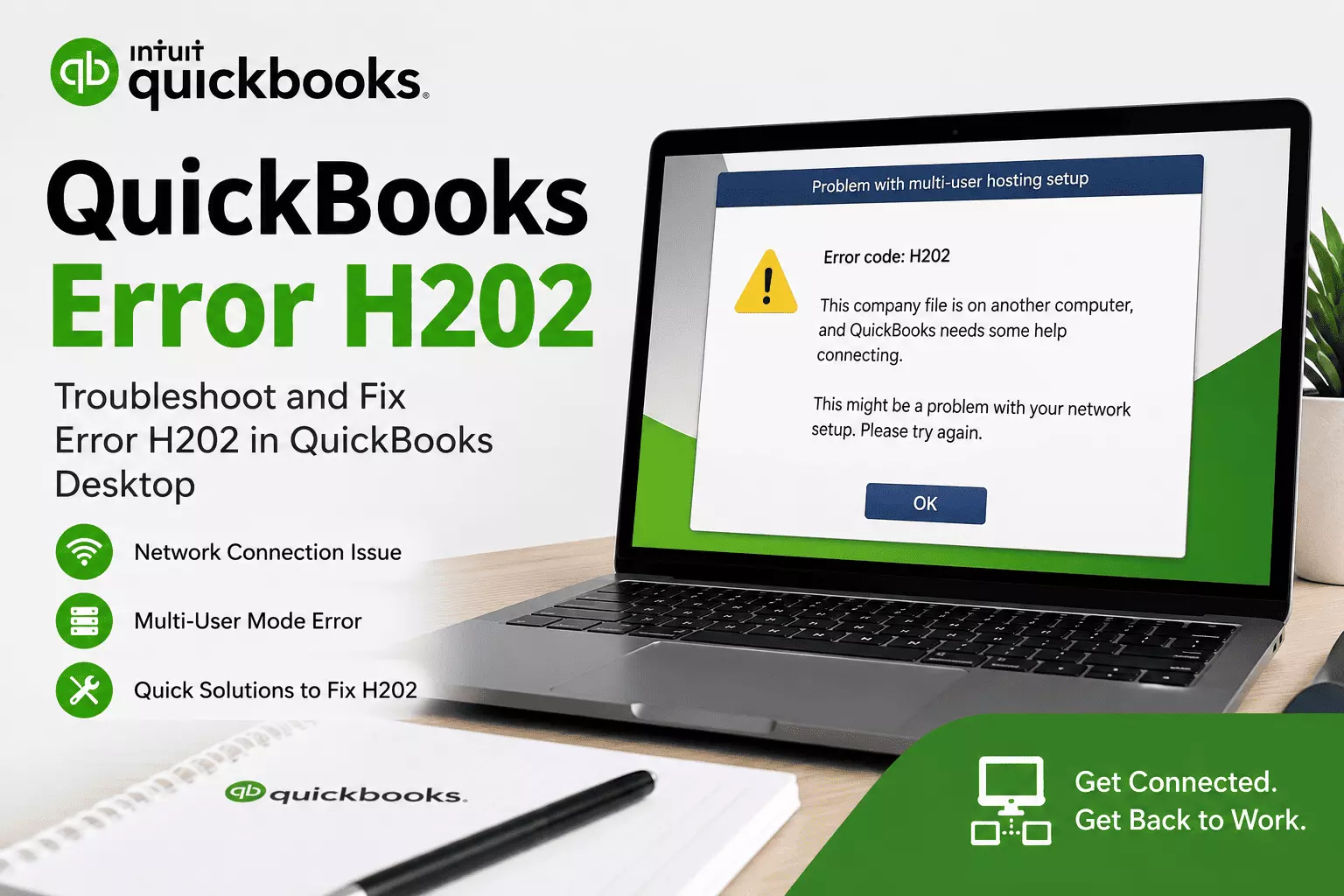
QuickBooks Error Code H202: Common Causes and Solutions
QuickBooks Error H202 is a common multi-user error that occurs when a workstation cannot connect to the computer hosting the company file.
As a result, users are unable to open the file in Multi-User Mode, disrupting collaboration and daily accounting tasks. Fortunately, this issue is usually caused by network or hosting configuration problems and can often be resolved with the right troubleshooting steps.
What Is QuickBooks Error H202?
Error H202 is one of the H-series errors in QuickBooks Desktop. It appears when QuickBooks cannot establish communication with the server where the company file is stored. This prevents users from accessing the company file over the network.
Common Error Messages
You may encounter one of the following messages:
- Error Code: H202
- This company file is on another computer, and QuickBooks needs some help connecting.
- You are trying to work with a company file located on another computer, and this copy of QuickBooks cannot reach the server.
Causes of QuickBooks Error H202
Several issues can trigger QuickBooks Error H202, including:
- Incorrect hosting configuration
- Windows Firewall blocking QuickBooks communication
- QuickBooks Database Server Manager is not running
- Damaged or missing Network Data (.ND) file
- Incorrect DNS or network settings
- Blocked QuickBooks ports
- Antivirus software interfering with QuickBooks
- Insufficient folder permissions
- Network connectivity issues
- Outdated QuickBooks Desktop version
Read: QuickBooks Network Connection Error: Causes, Fixes & Expert
Symptoms of QuickBooks Error H202
You may notice the following symptoms:
- Unable to switch to Multi-User Mode
- Company file won't open from another computer
- QuickBooks freezes or becomes unresponsive
- Slow system performance
- Frequent network-related error messages
- Workstations cannot access the server-hosted company file
Easy Fixes for QuickBooks Error H202
Fix 1: Verify Hosting Settings
Ensure that only the server computer hosts the company file.
- Open QuickBooks on each workstation.
- Go to File.
- If Stop Hosting Multi-User Access appears, select it.
- Leave hosting enabled only on the server computer.
Fix 2: Run QuickBooks Database Server Manager
- Open QuickBooks Tool Hub.
- Select Network Issues.
- Launch QuickBooks Database Server Manager.
- Scan the folder containing your company file.
- Restart QuickBooks and try opening the file again.
Fix 3: Restart QuickBooks Services
Restart the following Windows services:
- QuickBooksDBXX
- QBCFMonitorService
Set both services to Automatic startup.
Fix 4: Configure Windows Firewall
Allow QuickBooks through Windows Firewall and ensure the required QuickBooks ports are open for your version.
Fix 5: Rename the .ND File
- Navigate to the company file folder.
- Find the .ND file.
- Rename it by adding .old to the end.
- Rescan the folder using Database Server Manager.
QuickBooks will create a new Network Data file automatically.
Fix 6: Test Network Connectivity
Use the Windows Command Prompt to verify communication with the server. If the server cannot be reached, check your network connection, DNS settings, and shared folder configuration.
Fix 7: Use QuickBooks File Doctor
Run QuickBooks File Doctor from QuickBooks Tool Hub to automatically repair network and company file issues.
Fix 8: Check Folder Permissions
Make sure the folder containing the company file has Full Control permissions for all QuickBooks users.
How to Prevent QuickBooks Error H202
Follow these best practices to reduce the chances of encountering Error H202:
- Keep QuickBooks Desktop updated.
- Install Windows updates regularly.
- Use a reliable network connection.
- Enable hosting only on the server.
- Keep Windows Firewall and antivirus settings properly configured.
- Run QuickBooks Database Server Manager after moving company files.
- Back up your QuickBooks company file regularly.
Frequently Asked Questions
What causes QuickBooks Error H202?
It is typically caused by network communication issues, incorrect hosting settings, firewall restrictions, or QuickBooks services not running properly.
Can QuickBooks Tool Hub fix Error H202?
Yes. QuickBooks Tool Hub includes Database Server Manager and File Doctor, which can resolve many network-related issues.
Is Error H202 a damaged company file?
No. In most cases, it is a network communication problem rather than a company file corruption issue.
Why can't I switch to Multi-User Mode?
QuickBooks cannot communicate with the server hosting the company file due to network or configuration issues.
Conclusion
QuickBooks Error H202 is a network-related issue that prevents workstations from accessing a company file stored on another computer.
By checking hosting settings, restarting QuickBooks services, configuring the firewall, repairing the Network Data file, and using QuickBooks Tool Hub, you can resolve the error and restore Multi-User Mode. Performing regular maintenance and keeping your QuickBooks environment updated can also help prevent this issue from recurring.