Practical Best Practices and Pitfalls to Avoid When Using Whiteboard Owl
Using a whiteboard camera in a meeting or classroom can be helpful if used correctly. One of the most innovative tools today is the Whiteboard Owl by Owl Labs, and it's for people who want remote teams or students to see everything written on a real whiteboard. Simply turning it on and expecting everything to work perfectly won't suffice. Nope! If you want to get great results, there are a few things you should do… and a few things you shouldn't. Let's walk through them—step by step.
Do: Place the Camera at the Right Distance
One of the most important things is where you place the whiteboard camera. The Whiteboard Owl works best when it's 7 to 16 feet away from your whiteboard. It won't catch the whole board if it's too close or far. Try to keep it directly facing the board for a clear view. Step back if your board is huge so nothing gets cut off.
Don't: Block the Camera with Your Body
This is a big one! Standing between the board and the camera makes it harder for remote folks to see what's written. The Whiteboard Owl does a cool trick—it makes you see-through while you write. But if you keep standing in the same spot too long, you might block the view. So, move a bit to the side when you're not writing. Easy fix!
Do: Keep the Board Clean and Bright
Before your meeting or class starts, give the whiteboard a quick wipe. A clean board helps the camera pick up every word. Also, write big and clear. Dark markers (like black or blue) are best. The Whiteboard Owl has innovative software that makes the writing look sharper for online viewers, but it still works best with neat writing on a clean surface.
Don't: Forget About Lighting
If the lights are too dim or there's glare on the board, the camera might struggle. Try to keep the board well-lit, but avoid harsh lights that cause shiny spots. Natural lighting is excellent, or ensure overhead lights aren't bouncing off the board too much. You don't need to be a lighting expert—take a quick look before you start.
Do: Use the Mount That Works Best
The Whiteboard Owl comes with several mounting options. You can use a tripod, hang it on the wall, or even mount it on the ceiling. Depending on your room size and setup, pick the one with the clearest view. The package even includes helpful tags and mounting gear to make your setup quick and easy. That's a big time saver.
Don't: Ignore the Camera Settings
Once you set up your Whiteboard Camera, check the settings. Don't just leave them on default. Some quick adjustments can make a big difference in how the board looks to remote viewers. You can choose how often it snaps photos or adjust what the camera focuses on. Spend a few minutes learning how it works—it's super simple and totally worth it.
Do: Pair It with the Right Tools
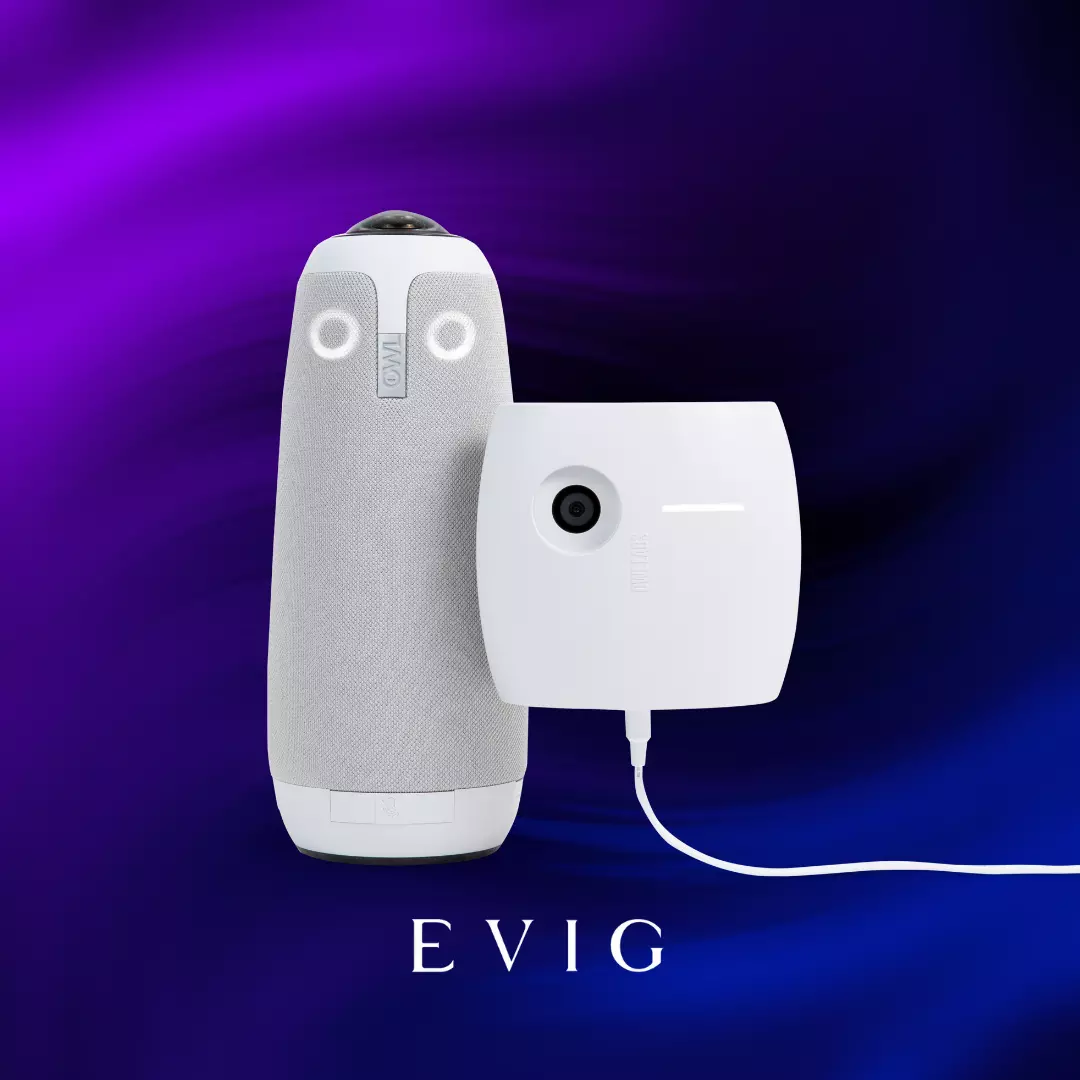
The Whiteboard Owl is even better when paired with other Owl Labs tools like the Meeting Owl 3 or 4+. These work together smoothly so people can see the speaker and the whiteboard online without switching screens. Evig, an AV solutions company in Dubai, distributes these smart products. They make sure your meeting setup feels smooth and connected—no hiccups.
Don't: Assume It's Just for Offices
Do you think it's only for business meetings? Nope! Teachers love using the Whiteboard Owl in classrooms. It helps remote students see the board like they're sitting right there. Trainers use it too, to show step-by-step drawings or notes. Even creative teams use it during brainstorming sessions. It's a tool that fits many needs, not just boardrooms.
Final Words
The Whiteboard Owl is a simple but powerful tool. When used right, it makes meetings, classes, and brainstorming sessions clearer and more connected—especially for people joining from far away.
Remember a few easy dos and don'ts, and you'll get the most out of your Whiteboard Camera. If you're setting one up or need the right gear, Evig, AV solutions company in Dubai, is the go-to place to find reliable tools like this. Happy whiteboarding!