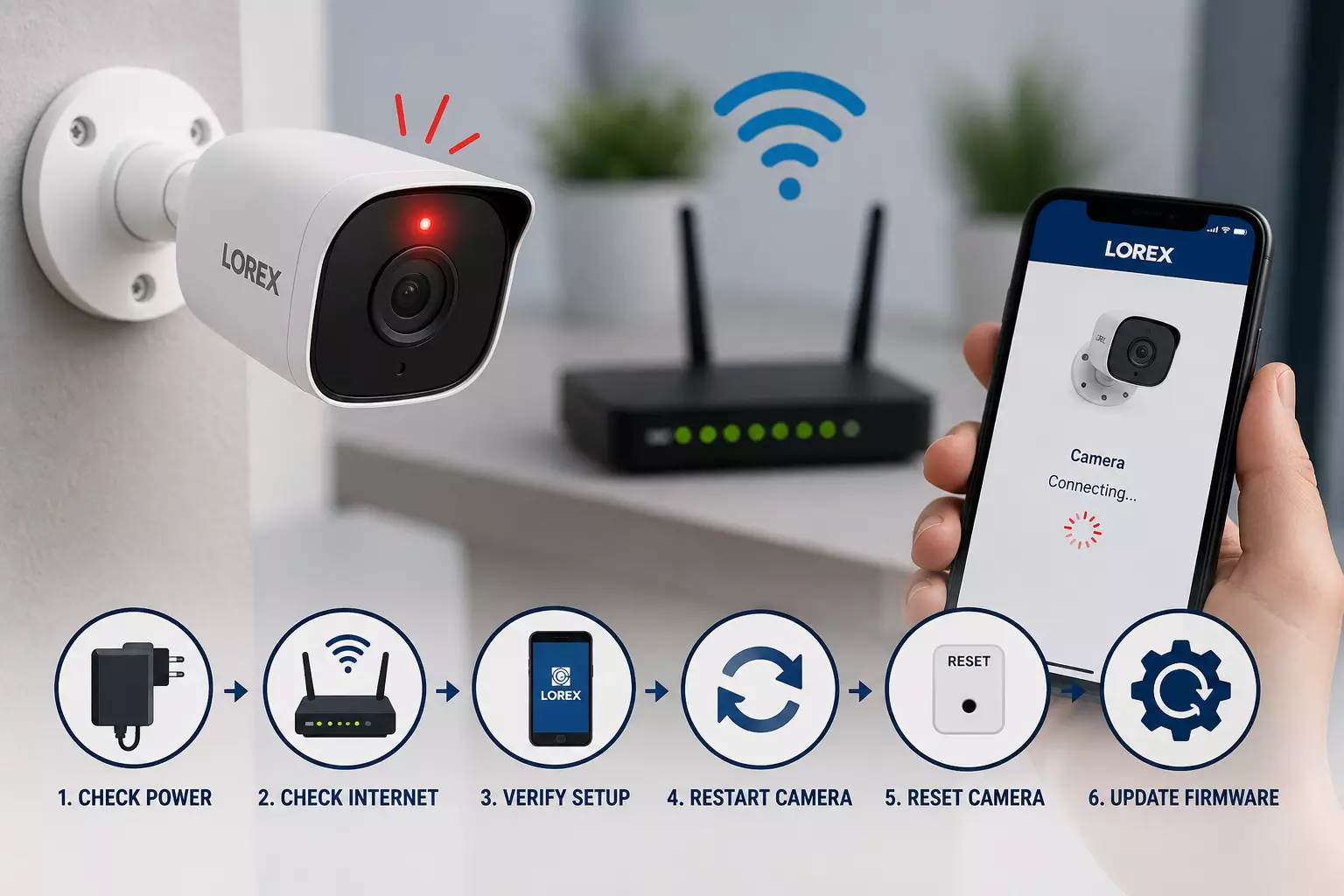
Why Is My Lorex Camera Blinking Red Light? Easy Fixes
A Lorex Camera Blinking Red Light is a common issue that many users encounter while using their security cameras.
The blinking red light usually indicates that the camera is trying to connect to the network, experiencing a connection problem, or needs attention during the setup process. Fortunately, there are several easy fixes you can try to resolve the problem and get your camera working properly again.
Step 1: Check the Power Supply
The first thing to verify is whether the camera is receiving adequate power. Ensure that the power adapter is securely connected and that the outlet is functioning correctly. A weak or interrupted power supply can cause the Lorex Camera Blinking Red Light issue.
Step 2: Verify Your Internet Connection
Most Lorex Wi-Fi cameras require a stable internet connection. Restart your modem and router, then check whether other devices can connect to the network. If your Wi-Fi signal is weak, move the camera closer to the router during troubleshooting.
Read: Blink Camera Offline? Here's How to Get It Back Online Fast
Step 3: Review Your Lorex Camera Setup
An incomplete or incorrect lorex camera setup can cause the camera to continuously blink red. Open the Lorex app and confirm that the camera has been added correctly. Make sure the Wi-Fi credentials entered during the lorex camera setup process are accurate.
Step 4: Restart the Camera
Power cycle the camera by unplugging it for about 30 seconds and then plugging it back in. Wait a few minutes for the device to reconnect. In many cases, this simple step resolves the Lorex Camera Blinking Red Light problem.
Step 5: Reset the Camera
If the issue persists, perform a factory reset. Locate the reset button on the camera, press and hold it for approximately 10 seconds, and wait for the camera to restart. After resetting, complete the lorex camera setup again using the Lorex app.
Step 6: Update Firmware
Outdated firmware can lead to connectivity issues. Check the Lorex app or system settings for available firmware updates and install them if needed.
Conclusion
A Lorex Camera Blinking Red Light usually points to power, network, or configuration issues. By checking the power source, verifying internet connectivity, reviewing your lorex camera setup, restarting the device, and updating firmware, you can quickly resolve the problem. Following these troubleshooting steps will help restore your camera's connection and ensure your security system continues to operate effectively.