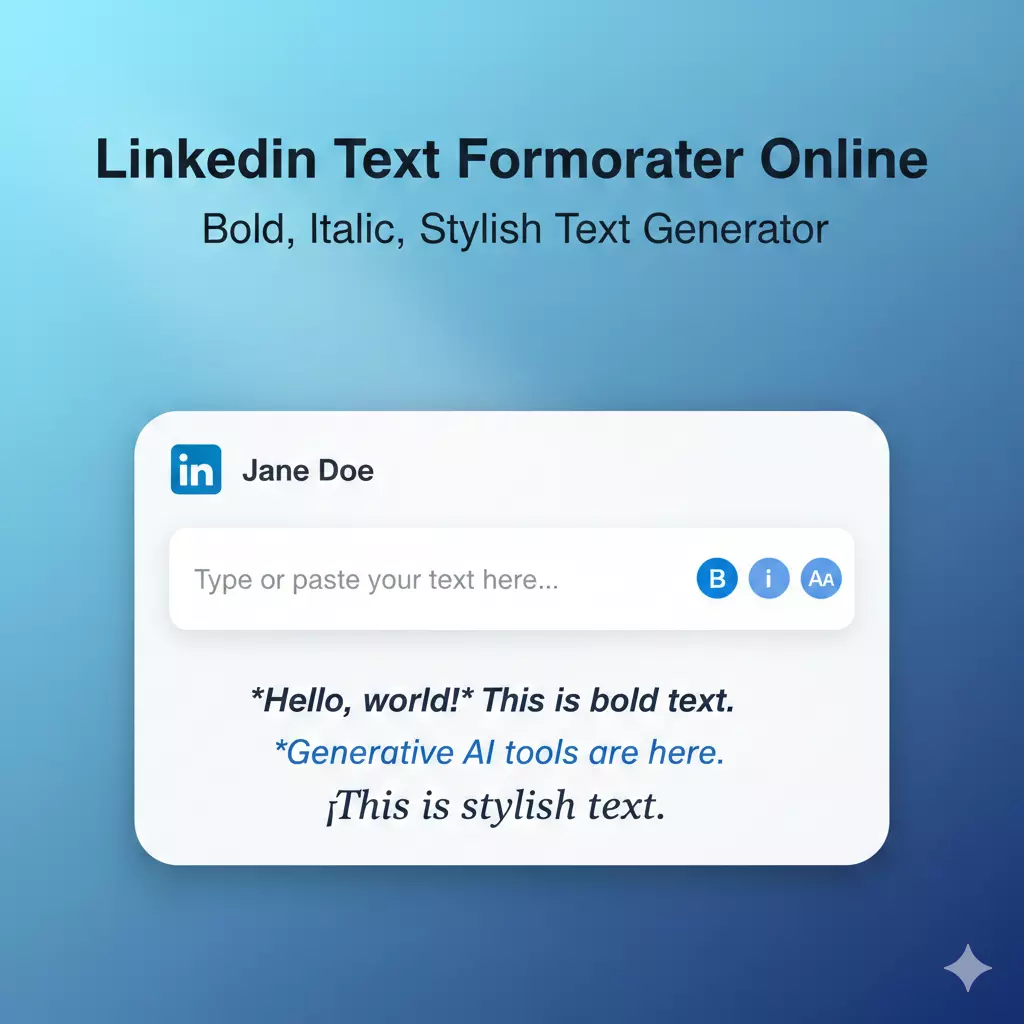
LinkedIn Text Formatter Online – Bold, Italic & Stylish Text Tool
LinkedIn is a social platform to share ideas and talk about your work, but its text editor is very basic. You can’t format words the way you want. There’s no bold, no italics, and no simple way to highlight an important line. Because of this, many posts end up looking similar, even when the message is strong.
A LinkedIn text formatting tool helps solve this limitation. It lets you create bold, italic, or clean alternate fonts that LinkedIn supports through Unicode characters. These styles make key points stand out, improve readability, and give your posts a more organized look. Nothing fancy — just simple formatting that makes your text easier to follow.
This tool is meant to keep the process quick. Type your content, choose the style, copy it, and paste it into LinkedIn. It works for posts, comments, headlines, and profile sections. No complicated steps. No learning curve. Just a small utility to format text when LinkedIn doesn’t offer those options.
Convert Bold, Italic & Stylish Text for LinkedIn
Formatting can change how your content is read. A bold line can highlight a key point. Italic text can show emphasis or a softer tone. Stylish or alternate fonts can make headings easier to spot. LinkedIn doesn’t offer these options directly, but it does support Unicode characters, which is why formatted text created outside LinkedIn works without issues.
This formatter uses those characters to give you simple style choices. You can create:
- Bold text for headings or strong points
- Italic text for light emphasis
- Clean alternate fonts for posts and profile sections
- Neat Unicode styles that stay readable on all devices
These styles don’t change your message. They only help present it more clearly, which is useful when you want a part of your content to stand out in a crowded feed.
Read: How Professional Resume Services Can Fast-Track Your
How to Use This LinkedIn Text Formatting Tool
This tool follows a simple process. You can start without any setup.
- You type your text in the box.
- You choose a style from the list.
- The tool shows the formatted text below.
- You copy the text with one click.
- You paste it on LinkedIn in your post, comment, or profile.
The tool uses Unicode characters. LinkedIn supports these characters, so the text displays correctly. If a style looks too heavy, you choose a lighter option. Clear text helps your message stay readable.
Supported Fonts (Bold / Italic / Unicode / Fancy Styles)
This tool gives a few text styles that LinkedIn can show. Each style uses Unicode characters.
1. Bold Text
Bold text gives weight to a line. People use it for headings or key points.
2. Italic Text
Italic text adds emphasis. People use it for quotes or short notes.
3. Simple Unicode Fonts
These fonts change the text look but keep it clear. People use them to make posts look different without reducing readability.
4. Decorative Unicode Styles
These styles give a creative look. People use them for short lines or casual updates. They do not work well for long text.
You can choose any style to highlight your message. LinkedIn shows all of them correctly.
Why LinkedIn Doesn’t Allow Built-in Text Styling
LinkedIn keeps its editor simple. It does not let users add bold, italic, or fancy fonts directly.
The main reason is readability. LinkedIn wants posts to look consistent on all devices. Complex styling can break the layout or make posts hard to read.
Another reason is performance. Using extra styles inside the platform can slow down the feed or cause errors in older devices or browsers.
Because of this, using a text formatting tool is the best option. The tool creates styles using Unicode characters, which LinkedIn supports. This way, your text looks different but stays safe and readable.
Try the Tool Now
You can use the LinkedIn Text Formatter Tool right away.
Type your text in the box. Pick a style. Copy the text. Paste it into LinkedIn.
It works for posts, comments, messages, and profile sections.
Try the tool to make your text clear and easy to read.