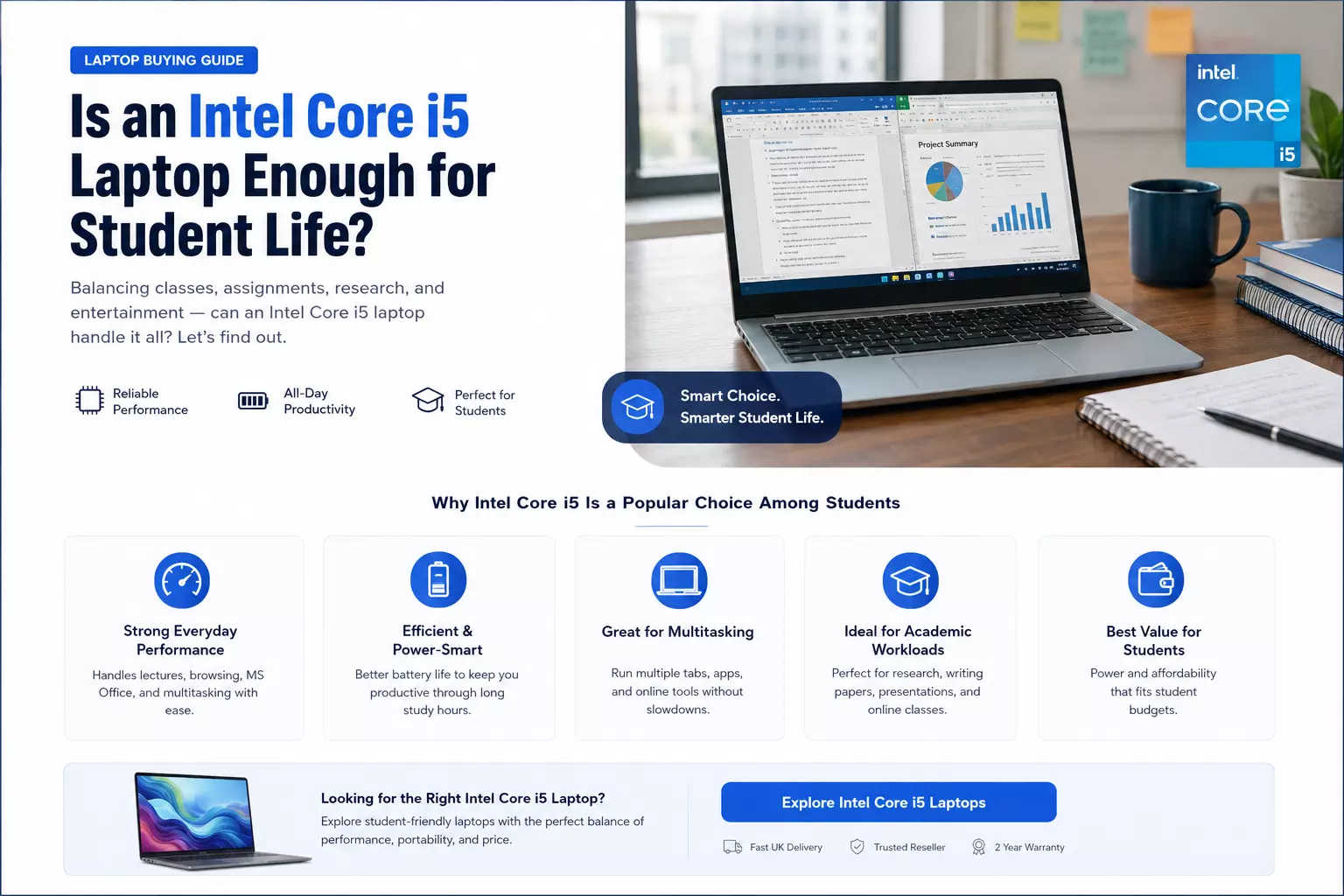
Why Intel Core i5 Laptops Remain the Sweet Spot for Most Buyers
Walk into any laptop comparison and you'll notice the Core i5 sitting right in the middle of most product lineups — not the cheapest option, not the most expensive, but consistently the one recommended for "most people."
That's not a marketing coincidence. The i5 has earned its reputation as the practical middle ground between underpowered budget chips and processors most users will never fully utilise.
If you're trying to decide whether an i5 is the right fit for your next laptop, here's an honest breakdown of what the chip actually delivers.
What Makes the Core i5 the Default Recommendation
Intel's i3, i5, and i7 lineup is often explained simplistically as "good, better, best," but that framing undersells what's actually happening architecturally.
The i5 typically strikes a balance between core count, clock speed, and power efficiency that suits the vast majority of everyday computing tasks without the added cost — or heat and battery drain — that comes with higher-tier chips.
For tasks like web browsing, document editing, spreadsheet work, video calls, and moderate multitasking, an i5 handles everything smoothly without the system feeling stretched. It's a chip built around consistency rather than raw peak performance.
Who Actually Needs an i5 (and Who Doesn't)
Office and Administrative Workers
If your day involves email, documents, browser tabs, and video conferencing, an i5 comfortably covers your needs without paying extra for headroom you won't use.
Students
Coursework, research, note-taking, and browsing rarely push a processor to its limits. An i5 offers enough performance to avoid frustration during multitasking-heavy study sessions, while keeping the overall laptop price reasonable.
Light Creative Work
Basic photo editing, casual video trimming, and similar tasks run reasonably well on an i5, though heavier creative workflows — 4K video editing, 3D rendering — will benefit more from an i7 or higher.
Who Should Consider Skipping It
If your budget is extremely tight and your usage is limited to browsing and document work, an i3 might suffice. On the other end, developers running virtual machines, video editors working with large files, or anyone doing sustained heavy multitasking will likely outgrow an i5 faster than expected.
Read: Dell Refurbished Laptop: A Smart Choice for Reliable
Generation Matters More Than the Label
One thing that trips up a lot of buyers: assuming "i5" means the same performance regardless of when it was released. In reality, a recent-generation i5 can outperform an i7 from several years ago.
Before buying, check the specific generation and model number rather than relying on the label alone — this single check prevents you from unintentionally buying outdated hardware at a modern price.
Pairing an i5 with the Right Supporting Specs
A capable processor is only part of the equation. To actually benefit from an i5's performance, it needs to be paired with adequate RAM — 8GB as a minimum, 16GB if your budget allows — and an SSD rather than a traditional hard drive.
Pairing a good processor with weak supporting specs is one of the most common ways buyers end up disappointed with a laptop that "should" perform well on paper.
Battery Life and Efficiency
One underrated advantage of the i5 lineup, particularly in recent generations, is efficiency.
These chips are generally engineered to balance performance with reasonable power draw, which translates into decent battery life for laptops that aren't purpose-built ultrabooks.
If all-day battery life matters to you, an i5 paired with an efficient chassis design is often a more realistic choice than chasing a higher-tier processor that drains battery faster under load.
Where to Compare Options Properly
Because the i5 label spans several generations and countless laptop models, comparing options properly takes a bit of research — checking generation numbers, RAM configurations, and storage type across different listings.
Techyest is one of the best laptop reseller in UK for browsing this range with clearly listed specs rather than vague marketing descriptions.
If you've decided an i5 fits your needs, their i5 processor laptops in UK category is a practical place to start comparing configurations side by side.
Final Thoughts
The Core i5 remains a smart default for a reason — it delivers dependable, well-rounded performance without the premium price tag of higher-tier chips. For the majority of everyday users, it's less about missing out on power and more about not paying for performance you'll rarely use.