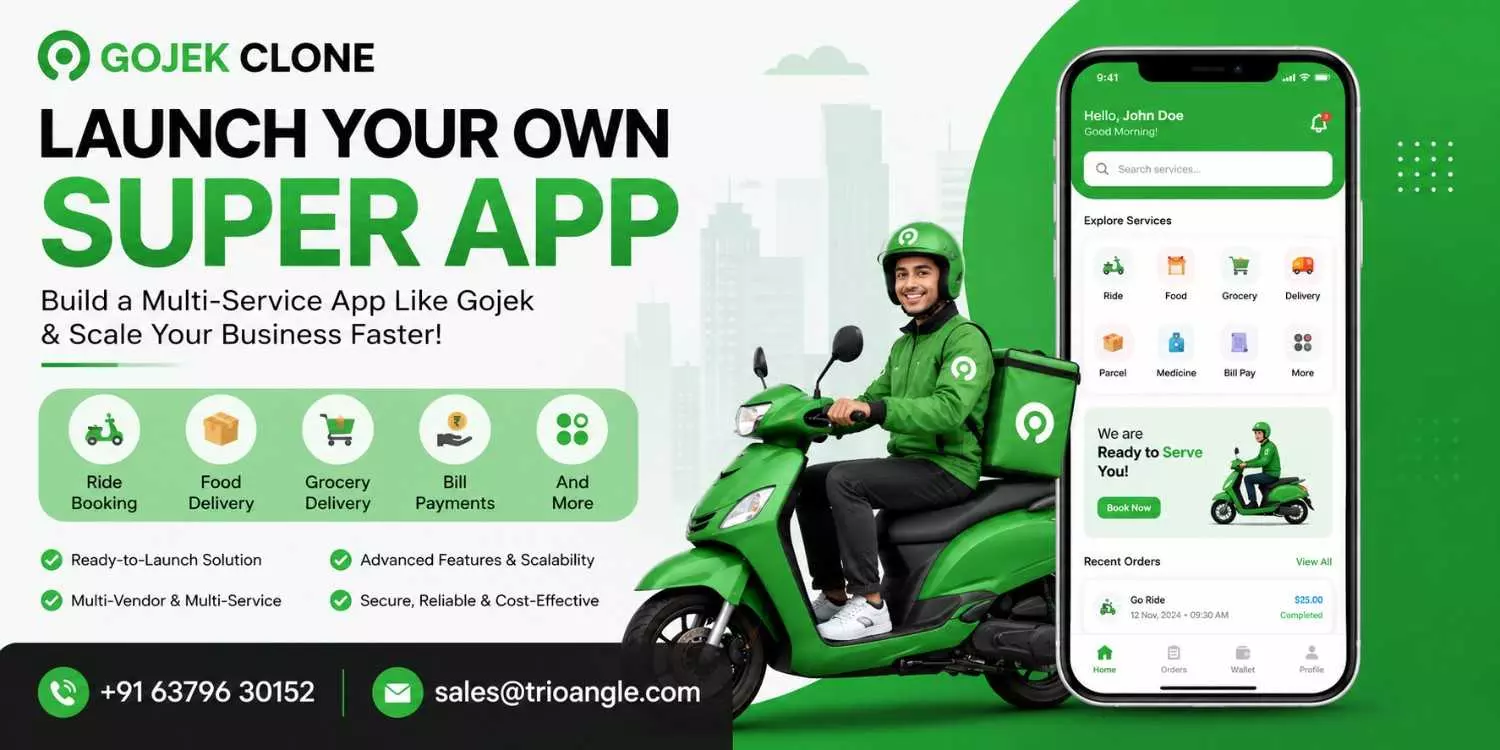
How to Launch Your Multi-Service Platform with a Gojek Clone
Nowadays, people prefer apps that offer multiple services on a single platform, such as ride-hailing, food delivery, courier services, and more.
Because users can get everything they need in one place, demand for these apps is growing fast, creating a great opportunity for entrepreneurs to launch their own multi-service platforms.
Building a Gojek clone platform is not as challenging as it may seem. The key is choosing the right development approach, identifying the features your platform needs, and selecting a business model that aligns with your goals.
In this blog, we'll show you how to launch your own multi-service platform with a Gojek clone.
What Is a Gojek Clone?
A Gojek clone is a ready-made multi-service platform that replicates the core features and functionality of the original Gojek app. It enables entrepreneurs and startups to launch their own platform in just 10–15 days with complete customization.
You can personalize the logo, brand name, design, features, and other elements to match your business requirements and create a unique brand identity.
Compared to building a platform from scratch, a Gojek clone is a more affordable solution that reduces development time and investment, allowing you to launch your business much faster.
How Does a Gojek Clone App Work?
In this section, we will explore how the Gojek clone app works and how it creates convenience for users.
Step1: Customer Chooses Their Services
Customers begin by registering an account using their mobile number or social media account. After logging in, they can browse the available services, such as ride-hailing, food delivery, grocery delivery, home services, and more, all within a single app.
Step 2: Customers Place a Booking or Order
Once they select a service, they enter the required details, such as the pickup and drop-off locations for rides or the delivery address for orders, and confirm the booking. The request is then sent to the nearest available driver or service provider for acceptance.
Step 3: The Platform Assigns The Request
The platform automatically assigns the nearest available delivery partner or driver to the request. The assigned delivery partner or driver receives the booking request and can accept or reject it based on their availability. Once the request is accepted, they receive the customer's details.
Step 4: Customers Can Track The Order Or Ride
Customers can track their orders or rides in real time, helping them know the current status of their order or ride. This creates transparency and builds trust among users on the platform.
Step 5: Payments and Sharing Feedback
Once the service is completed, customers can make payments using their preferred payment method. They can also share ratings and reviews based on the service experience they received.
Read: Why a Gojek Clone is the Right move for the Current UAE
What Are the Essential Features of a Gojek Clone App?
The super app like Gojek clone script includes separate panels for the user, delivery partner, service providers, and admin panel to make the working process smooth.
1. Service Search and Booking
Users can search for their preferred services using the smart search feature. They can browse services based on filters such as location, price range, and service providers or restaurants.
This helps them quickly find the right service, make faster decisions, and book their preferred service or place an order with ease.
2. Real-Time Order Tracking
With the real-time tracking feature, users can monitor the current status and live location of their orders or rides. This helps them stay informed throughout the process and improves their overall experience.
3. Multiple Payment Options
A multi-service app like a Gojek clone supports multiple payment options, allowing users to pay using their preferred payment method. This provides a convenient payment experience while helping platform owners expand their business across multiple cities and regions.
4. Schedule Bookings
Users can schedule their bookings in advance by choosing their preferred date and time, providing greater convenience and a better user experience.
5. In-App Chat & Calls
The in-app chat and call feature helps delivery partners or drivers communicate with users to confirm locations and discuss booking details.
6. Ratings & Reviews
Users can share ratings and reviews based on the service they receive. This helps other users make better decisions and allows the platform and service providers to improve their services.
7. Push Notifications
This feature helps service providers receive notifications about new orders, promotions, discounts, and other important updates on the platform.
8. Availability Management
Restaurant owners can easily manage the availability of their food items. They can add, update, or remove items from the menu whenever needed without any hassle.
9. Earnings Dashboard
Delivery partners can view and track their daily, weekly, and monthly earnings through a single dashboard, helping them monitor their income and manage their earnings effectively.
10. User Management
The admin can manage users, service providers, and delivery partners on the platform. They can add new participants and block users or providers whenever needed.
These are the core features of the Gojek app clone that provide convenience for each stakeholder on the platform.
How Does a Gojek Clone App Make Money?
Commission Fee
- The platform charges a commission fee from service providers and delivery partners for each completed service, creating a recurring revenue stream for the business.
Delivery charges
- The platform owner can charge customers a delivery fee for each order, creating an additional revenue stream for the platform.
Subscription Plans
- Customers, service providers, and delivery partners can subscribe to monthly or yearly plans to access additional benefits and premium features on the platform.
Surge Pricing
- The cost of a service or ride can increase during peak hours, weekends, or festivals based on demand. This dynamic pricing model creates an additional revenue stream for platform owners.
Cancellation Fee
- The platform can charge users a cancellation fee if they cancel a ride or service after a specified time, helping increase the platform's revenue.
How to Launch a Gojek Clone App: A Step-by-Step Guide
Let's see the steps to see the lauch the multi service app like a Gojek clone
Step 1: Choose Your Target Market
First, choose the country or city where you want to launch your platform and analyze the market demand. Then, study your competitors to identify market gaps and build a platform that stands out.
Step 2: Select the Service to Launch
Choose the services with the highest demand and market gaps. Launch with these core services first, then gradually add more services as your platform grows.
Step 3: Select the Right Gojek Clone Script
Before choosing the right development provider, consider the key factors that will help you launch a platform with your own unique brand identity.
- Allows for Customization
- White label solution
- Source code ownership
- Scalable architecture
- Post-launch support
Step 4: Customize Your Platform
Customize your platform by changing the logo, brand name, design, workflow, language, and features according to your business needs to create a unique brand identity.
Step 5: Features & Testing
Integrate the essential features based on your target audience's requirements. Once the features are integrated, test the platform to identify and fix any bugs or issues before launch.
Step 6: Launch Your Platform
After thorough testing, launch your platform on the Google Play Store and Apple App Store. Then, promote your platform through the right marketing channels to reach a wider audience.
Final Thoughts
In this blog, we explored what a Gojek clone is, how it works, the key features it offers, and the different ways it can generate revenue.
If you're planning to start a multi-service business, choosing the right Gojek clone solution can help you launch faster, reduce development costs, and build a platform that grows with your business.