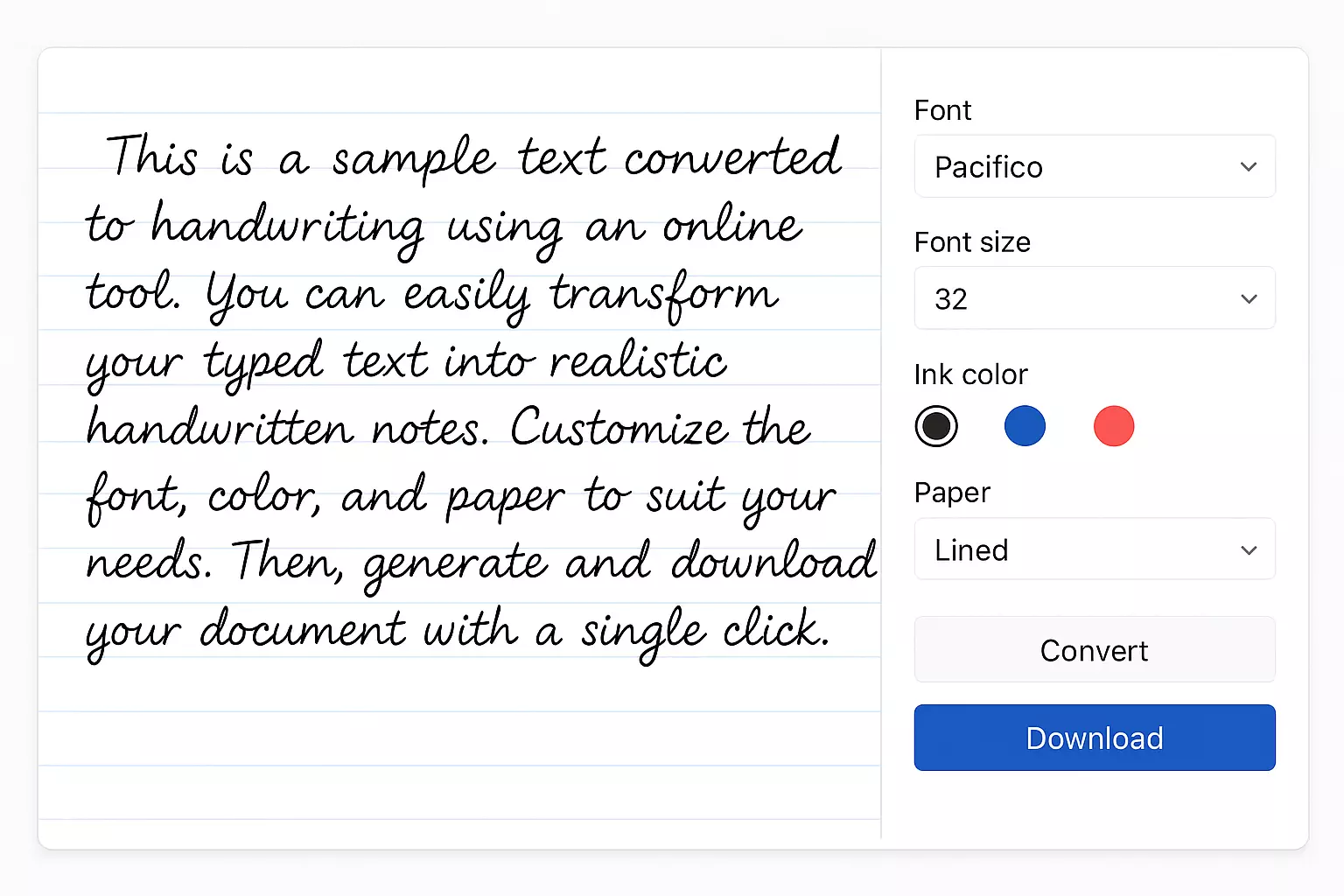
How to Instantly Convert Text to Handwriting Online
Converting typed text into authentic handwriting has never been easier. Whether you need to convert text to handwriting online for school assignments, personalized cards, or creative journaling, a realistic handwriting generator instantly transforms your words into something that looks as if you wrote them by hand.
In this guide, you’ll discover why these tools are valuable, how they work, easy step‑by‑step instructions, answers to common FAQs, and optimization tips to enhance SEO and usability.
Why Use a Text to Handwriting Converter?
Save Time Without Losing Charm
Typing is fast; writing by hand isn’t. A handwriting converter lets you quickly convert typed text into handwritten notes that look natural—and that’s a major win for students, professionals, and creatives alike.
Authentic, Personalized Output
These converters simulate stroke variations, ink flow, and spacing irregularities—making the output look genuinely human, not like a static script font.
Customization Is Key
Pick from cursive, print, calligraphy, or playful styles. Adjust ink color, paper texture, line spacing, and font size to match your mood or purpose.
Versatile Applications
Use them for essays, thank-you notes, greeting cards, marketing visuals, or artistic projects. The options are endless.
How It Works: From Typing to Handwriting
AI Behind the Scenes
Modern text-to-handwriting converters break down your text content and restyle it as handwriting using AI models. For example, HandtextAI uses over 80 handwriting styles with realistic stroke variance, multi-page support, and effects like blur and shadow.
New Tech Enhancements
Emerging systems like WriteViT are leveraging advanced machine learning (Vision Transformers) to capture fine-grained stroke details for more lifelike handwriting—even across multiple languages—all in real-time.
Step-by-Step: Convert Text to Handwriting Online
1. Choose Your Tool
Here are some popular options:
- Text‑to‑Handwriting.com – Simple, clean, free interface (~8 styles).
- HandtextAI – Advanced customization, ~90 fonts, supports PDF/DOCX uploads, shapes, tables, and multi-page export.
- TextToHandwriting.in – Free tool with 100+ language support, font uploads, capture effects, and PDF download.
2. Paste or Upload Content
You can directly type, paste, or upload documents like DOCX or PDF, depending on the tool.
3. Select a Handwriting Style
Choose from cursive, student-friendly print, calligraphy, and more—for a truly realistic handwriting generator experience.
4. Customize Appearance
Adjust ink color (black, blue, red), font size, spacing, and background (lined, grid, textured paper). Preview your output in real time.
5. Generate and Download
Click “Convert,” wait a few seconds, and download your handwritten-looking note as a PNG, JPG, or PDF.
Feature Comparison at a Glance
Tool
Styles Available
Upload Support
Effects & Export Options
Text‑to‑Handwriting.com
~8 handwriting styles
Paste only
PNG, PDF; basic styling
HandtextAI
~80–90 fonts
Paste, PDF, DOCX
Shapes, tables, custom fonts, visual effects, PDF/ZIP download
TextToHandwriting.in
Multiple scripts
Paste only
PNG, multi-page PDF, font & background uploads, high-res output
Choose based on your balance of simplicity versus customization needs.
Best Practices for Authentic Handwriting Results
Use Short Paragraphs
Natural writing has breaks—don’t overload a single block of text.
Tweak Spacing
Adjust letter and line spacing thoughtfully to avoid cramped or overly loose appearance.
Choose the Right Paper Background
Stick to lined paper for notes, blank or textured paper for creative projects.
Preview Before Exporting
Ensure text breaks are where you want them and that formatting looks clean.
Save Your Settings
If you’ll be generating similar content later, saving presets helps maintain consistency.
FAQs: What Users Want to Know
Is It Really Free?
Yes, many tools are free with no signup required. Some offer premium options for custom fonts, extra styles, or watermark-free downloads.
How Fast Is It?
Generation usually takes just a few seconds per page. Some tools even preview handwriting as you type.
How Realistic Is the Output?
Very. AI-based engines simulate pen pressure and stroke variation rather than use single static fonts.
Can I Use Other Languages?
Yes—most support Latin, and many include Cyrillic, Devanagari, Arabic, and more. Output quality varies by supported font sets.
Is My Data Secure?
Yes—reputable tools either process data live in the browser or delete uploads immediately after conversion. Always check privacy details if needed.
Can I Convert Back to Text?
OCR apps like MyScript or Google Lens can digitize handwritten notes, though legibility and content accuracy can affect results.
Real-World Use Cases
Student Assignments
Type essays, convert to handwriting, and submit without manual writing effort.
Personal Cards & Letters
Add a warm, handwritten feel to greeting cards and thank-you notes.
Marketing & Social Media
Create visual content with handwritten-style headers and annotations for a personal brand touch.
Journaling & Art
Design pages in your handwriting or a font that resembles it for poetry, visual journaling, or scrapbooking.
Professional Communications
Enhance proposals, client thank-yous, or workshop notes with a handwritten look for added personalization.