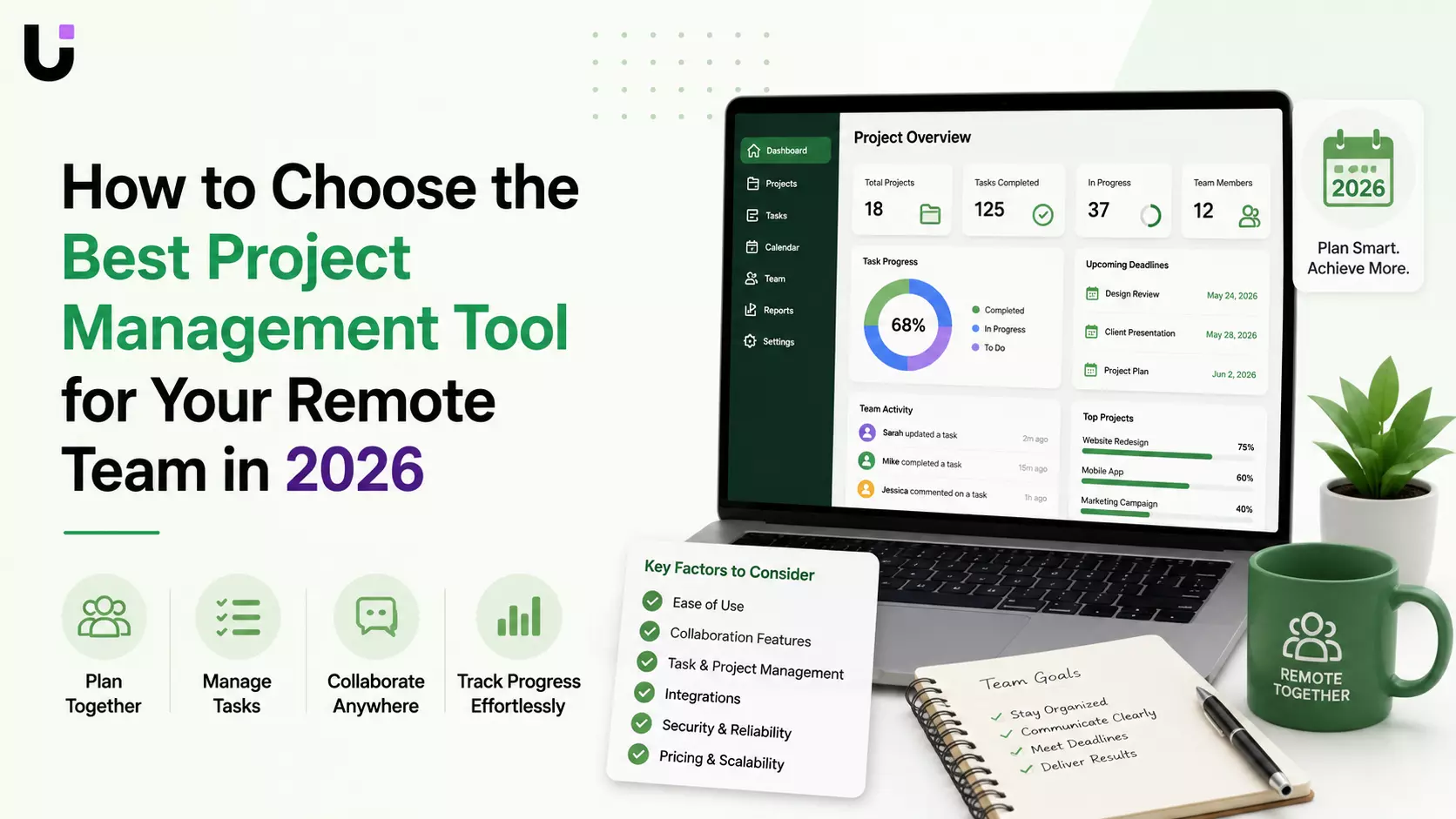
How to Choose the Best Project Management Tool for Your Remote Team in 2026
Remote work has become the standard for many businesses, but managing distributed teams remains a challenge.
Different time zones, scattered communication, missed deadlines, and disconnected tools can quickly reduce productivity if your project management software isn't built for remote collaboration.
Choosing the right project management tool isn't just about creating task lists—it's about giving your team a central workspace where projects, communication, files, and deadlines stay connected.
The best platforms also include AI-powered features that help teams identify risks, automate repetitive work, and keep projects moving forward.
This guide explains what to look for in a project management solution for remote teams and highlights the features that make the biggest difference.
Why Remote Teams Need Specialized Project Management Software
Managing a remote team is different from managing an office-based workforce.
Without the right system, businesses often experience:
- Missed deadlines
- Poor communication
- Duplicate work
- Lack of visibility into project progress
- Unclear task ownership
- Time zone coordination issues
A dedicated project management platform creates a single source of truth where everyone knows what they're working on, what's due next, and who is responsible for each task.
Features Every Remote Team Should Look For
1. Centralized Task Management
Every project should have one place where tasks are created, assigned, updated, and completed.
Look for features like:
- Task assignments
- Due dates
- Priority levels
- Recurring tasks
- Dependencies
- Progress tracking
This eliminates confusion and keeps everyone aligned.
2. Real-Time Collaboration
Remote teams rely heavily on asynchronous communication.
Your project management software should include:
- Task comments
- File sharing
- Team mentions
- Activity history
- Shared workspaces
Instead of searching through long email threads or chat messages, discussions stay attached to the relevant task.
3. Multiple Project Views
Different team members prefer different ways of organizing work.
The best tools provide:
- Kanban Boards
- List View
- Calendar View
- Timeline (Gantt)
- Sprint Boards
Flexible views help managers, developers, marketers, and executives all work efficiently.
4. AI-Powered Project Management
Artificial intelligence is becoming one of the biggest advantages in project management.
Modern platforms can:
- Predict delayed tasks
- Recommend priorities
- Generate project summaries
- Balance workloads
- Automate repetitive workflows
- Send smart reminders
AI reduces manual coordination and helps teams stay proactive instead of reactive.
5. Time Zone-Friendly Collaboration
For global teams, meetings aren't always possible.
Choose software that supports:
- Async updates
- Shared timelines
- Activity logs
- Flexible notifications
- Clear ownership
Remote work succeeds when information is available without requiring everyone to be online simultaneously.
6. Integrations
Project management tools should connect with the software your business already uses.
Popular integrations include:
- Slack
- Microsoft Teams
- Google Workspace
- CRM platforms
- Cloud storage
- Calendar apps
The fewer manual handoffs between tools, the more productive your team becomes.
Read: Exploring the best Project Management Software to
Common Mistakes When Choosing a Project Management Tool
Many businesses focus on long feature lists instead of solving actual workflow problems.
Avoid these common mistakes:
- Choosing based only on price
- Ignoring team adoption
- Overlooking scalability
- Selecting tools without automation
- Using separate platforms for projects and communication
The right platform should simplify work—not create another system to manage.
Best Project Management Tools for Remote Teams
Several platforms work well for distributed teams, depending on your needs:
- WorksBuddy Taro – AI-powered project and task management with workflow automation.
- ClickUp – Highly customizable for growing teams.
- Asana – Great for cross-functional collaboration.
- Monday.com – Visual project tracking and dashboards.
- Notion – Excellent for documentation and lightweight project management.
- Basecamp – Simple collaboration for smaller teams.
- Linear – Optimized for software development teams.
Each platform has strengths, but the best choice depends on your workflow, team size, and collaboration style.
Why AI Is Changing Remote Project Management
Traditional project management tools track work.
AI-powered platforms help teams complete work more efficiently.
Instead of simply recording tasks, AI can:
- Detect bottlenecks
- Recommend priorities
- Automate recurring processes
- Notify stakeholders automatically
- Reduce manual project updates
As remote work continues to evolve, AI-assisted project management is becoming a competitive advantage rather than a nice-to-have.
How WorksBuddy Taro Helps Remote Teams
Managing remote projects often means switching between multiple apps for tasks, communication, workflows, and reporting.
WorksBuddy Taro brings these capabilities together in one AI-powered workspace.
With Taro, teams can:
- Plan projects with visual boards and timelines
- Assign and prioritize tasks
- Track deadlines in real time
- Collaborate across distributed teams
- Automate repetitive workflows
- Monitor project progress with AI-powered insights
Because Taro is part of the WorksBuddy AI ecosystem, it also connects seamlessly with lead management, workflow automation, invoicing, email communication, and digital signatures—creating a unified business platform instead of isolated project management software.
Final Thoughts
The best project management tool isn't necessarily the one with the most features—it's the one that helps your remote team communicate clearly, stay organized, and deliver work consistently.
When evaluating platforms, focus on collaboration, automation, AI capabilities, integrations, scalability, and ease of use.
As businesses continue embracing distributed work, project management software is evolving from simple task trackers into intelligent collaboration platforms that help teams work smarter together.
Ready to Simplify Remote Project Management?
If your remote team is juggling multiple tools, manual updates, and disconnected workflows, it may be time to adopt an AI-powered project management platform.