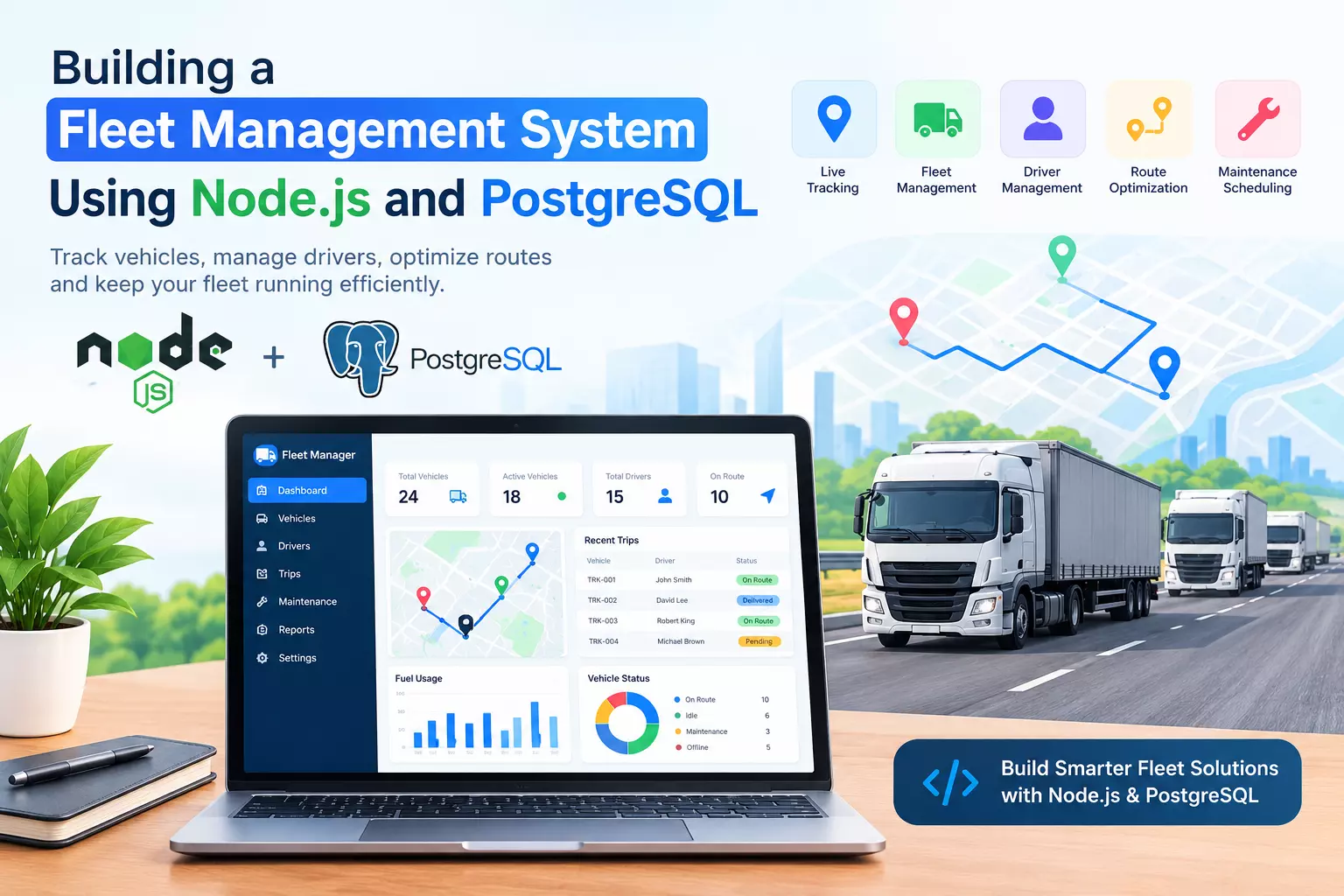
How to Build a Fleet Management System Using Node.js and PostgreSQL
Managing vehicles, drivers, routes, and deliveries can become challenging as a business grows. A fleet management system helps businesses monitor vehicles, organize transportation operations, track maintenance, and improve delivery efficiency.
Developers can build a scalable fleet management application using Node.js for backend services and PostgreSQL for reliable data storage.
In this guide, we’ll explore the core components, database structure, and development process for creating a fleet management system.
1. Define the Core Features
Before writing code, identify the features the application needs. A basic fleet management platform should include:
Vehicle management: Store registration numbers, vehicle types, capacity, and availability.
Driver management: Maintain driver profiles, license details, and assignments.
GPS tracking: Record vehicle locations and display movement on a map.
Route management: Assign delivery routes and monitor trip progress.
Maintenance scheduling: Track service history and upcoming maintenance.
Reporting: Analyze fuel consumption, vehicle utilization, and delivery performance.
Starting with these features helps developers create a manageable first version before adding advanced capabilities.
2. Build the Backend with Node.js
Node.js is useful for building API-driven applications that handle frequent requests from web dashboards, mobile applications, and connected devices. Express.js can simplify the creation of REST APIs.
For example, a vehicle API might use the following endpoint:
app.get("/api/vehicles", async (req, res) => {
try {
const result = await pool.query(
"SELECT id, registration_number, status FROM vehicles"
);
res.json(result.rows);
} catch (error) {
res.status(500).json({
message: "Unable to retrieve vehicles"
});
}
});
This example assumes that a PostgreSQL connection pool named pool and the required Express application are already configured. Production applications should also validate inputs, authenticate users, and log errors securely.
Read: I Reviewed 15 Delivery Management Software Tools
3. Design the PostgreSQL Database
PostgreSQL provides relational data storage and supports transactions, constraints, and structured queries. These capabilities are valuable when managing connected records such as vehicles, drivers, and trips.
A starter database could include four tables:
vehicles — vehicle details and current status
drivers — driver information
trips — assigned vehicles, drivers, and trip dates
vehicle_locations — timestamped GPS coordinates
Use primary keys, foreign keys, and appropriate indexes to maintain data integrity and improve query performance. For GPS tracking at scale, consider partitioning location history by time and retaining only the data required by your business.
4. Add Real-Time Tracking and Security
To support real-time fleet tracking, vehicles or mobile devices can send location updates to the backend. WebSockets can distribute updates to connected dashboards, while mapping APIs can visualize vehicle positions and routes.
Security should be part of the initial design. Implement role-based access control, HTTPS, input validation, rate limiting, and secure credential management. Restrict access to sensitive driver and location information, and use database transactions for operations that update multiple related records.
5. Plan for Scalability
As the fleet expands, monitor API response times, database performance, and location-ingestion volume. Add caching where appropriate, background queues for processing frequent events, and automated backups for recovery. Load testing can help identify bottlenecks before they affect operations.
Businesses with complex transportation workflows may also evaluate custom fleet management software development to connect tracking, logistics, maintenance, and reporting in one platform. For an overview of these solutions, explore Dev Technosys Fleet Management App Development.
Conclusion
Building a fleet management system with Node.js and PostgreSQL starts with a clear data model, reliable APIs, and essential vehicle and trip management features. Adding GPS tracking, security controls, and performance monitoring creates a stronger foundation for future growth.
Developers should begin with a focused prototype, test it with realistic data, and expand features according to operational needs. This approach helps create a maintainable fleet management application that supports efficient transportation operations.