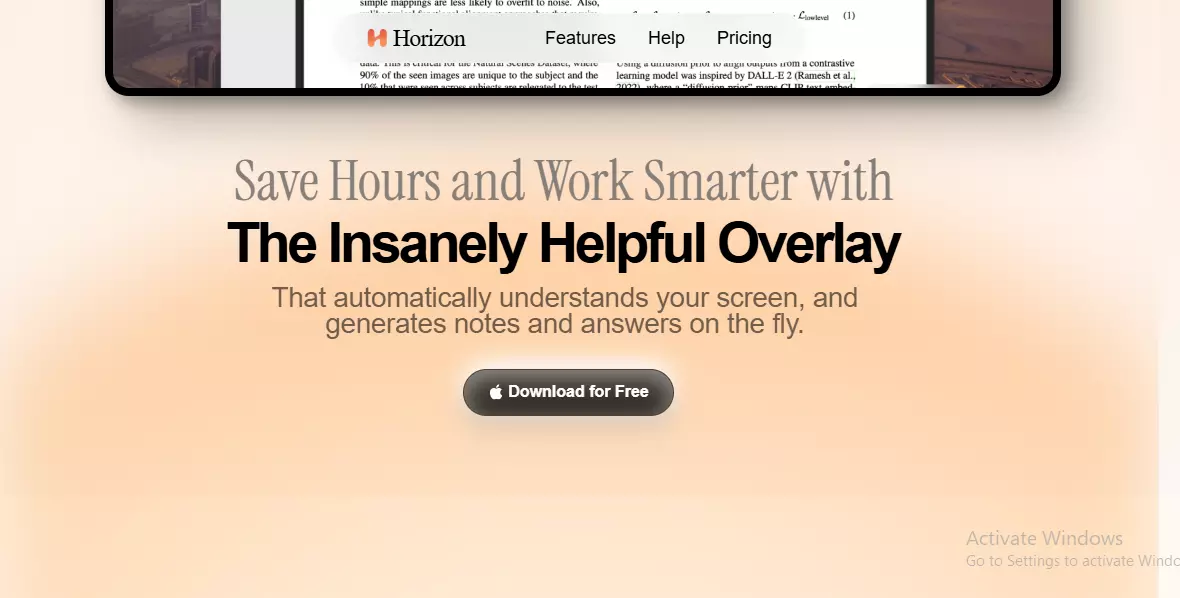
How Can I Take Automatic Notes from My Screen? A Complete Guide to Smart Note-Taking
In the fast-paced world of digital information, staying organized while consuming content has become increasingly challenging. Whether you're attending webinars, watching online tutorials, reading articles, or attending virtual meetings, manually jotting down notes can be tedious and time-consuming.
Fortunately, advancements in artificial intelligence and screen-capturing technologies now make it possible to take automatic notes from your screen—revolutionizing how we absorb and retain information.
In this article, we’ll explore how you can take automatic notes from your screen, the tools available, the benefits, and tips to maximize their efficiency.
What Are Automatic Screen Notes?
Automatic screen notes refer to the real-time or background process of capturing key information, text, or speech displayed or played on your screen and converting it into organized, searchable notes. These notes can include text, screenshots, transcriptions, or summaries generated using AI.
This capability is ideal for:
- Online students
- Business professionals
- Researchers
- Content creators
- Anyone who regularly interacts with digital content
Why Use Automatic Screen Notes?
Here are some compelling reasons to adopt automatic screen note-taking:
- Save Time
- You no longer need to pause videos or meetings to write things down manually.
- Increase Focus
- Stay engaged with content instead of getting distracted by switching between apps or typing notes.
- Enhanced Accuracy
- Capture verbatim text or dialogue without missing details.
- Better Organization
- Many tools categorize or tag information automatically, making it easy to find later.
- Accessibility
- Helps users with disabilities or those with difficulties keeping up with fast-paced presentations.
How can I take automatic notes from my screen?
Let’s break down several methods and tools you can use:
1. Use AI-Powered Note-Taking Apps
Some tools specialize in monitoring your screen or audio feed and generating notes in real-time.
Popular Tools:
- Scribe AI
- Automatically captures steps while you’re doing them and generates how-to guides.
- Otter.ai
- Transcribes audio from meetings or videos in real-time and organizes notes with timestamps.
- Tactiq
- Works with Google Meet, Zoom, and MS Teams to capture live captions and convert them into notes.
- Fireflies.ai
- Records and summarizes meeting content and can be used to monitor webinars or screen recordings.
How to Use:
Install the extension or app, give necessary permissions (e.g., screen or mic access), and let the tool run while you're working or watching content. The app will transcribe, summarize, or capture steps automatically.
2. Use Screen Recording with AI Summarizers
If you’re watching long videos or training modules, record your screen and feed the video into an AI summarizer later.
Steps:
- Use a screen recorder like OBS Studio, Loom, or Camtasia.
- Upload the recording to a summarizer like TLDV, Notta, or Rewind.ai.
- Get automatic summaries, transcripts, or action items.
This is ideal when you want to revisit the material later or share concise summaries with a team.
3. Leverage OCR (Optical Character Recognition) Tools
OCR tools scan and extract text from images or videos on your screen.
Tools to Consider:
- TextSniper (Mac)
- Instantly grabs any text from your screen—even from videos.
- Capture2Text (Windows)
- Lightweight OCR tool to capture text via hotkeys.
Use Case:
Great for extracting text from PDFs, slides, or video tutorials when the copy function is disabled.
4. Built-In Tools in Operating Systems
Both Windows and macOS offer built-in features that aid in semi-automatic note-taking.
Windows:
- Snip & Sketch: Use it to take screenshots and annotate.
- Windows Voice Typing (Win + H): Dictate content or transcribe audio playing from your screen.
Mac:
- Screenshot Tool (Command + Shift + 5): Take and annotate screen captures.
- Voice Control Dictation: Transcribe what you say or what’s played aloud.
5. Use Chrome Extensions
Browser-based tools can automatically extract and summarize content from web pages, videos, or web-based meetings.
Examples:
- Glasp: Allows you to highlight and annotate YouTube videos and web articles, then generate notes.
- YouTubeDigest: Summarizes YouTube videos into bullet points using ChatGPT.
- Liner: Highlight web content and save notes automatically.
Tips for Effective Automatic Screen Note-Taking
To get the most out of your tools, follow these best practices:
- Choose the Right Tool for the Task
- Use Otter.ai or Fireflies.ai for meetings, TextSniper for quick copy from videos, and Loom + AI for full session recordings.
- Ensure Audio and Visual Quality
- Good microphone input and high-resolution screens help tools pick up details more accurately.
- Organize Your Notes Regularly
- Even though the process is automatic, manually tagging or organizing notes afterward improves retrieval.
- Use Cloud Storage
- Most tools sync with Google Drive, Notion, or Dropbox—this ensures accessibility across devices.
- Secure Sensitive Information
- When using third-party tools, verify data privacy policies, especially for confidential content.
Real-Life Use Cases
- Students use screen-capture plus transcription tools to summarize lectures and online courses.
- Remote workers use meeting recorders like Tactiq to automatically collect action items.
- Journalists extract quotes from interview recordings without rewatching entire videos.
- Developers use Scribe AI to document how-to guides and workflows automatically.
Future of Automatic Note-Taking
As AI continues to evolve, automatic note-taking will become even more contextual and intelligent. Expect features like:
- Real-time translation
- Emotion or sentiment analysis in meeting recaps
- Visual summarization (turning video content into flowcharts or infographics)
- Deeper integration into AR glasses and smart desktops
Conclusion
Taking automatic notes from your screen is no longer a futuristic concept—it's a practical solution to digital overload. Whether you're learning, working, or researching, integrating smart tools into your workflow helps save time, improve accuracy, and boost productivity.