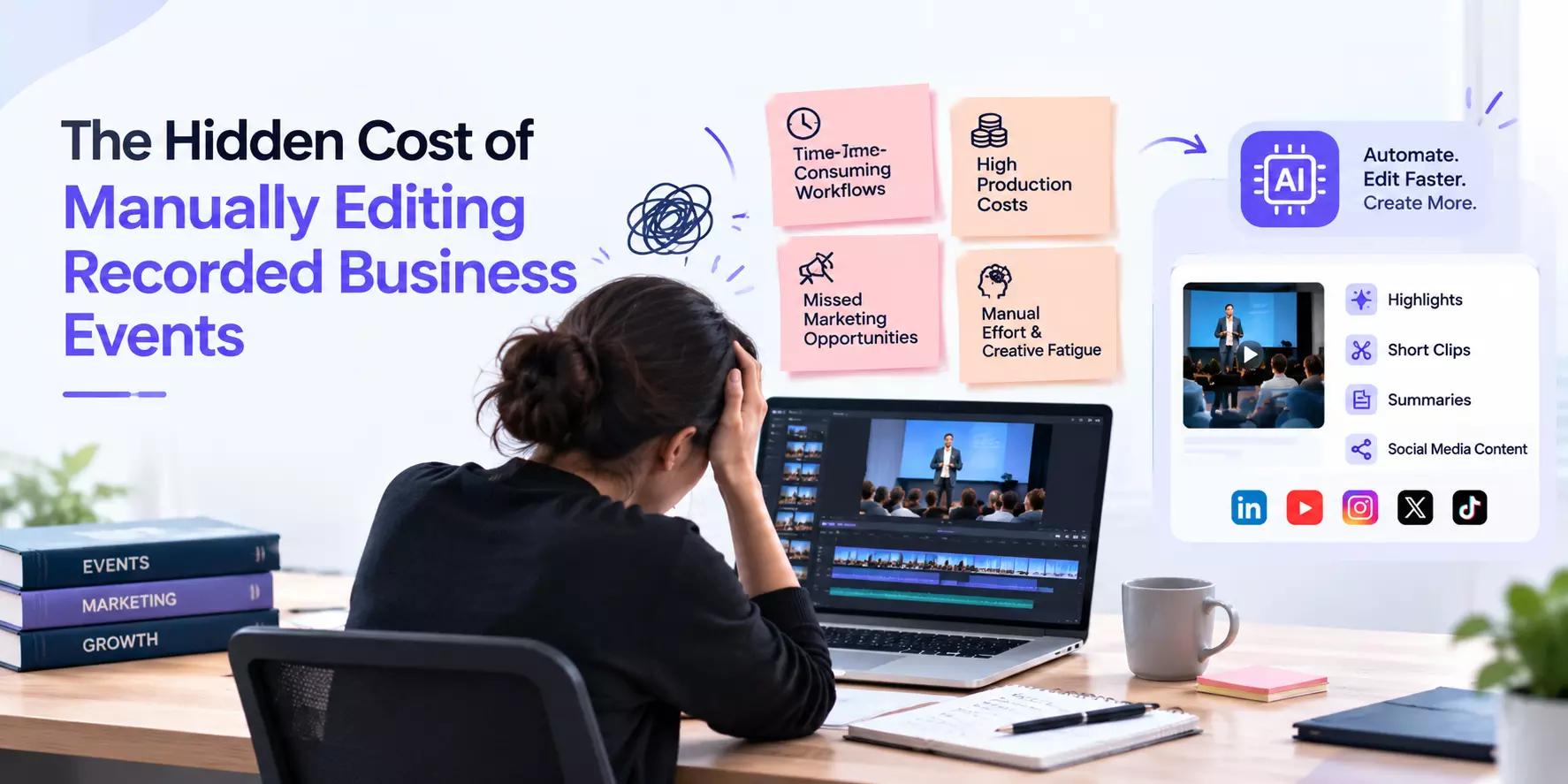
The Hidden Cost of Manually Editing Recorded Business Events
Manual editing costs more than the time spent cutting footage. Reviewing recordings, creating multiple formats, handling revisions, and organizing files can quietly increase production expenses.
Businesses can control these costs through better planning, reusable templates, organized footage, and selective automation without compromising video quality.
A business conference ends, but the work continues. Hours of presentations, interviews, and panel discussions must be transformed into highlight videos, social media clips, and recordings for employees or clients.
Each deliverable takes time, and the workload grows when several events need editing simultaneously.
Although manual video editing gives editors control over the final result, it can increase event video editing time and make producing business content slower and more expensive than expected.
Understanding where these expenses originate helps businesses improve efficiency without sacrificing the quality of their videos.
1. Finding Useful Moments Takes More Time Than Expected
Before editing begins, someone must review the footage and identify moments worth keeping.
A full-day conference may contain hours of presentations, audience questions, and discussions, but only a few minutes may be suitable for a promotional event video editing.
Editors must locate strong statements, note timestamps, and check whether individual excerpts make sense outside the original session.
For example, creating a short leadership highlight might require reviewing several keynote recordings before finding three relevant insights. That research time adds to the project cost, even though viewers never see it.
How to reduce the cost: Use session agendas, speaker notes, transcripts, and timestamps to locate important sections faster. These references help editors spend less time searching and more time shaping the final story.
2. Repetitive Tasks Increase the Editing Bill
Adding captions, adjusting audio, inserting speaker names, and applying branding may seem like minor tasks. However, repeating them across dozens of videos can consume substantial editing time.
This becomes particularly noticeable when businesses commission recordings from recurring conferences, training sessions, or corporate meetings.
A team might create separate videos for speakers, internal communications, and marketing campaigns. Each requires consistent branding, accurate captions, and suitable exports.
To control these expenses, establish reusable templates for titles, lower thirds, captions, and branded graphics. Export presets can also reduce repeated setup work.
Standardization does not mean every video must look identical. It simply removes repetitive steps, leaving editors more time for creative decisions that improve the finished content.
3. Multiple Formats Create Additional Work
A single keynote recording may need to become a full-length session, a short executive
recap, and several social media clips. Although these assets use the same source material, they often require separate adjustments.
Horizontal footage may need careful reframing for vertical viewing. Captions might need repositioning, while shorter versions require different openings and tighter pacing.
These additional steps increase event video editing time, especially when format requirements are decided after the first version is complete.
The solution is to establish deliverables before editing begins. Confirm video lengths, aspect ratios, platforms, and intended audiences so editors can plan the footage around multiple outputs.
This preparation reduces unnecessary rebuilding and helps businesses get more value from their original recordings.
4. Client Revisions Quietly Expand Project Costs
An edit may appear complete until stakeholders request changes. They might want a shorter introduction, updated speaker details, different branding, or another section included.
Every revision requires time to reopen the project, make changes, export another version, and check the result. Scattered feedback can create further delays when editors must reconcile conflicting comments or identify the latest file.
These additional hours can significantly affect video editing costs.
Businesses can avoid much of this waste by appointing one person to consolidate feedback, setting review deadlines, and agreeing on revision limits before production begins.
It also helps to distinguish corrections from new requests. Fixing an incorrect name is different from changing the video's direction after approval. Clear expectations keep both work and budgets under control.
5. Disorganized Footage Makes Future Projects More Expensive
Old recordings can remain useful for months or years, but only if teams can find them.
Imagine a marketing team requesting a clip from a previous business summit. If recordings have unclear filenames or are scattered across storage locations, an editor must spend time locating the correct session and identifying the approved version.
This creates unnecessary work, particularly when businesses regularly reuse expert interviews, training recordings, or customer testimonials.
Maintain a consistent archive with descriptive filenames, event dates, speaker names, and topic labels. Keep essential project files and final exports organized in clearly identified folders.
A searchable archive makes future requests easier to fulfil and prevents teams from repeating work simply because existing footage is difficult to locate.
Read: Video Editing Services Singapore That Turn Ideas Into
6. Calculate the Full Cost of Production
The hourly editing rate rarely tells the complete story. A project may also involve footage review, file organization, revisions, multiple exports, and quality checks.
Consider a project requiring 20 editing hours at ₹1,500 per hour. The direct cost is ₹30,000. If searching, revisions, and file management add another eight hours at the same rate, the total reaches ₹42,000.
That is a 40% increase over the original estimate. These figures are illustrative, but they show how easily supporting tasks can affect event video production costs.
Businesses should track these activities across projects to understand where the budget goes.
Cost area
What to track
Footage review
Time spent finding usable moments
Editing
Hours needed for the first cut
Revisions
Time spent implementing feedback
Formatting
Effort required for additional versions
File management
Time spent organizing and retrieving assets
This breakdown makes it easier to identify expensive bottlenecks and improve future estimates.
7. Automate Tasks That Do Not Need Constant Manual Input
Not every editing task requires the same level of creative attention. Storytelling, pacing, and emotional tone benefit from human judgment, while some repetitive activities can be assisted by technology.
AI-assisted tools can transcribe recordings, locate potential highlights, generate captions, and suggest short clips. Editors can then review these outputs instead of starting every task from scratch.
For businesses producing business event videos at scale, these time savings can become significant across multiple projects.
However, automation is not automatically cheaper. Subscription fees, staff training, corrections, and quality checks must also be considered. Choose tools that solve a specific problem and measure whether they reduce the total time required to deliver acceptable results.
The aim is to combine automation with editorial expertise, not replace careful editing with unchecked output.
Reduce Hidden Costs Without Sacrificing Quality!
The real expense of manually editing recorded events often comes from small tasks repeated across an entire project. Searching for footage, recreating graphics, managing revisions, and preparing multiple formats can gradually increase production budgets.
Start by reviewing one recent project and identifying where the most time was lost. Improve that area first, whether through clearer briefs, reusable templates, organized archives, or selective automation.
A more efficient process helps businesses turn recorded events into useful content while keeping production expenses predictable.