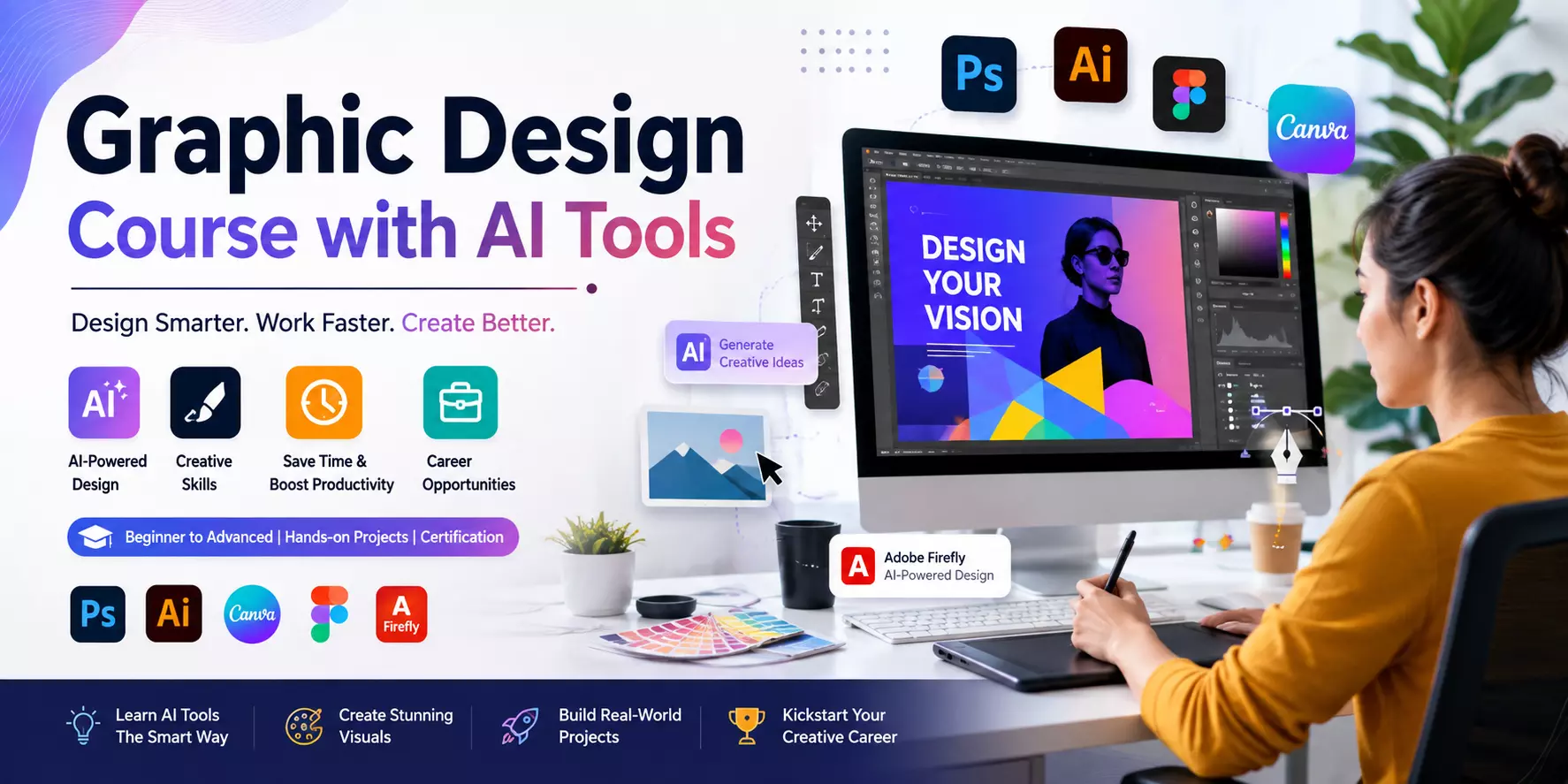
Graphic Design Course with AI Tools
Graphic design has evolved significantly in recent years, and Artificial Intelligence (AI) is now transforming how designers work.
From creating stunning visuals to editing images in seconds, AI tools have made the design process faster, smarter, and more creative.
A Graphic Design Course with AI Tools helps students learn traditional design principles while also mastering the latest AI-powered technologies.
Whether you're a beginner, student, freelancer, or business owner, learning AI-assisted graphic design can improve your creativity and productivity while preparing you for today's digital job market.
In this article, we'll explore what a Graphic Design Course with AI Tools includes, its benefits, career opportunities, and why now is the perfect time to learn.
What Is a Graphic Design Course with AI Tools?
A Graphic Design Course with AI Tools combines fundamental graphic design concepts with modern AI-powered software that simplifies creative work.
Instead of replacing creativity, AI supports designers by automating repetitive tasks, generating ideas, and speeding up workflows.
Students learn how to create professional designs for:
- Social media posts
- Business branding
- Marketing materials
- Website graphics
- Posters and banners
- Product packaging
- Presentations
- Digital advertisements
The course focuses on building both creative thinking and practical technical skills.
AI Tools Used in Graphic Design
Modern graphic designers use a variety of AI-powered tools to increase efficiency and produce high-quality work.
Some commonly used tools include:
- Adobe Firefly for AI-generated graphics and image editing
- Canva AI for quick design creation and content generation
- Adobe Photoshop AI Features for object removal, generative fill, and image enhancement
- Adobe Illustrator AI for vector artwork and design assistance
- Figma AI for UI/UX design and rapid prototyping
- ChatGPT for generating design ideas, marketing copy, and creative concepts
- Microsoft Designer for creating promotional graphics with AI assistance
Learning these tools gives students a competitive advantage in today's creative industry.
What Will You Learn?
A comprehensive Graphic Design Course with AI Tools typically covers:
Graphic Design Fundamentals
- Color theory
- Typography
- Layout design
- Visual hierarchy
- Branding basics
- Design principles
Industry Software
Students gain hands-on experience with:
- Adobe Photoshop
- Adobe Illustrator
- Canva
- Figma
- CorelDRAW (in some courses)
AI-Powered Design Skills
You'll also learn how to:
- Generate creative design ideas using AI
- Create marketing visuals quickly
- Remove backgrounds automatically
- Improve image quality
- Design logos with AI assistance
- Create social media content faster
- Write effective prompts for AI tools
These skills help designers complete projects efficiently without compromising creativity.
Benefits of Learning Graphic Design with AI
Faster Workflow
AI automates repetitive tasks, allowing designers to spend more time on creative decisions.
Better Creativity
AI provides fresh ideas, layouts, color palettes, and inspiration that help overcome creative blocks.
Higher Productivity
Designers can complete more projects in less time, making them more valuable to clients and employers.
Industry-Relevant Skills
Companies increasingly seek professionals who understand both traditional design and AI-powered workflows.
Freelancing Opportunities
AI-enabled designers can deliver work faster, improving client satisfaction and increasing earning potential.
Read: Motion Graphic Designer + Best Web Development Course
Who Should Join This Course?
This course is ideal for:
- Students
- Beginners
- Marketing professionals
- Entrepreneurs
- Freelancers
- Content creators
- Social media managers
- Small business owners
No advanced design experience is required for most beginner-level courses.
Career Opportunities
After completing a Graphic Design Course with AI Tools, you can explore roles such as:
- Graphic Designer
- Social Media Designer
- Branding Designer
- Visual Designer
- UI Designer
- Marketing Designer
- Creative Executive
- Freelance Graphic Designer
- AI-Assisted Content Designer
Many professionals also choose freelancing, offering services on platforms like Upwork, Fiverr, and LinkedIn.
Why Learn AI in Graphic Design?
AI is not replacing graphic designers—it is changing how they work. Successful designers use AI to enhance productivity while relying on their creativity, communication, and design thinking to produce unique and impactful visuals.
By understanding AI tools, you can adapt to modern industry demands, complete projects more efficiently, and stay competitive in an evolving job market.
Tips for Success
To make the most of your learning journey:
- Practice designing every day.
- Build a strong portfolio with diverse projects.
- Learn both manual and AI-assisted design techniques.
- Follow current design trends.
- Take feedback seriously and keep improving.
- Stay updated with new AI tools and software features.
Consistent practice and continuous learning are key to becoming a successful graphic designer.
Conclusion
A Graphic Design Course with AI Tools is an excellent choice for anyone looking to build a future-ready creative career. By combining traditional design knowledge with powerful AI technologies, you can create professional-quality designs more efficiently and confidently.
Whether your goal is to secure a design job, start freelancing, or grow your business, learning AI-assisted graphic design will help you stay ahead in a competitive digital world. The future of graphic design belongs to professionals who embrace creativity and technology together.
Frequently Asked Questions (FAQs)
1. What is a Graphic Design Course with AI Tools?
It is a training program that teaches graphic design fundamentals along with AI-powered tools such as Adobe Firefly, Canva AI, Photoshop AI, and Figma AI.
2. Do I need prior design experience?
No. Most beginner courses start with the basics and gradually introduce advanced concepts and AI tools.
3. Which AI tools are commonly taught?
Popular tools include Adobe Firefly, Canva AI, Photoshop AI features, Illustrator AI, Figma AI, ChatGPT, and Microsoft Designer.
4. Can AI replace graphic designers?
No. AI helps automate repetitive tasks, but creativity, strategy, and human judgment remain essential for producing meaningful and original designs.
5. What career opportunities are available after this course?
You can work as a Graphic Designer, Visual Designer, Branding Designer, Social Media Designer, UI Designer, or Freelance Graphic Designer, among other creative roles.
6. Is learning AI in graphic design worth it?
Yes. AI skills improve productivity, expand creative possibilities, and increase your value in today's design and marketing industries.