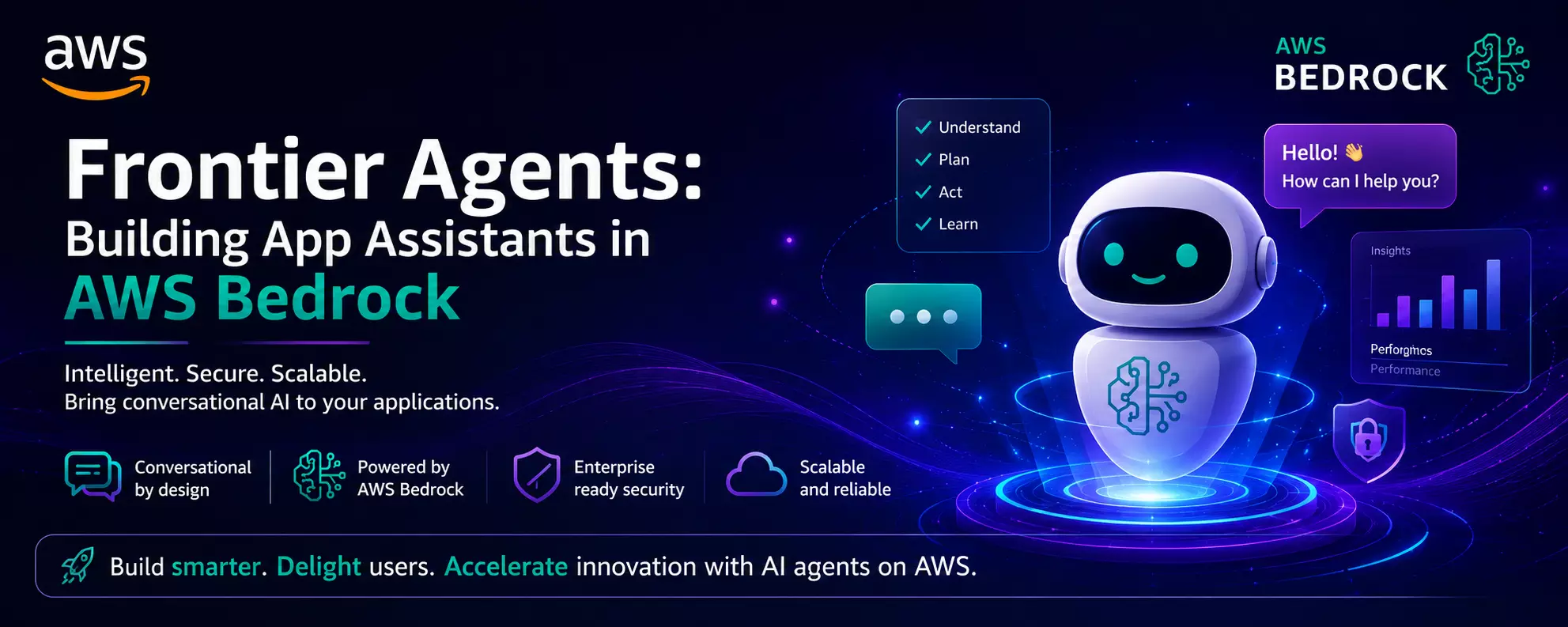
Frontier Agents: Building App Assistants in AWS Bedrock
In many projects, teams spend a surprising amount of time answering repetitive questions from users. Employees ask where to find reports. Customers need help navigating applications. Support teams become overloaded with simple requests.
I have seen organizations solve this problem by adding intelligent assistants directly inside their applications. AWS Bedrock is an important platform used to build these assistants without the need to manage complex infrastructure.
As a result, user experience gets faster and more helpful. AWS Online Course helps professionals learn how to build and deploy intelligent application assistants using AWS Bedrock services.
Why Application Assistants Are Becoming Important
Modern business applications contain large amounts of information. Users often struggle to find what they need.
Imagine a sales application. A salesperson wants to know why an order is delayed. Instead of opening multiple screens, they ask the assistant:
Why is Order 4587 delayed?
The assistant gathers information and provides an answer within seconds. That is where frontier agents become useful. Beyond answering questions these agents understand requests, collect data, make decisions, and perform actions across various connected systems.
Understanding AWS Bedrock in Simple Terms
AWS Bedrock refers to the managed service from AWS. It enables developers to build conversational applications with the help of foundation models. Thus, one does not need to manage servers or model infrastructure.
Beginners may consider Bedrock as a platform that offers access to powerful language models and tools using simple APIs.
Developers need to focus on application logic instead of spending time on machine learning operations.
Component
Purpose
- Foundation Models
- Generating responses and understanding requests
- Knowledge Bases
- Connecting business documents and data
- Agents
- Planning tasks and performing actions
- APIs
- Connecting the applications with Bedrock
What Makes a Frontier Agent Different?
A basic chatbot answers questions. A frontier agent goes much further.
It is capable of:
- Understanding user intent
- Breaking task into steps
- Retrieving information
- Calling business APIs
- Completing actions
- Returning the results
The AWS Course in Pune is designed for beginners and offers the best hands-on guidance from scratch.
Building an Assistant with Bedrock Agents
Most projects follow a similar pattern.
Step 1: Define the Business Goal
Begin with a specific use case.
Examples include:
- HR support assistant
- Customer service helper
- Sales application guide
- IT help desk assistant
Do not try to solve every problem at once. Focused assistants perform better.
Step 2: Connect Business Knowledge
Reliable information is important for assistant needs.
Many organizations connect:
- PDF documents
- Product manuals
- Internal policies
- Knowledge repositories
Every time users ask questions, the assistant collects relevant information before they generate a response. As a result, inaccurate answers reduce significantly.
Step 3: Add Business Actions
Projects become interesting at this point. The assistant connects with APIs and backend systems for efficiency.
For example:
User Request
Agent Action
- Check order status
- Query order system
- Create support ticket
- Calling the ticketing API
- Generate report
- Triggering reporting service
- Reset password
- Launching security workflow
The above actions generate real business value. This is because the users complete tasks from a single interface. The AWS Course in Chennai follows every industry-relevant trend to ensure the best guidance.
Read: AWS Course in Pune – Learn Cloud Fundamentals, DevOps
A Real-World Scenario
Consider a retail company where store managers check the inventory levels frequently. They also request stock transfers between the locations.
Without an assistant:
- Open inventory system.
- Search product.
- Check stock.
- Submit transfer request.
With a Bedrock-powered assistant:
Check stock for Product X and transfer 50 units from Mumbai to Kolkata.
The agent then collects inventory data and begins the transfer workflow. The process becomes faster and easier.
Security and Governance Matter
Business applications handle sensitive information. I have seen successful projects spend considerable effort on security before deployment.
Common practices include:
- Role-based access control
- Data encryption
- Audit logging
- API authentication
- User permission validation
A finance employee should only see finance data. An HR user should only access HR records. These controls are essential.
Common Beginner Mistakes
Several patterns appear repeatedly.
- Trying to automate too many processes initially.
- Use of poorly organized business documents.
- Ignoring the permission controls.
- Deploying without thoroughly testing the real user questions.
- Building complex workflows before simple ones get validated.
Start small. Measure user feedback. Expand gradually. This approach leads to better results.
Conclusion
Frontier agents built with AWS Bedrock have changed how users interact with the business applications. Users can now ask questions and complete tasks using a conversational interface. This eliminates the need to navigate multiple screens.
Beginners can join the Amazon Web Services Certification Training for the right guidance in this field. Modern projects succeed with reduced effort, faster decision making, and a smooth experience for both employees and customers. Organizations must focus on practical use cases to get maximum benefits.