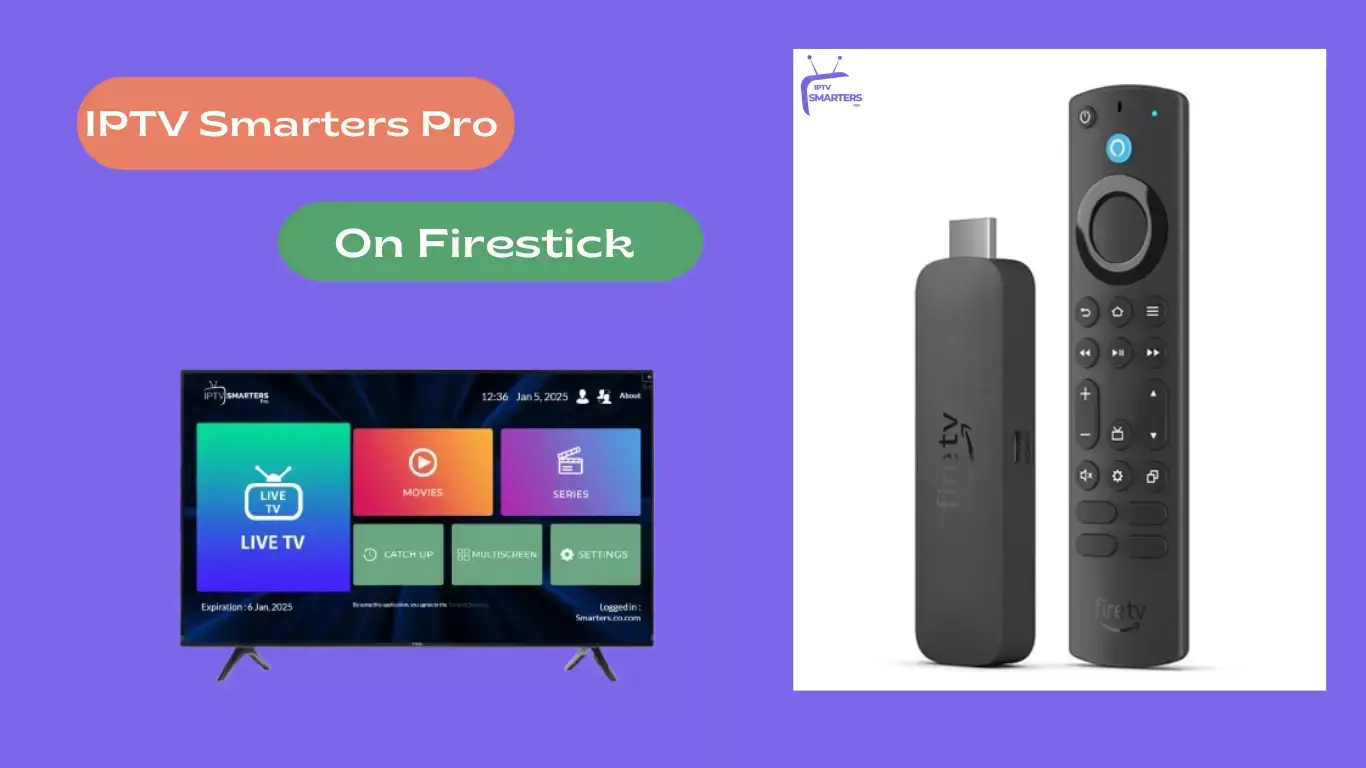
Firestick IPTV: 10 Powerful Ways to Upgrade Your Streaming Experience
A properly optimized Firestick IPTV setup can transform the way we enjoy internet-based television. While the Firestick provides a convenient platform for streaming, the quality of the experience depends on much more than the device itself.
Network stability, application performance, display configuration, storage, audio settings, and the quality of the IPTV service all contribute to reliable playback.
Many viewers accept buffering, slow navigation, poor picture quality, or confusing channel lists as unavoidable. In reality, several practical improvements can make the setup noticeably more efficient.
The key is to focus on the entire streaming environment rather than changing random settings. A stable network, compatible software, sensible device configuration, and a reliable IPTV service create the foundation for a smoother experience.
Below are 10 powerful ways to upgrade Firestick IPTV streaming while keeping the setup practical and easy to manage.
1. Upgrade Your Internet Connection
The internet connection is the foundation of IPTV streaming.
Unlike traditional television, IPTV depends on continuous data transmission. If the connection becomes unstable, the stream may pause, reduce quality, or stop completely.
We should focus on stability as well as speed.
A connection can have impressive advertised speeds while still suffering from wireless interference or congestion.
Improve Your Wi-Fi Environment
We can improve network performance by:
- Positioning the router in a central location.
- Reducing unnecessary obstacles between the router and Firestick.
- Limiting heavy downloads during streaming.
- Disconnecting devices that are consuming unnecessary bandwidth.
- Restarting the router when connectivity becomes unstable.
- Using a supported wired network connection where practical.
If multiple household devices are streaming simultaneously, network congestion can become particularly noticeable.
2. Optimize Firestick Display Settings
The second upgrade involves the television output.
The Firestick should be configured to work appropriately with the connected television.
We should check the display resolution and use a supported format. Automatic display configuration can be useful when available because the Firestick and television can determine a compatible output.
However, we should not assume that selecting the highest resolution automatically creates a better picture.
The original IPTV source must actually provide the desired quality. A low-resolution source cannot become genuine 4K simply because the Firestick is configured to output 4K.
Check HDR Compatibility
If the television supports HDR, we should review the Firestick's HDR settings.
Automatic HDR behavior can be preferable when available because different programs may use different formats.
The objective is to achieve accurate and consistent picture quality, rather than forcing every stream into the same format.
3. Enable Frame Rate Matching When Appropriate
Some compatible Fire TV devices and applications support automatic frame-rate matching.
Different types of content can be produced at different frame rates. Matching the output to the original content can sometimes make motion appear more natural.
The exact experience depends on the television, Firestick model, and IPTV application.
We should test the setting and keep it enabled if it improves playback on our equipment.
Read: Strong 8K IPTV Player Features That Feel 10 Years Ahead of
4. Use a Reliable IPTV Application
The IPTV application acts as the interface between the Firestick and the service.
A good application should make it easy to browse channels, search for content, manage favorites, view program information, and control playback.
We should use an application officially supported by the IPTV service whenever possible.
Keep the App Updated
Application updates can provide:
- Bug fixes
- Security improvements
- Compatibility updates
- Performance enhancements
- Interface improvements
If an IPTV application starts crashing or behaving unexpectedly, checking for an official update should be one of the first troubleshooting steps.
We should avoid modified applications from unknown sources because they can introduce unnecessary security and reliability risks.
firestick iptv Subscription
A firestick iptv Subscription is one of the most important components of the overall setup.
The Firestick provides the hardware, but the subscription determines what programming and service features are available.
We should therefore evaluate IPTV services carefully rather than choosing one based solely on the number of advertised channels.
5. Choose a Reliable IPTV Service
A large channel list does not automatically mean a better IPTV experience.
We should consider:
- Streaming reliability
- Content availability
- Video quality
- Application compatibility
- EPG support
- Customer service
- Pricing transparency
- Device compatibility
- Subscription terms
- Content licensing
A dependable service that consistently delivers the programming we want is generally more valuable than a provider making unrealistic promises.
Check Content Licensing
IPTV technology is legitimate, but individual services may differ in how they obtain and distribute content.
We should choose services that have the appropriate rights to distribute their programming.
Providers that advertise premium copyrighted content without credible licensing information should be approached cautiously.
6. Organize Your IPTV Channels
Large IPTV channel lists can make navigation frustrating.
One of the simplest upgrades is to organize the content we actually watch.
Use Favorites
If the application supports favorites, we can create a personalized list of frequently watched channels.
This eliminates the need to scroll through a large catalog every time we want to watch something.
Use Categories
Categories can also make navigation easier.
We can organize channels according to available classifications such as news, entertainment, sports, movies, or regional programming when those categories are provided by the service.
Use Search
A good search function is particularly useful when an IPTV service contains a large amount of content.
Instead of browsing manually, we can search for a channel or program directly.
7. Make Better Use of the EPG
The Electronic Program Guide (EPG) is another valuable feature.
An EPG can show current and upcoming programming, making it easier to decide what to watch without opening individual channels.
A properly configured guide can provide:
- Program titles
- Start and end times
- Channel information
- Program descriptions
- Upcoming schedules
If the EPG becomes outdated, we can refresh or synchronize it through the application's supported settings.
If information remains incorrect, the problem may be related to the provider's program data rather than the Firestick.
8. Improve Firestick Performance
A slow Firestick can make IPTV feel unnecessarily frustrating.
The device does not need constant maintenance, but several simple practices can keep it easier to manage.
Remove Unused Applications
We should review installed applications and remove software we no longer use.
This can free storage and simplify the Fire TV interface.
Clear Temporary Cache
If an IPTV application becomes sluggish, clearing its temporary cache may help when that option is available.
We should be careful not to confuse cache clearing with deleting application data.
Deleting application data can remove stored settings and may require us to sign in again.
Restart the Device
A restart can resolve temporary software issues.
If applications freeze, menus become sluggish, or playback suddenly behaves differently, restarting the Firestick is a simple first step.
9. Upgrade Your Audio Experience
Streaming quality is not only about video.
The Firestick can be connected to a television, soundbar, or home theater system, and the audio configuration should match the equipment being used.
If we experience missing sound or audio compatibility problems, we should check:
- Television volume
- Mute settings
- HDMI connection
- Firestick audio settings
- Soundbar configuration
- Receiver compatibility
- IPTV application audio options
Testing another application can help determine whether the issue is specific to IPTV or affects the entire Firestick.
Improve the Listening Environment
Even without purchasing new equipment, we can improve the experience by positioning speakers appropriately and adjusting television or soundbar settings for clearer dialogue.
For households that regularly watch movies or live events, a compatible soundbar or home theater system can provide a substantial improvement over basic television speakers.
10. Maintain Your Entire Streaming Setup
The final upgrade is often overlooked: regular maintenance.
A good Firestick IPTV setup should be treated as a complete system.
We should periodically check:
Internet → Router → Firestick → IPTV application → Subscription → Television
If one component develops a problem, the entire experience can suffer.
Keep Software Current
We should install legitimate Fire TV and application updates when they become available.
Updates can improve security, compatibility, and performance.
Monitor Storage
Avoid allowing the device to become overloaded with unnecessary applications.
Check HDMI Connections
If the screen intermittently disappears or the television reports an input problem, verify that the HDMI connection is secure.
Restart When Necessary
A restart can clear temporary problems without requiring complicated changes.
How to Reduce Firestick IPTV Buffering
Buffering is one of the most common complaints among IPTV users.
Before changing advanced settings, we should identify the source of the problem.
Test Another Application
Open another legitimate streaming service.
If it also buffers, investigate the internet connection.
Test Several IPTV Channels
If only one channel buffers, the problem may be associated with that particular stream.
If every IPTV channel buffers while other streaming services work normally, the IPTV service or application deserves closer attention.
Reduce Network Congestion
Pause unnecessary downloads, cloud backups, and other bandwidth-heavy activities.
Check Router Placement
A stronger and more stable Wi-Fi connection can make a noticeable difference.
How to Improve IPTV Picture Quality
- Picture quality depends on several factors.
- The original content source, internet connection, IPTV application, Firestick output, and television all contribute to the final image.
- We should therefore avoid blaming the Firestick automatically.
- If the source itself is low quality, no device setting can turn it into genuine high-resolution content.
- For the best results, we should use a compatible display configuration and select an IPTV stream quality that our network can maintain consistently.
- A stable HD stream is often better than a higher-resolution stream that repeatedly buffers.
How to Make IPTV Navigation Faster
A good interface can make a surprisingly large difference.
We can improve navigation by:
- Creating favorites.
- Using search.
- Organizing available categories.
- Keeping the EPG synchronized.
- Removing unnecessary applications.
- Learning the most useful remote-control shortcuts supported by the device and application.
The less time we spend searching for content, the more useful the service becomes.
Security Tips for Firestick IPTV
- Performance should never come at the expense of security.
- We should use strong passwords for IPTV accounts and avoid installing software from suspicious sources.
- Applications should come from trustworthy or officially supported sources whenever possible.
- We should also be cautious when providing personal or payment information.
- A legitimate IPTV provider should offer clear information about its service, pricing, privacy practices, and content distribution rights.
Avoid Questionable IPTV Services
Extremely cheap services offering huge collections of premium copyrighted programming without credible licensing information should raise concerns.
We should prioritize legitimate content, transparent business practices, and reliable customer support.
Best Firestick IPTV Setup for Everyday Streaming
A practical setup does not need dozens of applications or complicated modifications.
A strong configuration can include:
Component
Recommended Approach
Internet
Stable, reliable connection
Wi-Fi
Strong signal with minimal interference
Firestick
Updated software
IPTV App
Officially supported application
Display
Television-compatible resolution
HDR
Appropriate automatic configuration where available
Audio
Compatible output for TV or sound system
EPG
Refreshed and synchronized
Favorites
Frequently watched channels saved
Storage
Unused applications removed
Subscription
Legitimate and transparent provider
This approach keeps the system simple while addressing the areas that have the greatest effect on everyday streaming.
What Not to Do With Firestick IPTV
Improving streaming does not mean changing everything.
We should avoid:
- Installing unknown modified applications.
- Changing advanced settings without understanding them.
- Assuming the highest resolution is always best.
- Blaming the IPTV provider for every buffering problem.
- Ignoring subscription restrictions.
- Filling the device with unnecessary applications.
- Using services with unclear content rights.
- Sharing account credentials unnecessarily.
A simple and properly maintained setup is generally easier to troubleshoot and more reliable.
Final Thoughts
There are many ways to improve a Firestick IPTV setup, but the biggest gains usually come from getting the fundamentals right.
A stable internet connection provides the foundation. Proper display and audio settings help the Firestick communicate effectively with the television. A reliable IPTV application makes content easier to navigate, while favorites, search, and EPG features improve everyday usability.
The firestick iptv Subscription also deserves careful consideration. We should evaluate providers based on reliability, content availability, compatibility, transparent pricing, customer support, and legitimate content licensing rather than focusing only on the number of channels advertised.
The 10 most effective upgrades are straightforward:
- Improve internet stability.
- Optimize display settings.
- Use frame-rate matching when appropriate.
- Choose a supported IPTV application.
- Select a reliable IPTV subscription.
- Organize channels and favorites.
- Use the EPG effectively.
- Maintain Firestick performance.
- Improve audio configuration.
- Keep the complete setup updated and secure.
When these improvements are combined, we can create a smoother, faster, more organized, and more reliable Firestick IPTV experience without unnecessary complexity.
The best setup is not the one with the most applications or the most aggressive settings. It is the one in which the network, device, application, television, and legitimate IPTV service work together efficiently.