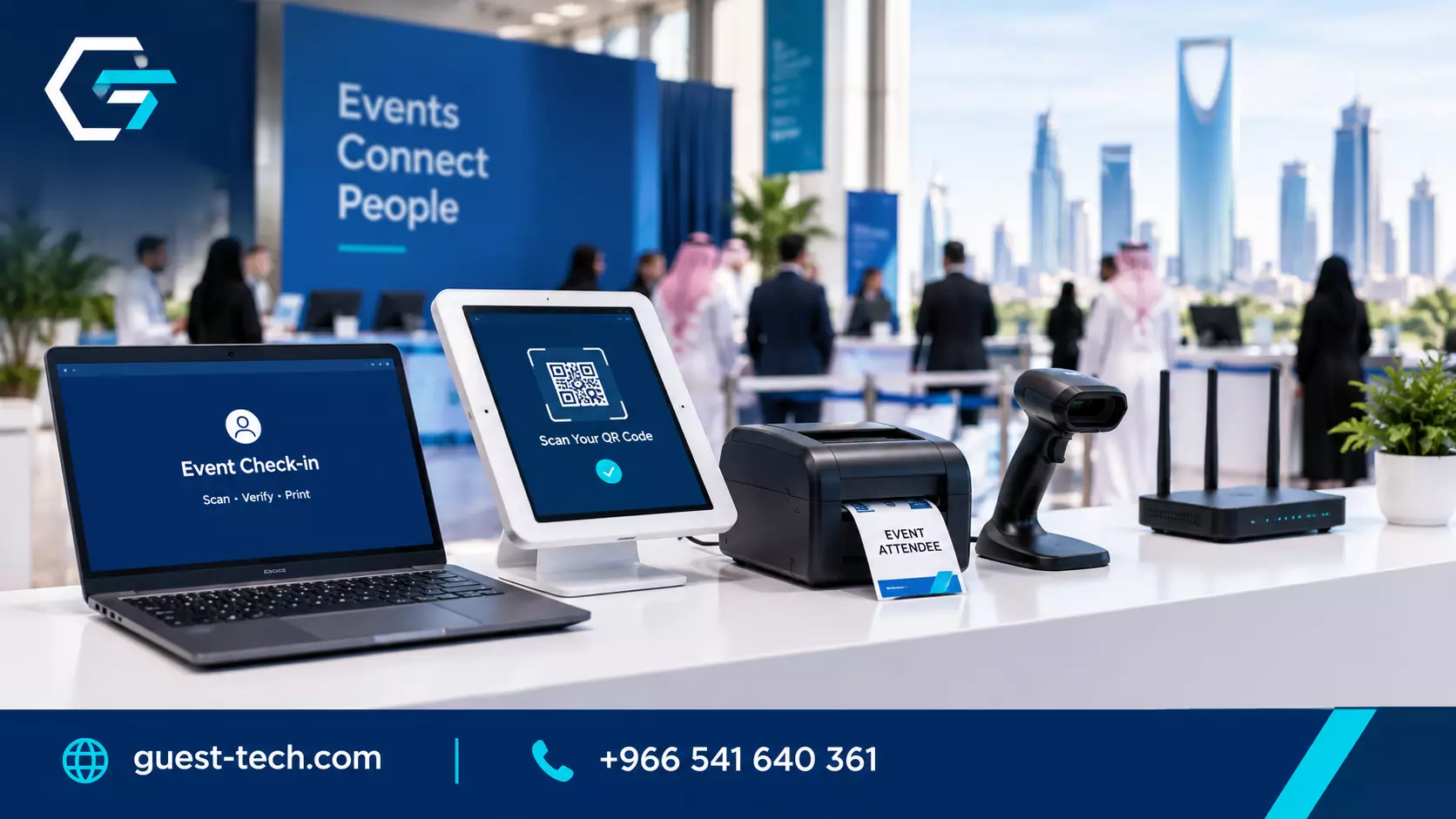
Event Hardware Solutions in Saudi Arabia: What to Rent and Why
Every event depends on hardware you rarely think about until it fails. The check-in tablet stops charging, a printer runs out of ribbon, or a laptop at the registration desk refuses to connect to the guest list.
In Saudi Arabia, where events range from small corporate briefings to large exhibitions, getting the hardware right is one of the most practical decisions an organizer makes.
Event hardware solutions in Saudi Arabia cover the devices, the setup, and the support needed to keep the front of house running, and most teams are better off renting them than buying.
This guide looks at which devices matter most for registration and check-in, how to decide what to rent, and what to confirm before you sign. If you already know you need devices for your event, the electronic devices available through Guest Tech are a good place to start comparing options.
Why event registration equipment rental makes sense
Event registration equipment is needed for a short window. A conference might run for three days, a trade show for a week, and a corporate offsite for a single afternoon.
Buying devices for that kind of use means paying for hardware that sits in storage for most of the year, needs charging and updates, and eventually becomes outdated. Renting removes that burden and lets you choose equipment that matches each event.
Rental also brings support. A reputable provider delivers the devices configured, tests them before the event, and can replace a faulty unit quickly. That matters more than most organizers expect, because a single broken scanner at a busy entrance can slow the entire line.
The devices that run check-in
Most registration desks rely on a small set of devices. Tablets or laptops run the check-in software. Badge printers produce credentials on site. Scanners read QR codes or barcodes from confirmation emails.
Routers keep everything connected when the venue network is weak or unreliable. Each device has a role, and the setup only works when they all communicate correctly.
Think about the desk as a whole rather than one device at a time. A tablet with a fast scanner is no use if the printer sits on a different network, and a laptop with a large screen can slow the line if the staff member has to scroll through a long list.
Ask your provider to show you the complete setup, including how the devices connect, before you commit.
Laptop rental for registration and onsite work
Laptops are the workhorse of many registration desks, especially when staff need to search records, edit guest details, or run reports during the event.
They offer more processing power and a larger screen than most tablets, and they handle multiple windows at once, which helps when a guest's details need correcting while the next person is already waiting.
If your team is comfortable with a laptop-based check-in, the laptop rental service can supply machines for the desks, backup stations, and the back office.
Ask how the laptops are configured, whether they have the check-in software preinstalled, and what happens if one has a battery problem during a long day.
Technical equipment for the wider event
Registration is only one part of the event. Speakers, sponsors, and exhibitors often need equipment that goes beyond the check-in desk, such as screens, presentation devices, and power distribution.
Keeping those items with the same provider simplifies delivery, setup, and support, because one team can coordinate the whole installation rather than several vendors arriving at different times.
For larger requirements, the technical equipment rental range covers the wider setup that surrounds registration. When you request a quote, list every item and its location so the installer can plan power and cabling before the day.
Choosing devices that suit the event
The right setup depends on the event's size, layout, and guest flow. A small corporate meeting with a single entrance needs a simple desk, two devices, and one printer. A large exhibition with several entrances needs multiple check-in points, backup devices, and a clear plan for peak arrivals.
Start by mapping the guest journey. Where do people arrive? How long will they wait? Which guests need special handling, such as VIPs or pre-approved visitors?
The answers will tell you how many stations to set up and which devices each station needs. Overbuying leaves you paying for unused equipment, while underbuying creates queues that no amount of staff can fix.
Consider the staff too. Equipment that is easy to use reduces training time and the number of questions at the desk. A device that needs a long explanation before every shift will cause problems, even if its specifications look impressive on paper.
Testing the setup before the event
Plan a full test with the actual devices, software, and printers before the event opens.
Run a real guest record through the entire process, from lookup to badge printing to scanning at the first session. Repeat the test with the venue network turned off, so you know how the setup behaves when the connection drops.
A test is also the time to check power. Count the outlets at each station, confirm the voltage requirements of each device, and bring surge protection and extension cables. Many check-in problems are caused by a shared power strip under a table, not by the hardware itself.
Industry guides on check-in technology make similar points. A recent overview of self-service kiosks and instant badge printing from
TicketFairy's blog on fast-tracking event check-in explains why offline capability and backup power matter as much as the devices themselves, and that advice applies just as well in Saudi venues.
Questions to ask before you rent
Start with delivery and setup. Ask when the equipment will arrive, who will install it, and whether the venue needs advance permission for deliveries or cabling. Some venues have fixed loading windows, and missing one can push your installation back.
Next, ask about support during the event. Find out whether a technician will be on site, how quickly a faulty unit can be replaced, and who you contact outside working hours. A clear answer here is more useful than a long list of features.
Finally, ask for an itemized quote. Hardware, delivery, setup, technician time, and any consumables such as ribbon or card stock should each appear on their own line. A single total makes it hard to compare providers or to see where costs might rise if the event schedule changes.
Frequently asked questions
What does event hardware solutions in Saudi Arabia usually include?
Typically, they cover the check-in devices, printers, scanners, routers, and onsite setup, along with support during the event. Some providers also supply screens and power equipment for the wider venue. Ask for the full list so nothing is missed.
Is it better to rent event registration equipment or buy it?
For most organizations that run a few events a year, renting is more practical. It avoids storage and maintenance costs and lets you choose equipment that matches each event. Buying makes more sense only when events are frequent and there is in-house expertise to maintain the hardware.
How far in advance should I book event hardware?
Booking at least four to six weeks ahead gives the provider time to prepare, test, and schedule delivery. Larger events or events in venues with strict installation rules benefit from more lead time.
Do I need a technician on site?
For a first event, a large event, or a setup with several stations and printers, an onsite technician is usually worth the cost. For a small event run by a team that has used the equipment before, remote support may be enough.
Where Guest Tech Fits In
Guest Tech provides electronic devices, laptops, technical equipment, and printers for events, with onsite setup and support.
Teams planning their hardware can request a quote and share their guest numbers, check-in points, venue layout, and dates, so the equipment list matches the event rather than a generic package.