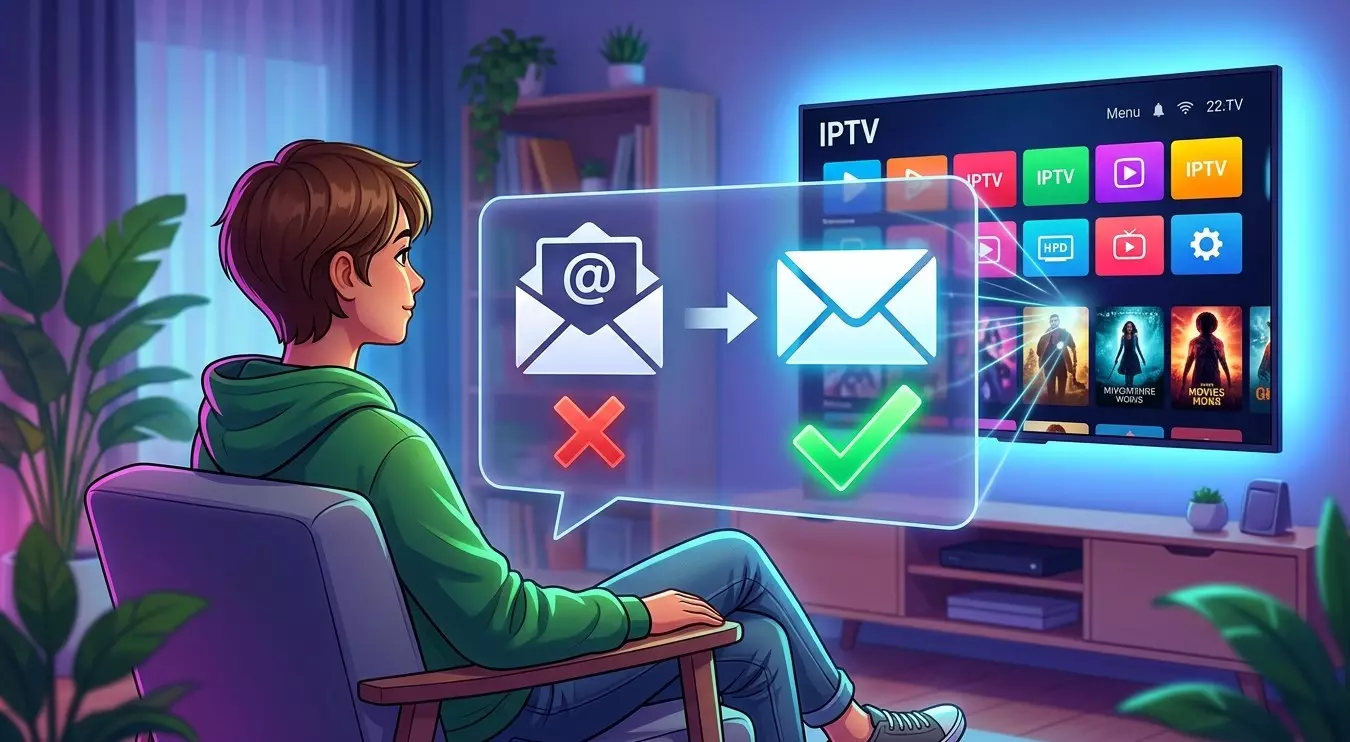
Does My IPTV Subscription Work If I Change My Email Address?
Email addresses change for all kinds of reasons, whether you're switching providers, consolidating accounts, or simply starting fresh.
If you're wondering whether this will disrupt your IPTV service, the good news is that in most cases, it doesn't have to. In this guide, we'll explain how email changes typically affect your IPTV India subscription, and what to do to keep your Indian IPTV Box running smoothly through the transition.
Table of Contents
- Will Changing My Email Affect My Subscription?
- How Email Addresses Are Typically Used
- Updating Your Email with Your Provider
- What Happens If You Don't Update It
- Separating Your Login Credentials from Your Email
- Steps to Take Before Switching Email Providers
- What to Do If You've Already Lost Access
- FAQs
Will Changing My Email Affect My Subscription?
In most cases, no, your actual IPTV service, meaning your ability to stream channels through your Indian IPTV Box, isn't directly tied to your email address on a technical level.
Your login credentials or M3U playlist link typically continue working independently of your email, since the email is usually just a contact and account management detail rather than part of the actual authentication process for streaming.
How Email Addresses Are Typically Used
Understanding what your email actually does for your account helps clarify why changing it usually isn't disruptive:
- Account identification and contact – Your provider uses your email to send renewal reminders, receipts, and important service announcements
- Password recovery – If you ever forget your password, your email is typically how you'd reset it
- Billing notifications – Payment confirmations and any billing issues are usually communicated through email
- Customer support communication – If you contact support, they may use your email on file to verify your identity
None of these functions directly control whether your IPTV India streams actually work day to day.
Updating Your Email with Your Provider
Even though your service likely won't be interrupted, it's still worth proactively updating your email on file:
- Log into your provider's account portal, if they offer a self-service dashboard
- Locate the account settings or profile section
- Update your email address to your new one
- Confirm the change, which sometimes requires verifying the new email through a confirmation link
- Double-check that the update was successful, perhaps by requesting a password reset to test receipt at the new address
If your provider doesn't offer self-service account management, contacting their customer support team directly to request the update is the next best option.
Read: XtremeHD IPTV: Redefining Home Entertainment in the
What Happens If You Don't Update It
If you simply stop using your old email without updating your provider, a few things could eventually become inconvenient:
- You won't receive renewal reminders, potentially leading to an accidental lapse in service if you forget your renewal date
- Password recovery becomes difficult, since you'd no longer have access to the email needed to reset your credentials
- Important service announcements may go unseen, such as notices about significant channel changes or technical updates
- Support verification could become more complicated, if a representative needs to confirm your identity using account details
While your actual streaming likely continues working in the short term, these downstream effects make updating your email a good idea regardless.
Separating Your Login Credentials from Your Email
It's worth understanding that your actual IPTV login, whether that's a username and password, an M3U link, or Xtream Codes credentials, is generally a separate piece of information from your account email:
- Your Indian IPTV Box or app uses these specific credentials to authenticate and load your channels, not your email directly
- Changing your email doesn't automatically change these login details, meaning your device setup should continue working without needing to be reconfigured
- This separation is exactly why your streaming isn't typically interrupted by an email change alone
Steps to Take Before Switching Email Providers
If you're planning to change your email address, especially if you're closing your old account entirely:
- Update your email with your IPTV provider first, before losing access to your old inbox
- Save your actual login credentials separately, such as your M3U link or username and password, in case you need them later
- Check for any pending renewal or billing confirmations that might still be sitting in your old inbox
- Set a reminder to verify everything transferred correctly, checking that notifications now arrive at your new email address
What to Do If You've Already Lost Access
If you've already changed emails without updating your provider, and now can't access your old inbox:
- Check whether your IPTV streaming is still working, since this is likely unaffected by the email issue alone
- Contact your provider's support team directly, explaining the situation and providing any account details you still have, like your username or subscription ID
- Be prepared to verify your identity through alternative means, such as billing information or your actual IPTV login credentials
- Request they update your email on file once your identity is confirmed, to avoid future complications
FAQs
1. Will my IPTV channels stop working if I change my email?
No, your actual streaming access is typically tied to separate login credentials, not your email address, so your channels should continue working normally.
2. Why should I bother updating my email if my service isn't affected?
Keeping your email current ensures you receive renewal reminders, billing notifications, and can recover your password if needed in the future.
3. Does my Indian IPTV Box need to be reconfigured after an email change?
No, since the device uses your actual login credentials rather than your email directly, no reconfiguration is typically necessary.
4. What if I lose access to my old email before updating my provider?
Contact your provider's support team directly, providing whatever account verification details you have, to request the update.
5. Is my email the same thing as my IPTV login credentials?
No, these are typically separate. Your email is for account management and communication, while your actual login or M3U link is what authenticates your streaming.