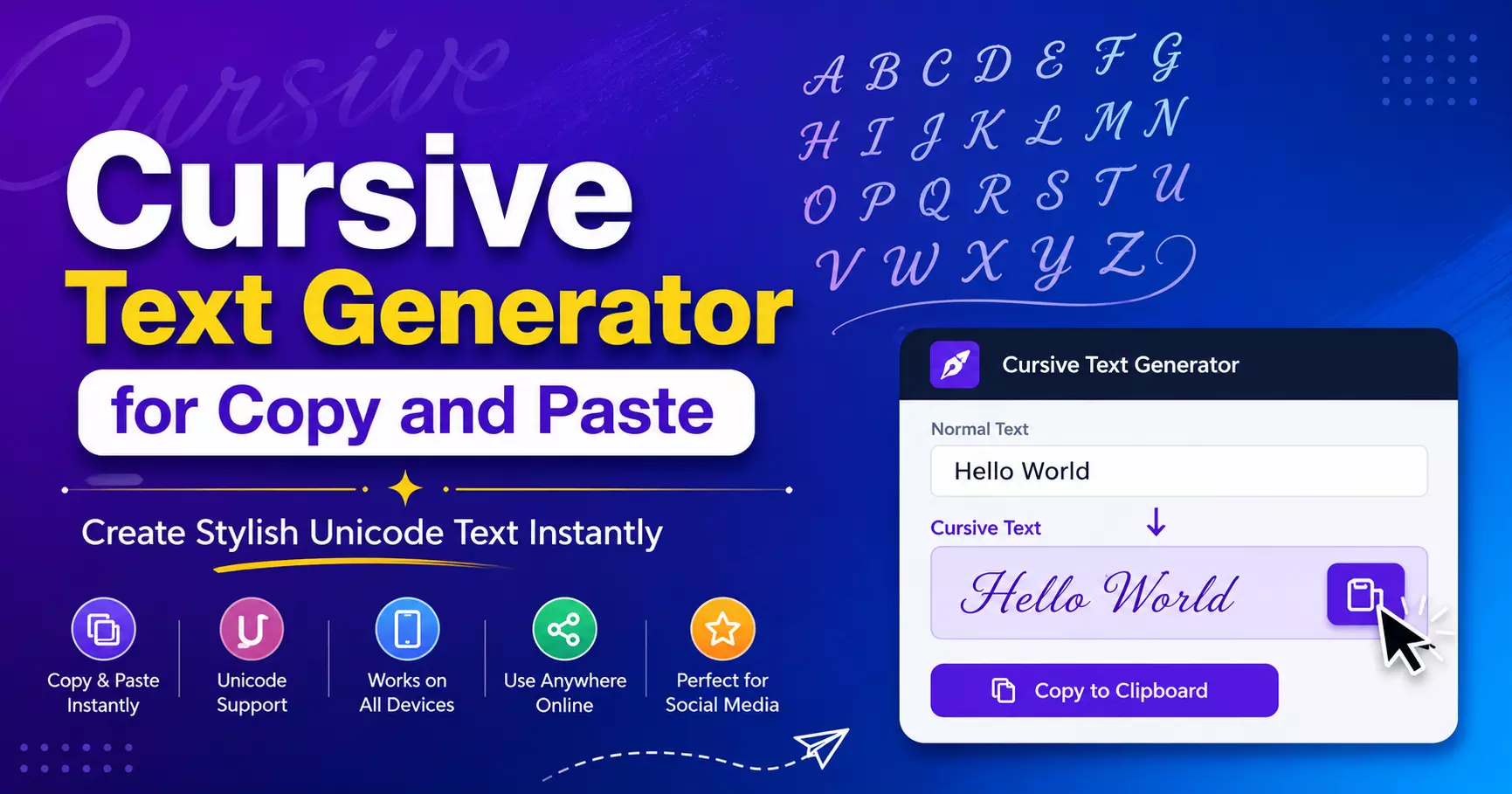
Cursive Text Generator for Copy and Paste: Create Stylish Unicode Fonts Instantly
A cursive text generator for copy and paste lets you instantly convert regular text into stylish cursive-looking Unicode characters. Unlike traditional fonts, these characters work across most social media platforms, messaging apps, gaming profiles, and online communities without requiring any installation.
Whether you're creating an eye-catching Instagram bio, a unique Facebook name, or stylish captions, a Unicode cursive generator makes the process quick and effortless.
How Does a Cursive Text Generator Work?
A cursive text generator doesn't actually change your font. Instead, it converts standard letters into Unicode symbols that resemble handwritten or script text. Since Unicode is supported by modern devices and browsers, you can simply:
- Type your text.
- Generate cursive styles.
- Copy the version you like.
- Paste it anywhere online.
This makes it compatible with platforms like Instagram, Facebook, TikTok, X, Discord, WhatsApp, and many others.
Benefits of Using Cursive Unicode Text
Some of the biggest advantages include:
- Easy copy-and-paste functionality
- No software installation required
- Works on desktop and mobile devices
- Perfect for social media branding
- Makes usernames and bios stand out
- Adds creativity to messages and captions
Read: When ChatGPT Gets It Wrong: Best AI Tools for Your Essay
Popular Uses
People commonly use cursive text for:
- Instagram bios
- Facebook profiles
- TikTok usernames
- Discord nicknames
- Gaming profiles
- WhatsApp status updates
- Creative blog headings
- Invitations and digital cards
Readability Matters
Although cursive Unicode text looks attractive, avoid writing long paragraphs entirely in decorative characters. They can become difficult to read and may reduce accessibility.
Instead, use stylish text for:
- Titles
- Headings
- Short quotes
- Usernames
- Social media bios
This keeps your content visually appealing while remaining easy to understand.
Why Unicode Instead of Fonts?
Traditional fonts only work inside applications that have those fonts installed. Unicode text, however, is made from special characters supported across most devices, making it much more portable.
That's why copy-and-paste text generators have become increasingly popular among content creators and social media users.
Conclusion
A cursive text generator for copy and paste offers a fast and convenient way to create elegant, stylish text without installing fonts or design software.
Whether you're personalizing your social media profiles or adding creativity to your online content, Unicode cursive text provides a simple yet effective solution.
Try the Cursive Text Generator to instantly transform ordinary text into beautiful cursive styles that you can copy and paste anywhere online.