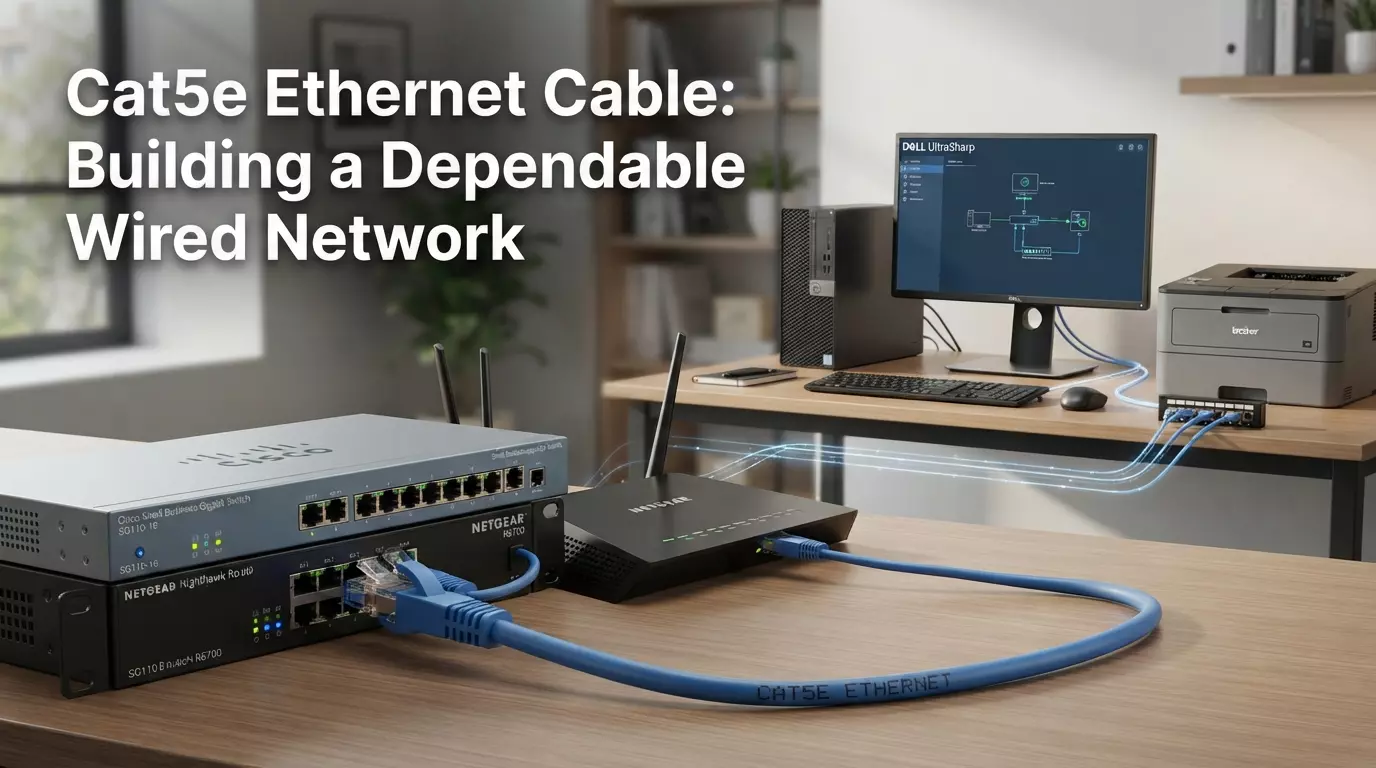
Cat5e Ethernet Cable: Building a Dependable Wired Network
A network is only as good as its weakest link, and for a lot of homes and businesses, that weak link is an overloaded Wi-Fi signal trying to serve too many devices at once.
Whether it's a video call that keeps freezing or a security camera that drops its feed at the worst possible moment, unreliable connectivity is more than an inconvenience. It gets in the way of actual work and daily life.
A cat5e ethernet cable offers a straightforward fix for a lot of these problems. As a wired connection, it isn't subject to the same interference, distance limitations, or congestion that wireless networks deal with.
For anyone building or upgrading a network, from a homeowner setting up a home office to an IT professional planning a commercial installation, Cat5e remains a practical, well-supported foundation.
Suppliers such as BN Cables offer Cat5e cable and related networking components, which makes it easier to put together a complete, dependable wired setup.
This guide walks through what goes into building a solid Cat5e network, from initial planning to final installation.
Why Build a Wired Network?
Wireless networks have come a long way, but wired connections still offer advantages that Wi-Fi can't fully replicate. Businesses and homes continue to rely on Ethernet because it delivers a level of consistency that wireless signals, by nature, struggle to match.
Wired vs. wireless reliability. A wired connection isn't affected by walls, distance from a router, or competing wireless signals from neighboring networks. Wi-Fi performance can fluctuate throughout the day depending on how many devices are active and what's happening around it; a wired connection generally stays steady.
Reducing dependence on Wi-Fi. Every device connected by cable is one less device competing for wireless bandwidth. This frees up Wi-Fi capacity for devices that genuinely need to be wireless, like phones and laptops that move around the space.
Stationary devices benefit most. Desktop computers, smart TVs, gaming consoles, printers, and security cameras don't need to move, which makes them ideal candidates for a wired connection. Since they stay in one place, running a Cat5e cable to each of them is a practical way to lock in a stable connection.
Understanding Cat5e Ethernet Cable
Cat5e, or Category 5 enhanced, is a twisted-pair copper cable built to carry data reliably between network devices. It improved on the original Cat5 standard by reducing crosstalk between the internal wire pairs, resulting in a cleaner signal.
Inside the cable are four pairs of copper wires, each pair twisted together. This construction helps limit electromagnetic interference and keeps the signal from degrading as it travels along the cable's length.
At each end of a Cat5e cable, you'll typically find an RJ45 connector. This small plastic connector is what plugs into the Ethernet port on a router, computer, switch, or other networking device, creating the physical link needed to transmit data.
Cat5e is commonly used to build the backbone of Ethernet networks, connecting everything from a single home office setup to a fully structured cabling system running through an entire building.
How Cat5e Helps Create a Dependable Network
Consistent wired connectivity. Because Cat5e relies on a direct physical connection, it avoids many of the fluctuations that come with wireless signals, resulting in more predictable day-to-day performance.
Gigabit Ethernet support. Under suitable conditions, Cat5e is capable of supporting Gigabit Ethernet speeds, which is sufficient for most home and business networking needs.
Avoiding wireless interference. Wired connections sidestep many of the interference issues that affect Wi-Fi, such as signal overlap from neighboring networks or interference from household electronics.
Reliable device-to-device communication. Cat5e provides a stable link between connected devices, which matters for tasks like file transfers, VoIP calls, or continuous video feeds from security cameras.
Cable quality and installation matter. Even a well-designed cable standard depends on decent build quality and correct installation to perform as expected. Cutting corners in either area can undermine the reliability a wired network is meant to provide.
Key Components of a Cat5e Wired Network
A typical Cat5e network connects several types of devices:
- Modems, providing the initial connection to an internet service.
- Routers, directing traffic across the network.
- Network switches, expanding the number of available wired connections.
- Desktop computers, benefiting from a stable, low-latency connection.
- Network printers, maintaining consistent connectivity in shared office settings.
- Smart TVs, supporting smoother streaming performance.
- Gaming consoles, reducing lag during online play.
- IP cameras, keeping a steady link for continuous recording.
- Wireless access points, which are often connected to the main network through a wired Ethernet backbone.
Understanding how these pieces connect helps clarify where Cat5e cable will actually be needed throughout a space.
Read: Plenum vs. Riser: Choosing the Right Ethernet Cable for Your
Planning Your Cat5e Network Before Installation
A little planning up front goes a long way toward avoiding headaches later.
- Identify which devices need a wired connection. Start by listing stationary devices that would benefit most, such as desktops, printers, and streaming equipment.
- Plan cable routes. Think through how cable will travel from the router or switch to each device, accounting for walls, floors, and ceilings.
- Measure required lengths. Take accurate measurements of each planned run, including any detours needed to avoid obstacles, and add a small margin without over-ordering.
- Decide on router and switch placement. Central, accessible locations generally make it easier to distribute cable runs efficiently throughout a home or office.
- Consider future expansion. If more devices might be added later, it can help to run a couple of extra cable drops or leave room in a patch panel for future connections.
- Avoid unnecessarily long runs and sharp bends. Keeping cable paths as direct and gentle as possible helps preserve signal quality and makes future maintenance easier.
Choosing the Right Cat5e Cable for Your Installation
Solid vs. stranded conductors. Solid-conductor Cat5e is generally used for permanent, in-wall installations, while stranded cable offers more flexibility and is better suited for patch cables that will be handled or moved.
UTP vs. shielded cable. Standard UTP Cat5e cable works well in most typical environments. Shielded Ethernet cable adds protection in spaces with more electromagnetic interference, such as near industrial equipment or heavy electrical wiring.
Riser vs. plenum-rated cable. Riser-rated cable is designed for vertical runs between floors, while plenum-rated cable is required in air-handling spaces like drop ceilings, due to its fire-retardant jacket.
Cable lengths. Cat5e is available in a range of lengths, from short patch cables to long bulk spools for larger structured cabling projects.
Conductor materials and construction. Pure copper conductors tend to offer more consistent performance than copper-clad alternatives, and well-built cable holds up better over time.
Jacket and environmental requirements. Consider whether the cable will be indoors, outdoors, or in a location with specific fire-code requirements, and choose a jacket rating accordingly.
Installation Practices for Better Network Reliability
Good installation habits make a real difference in how a Cat5e network performs over time.
- Avoid excessive bending and pulling, which can damage the internal wire pairs and affect signal quality.
- Keep cables away from major interference sources where practical, such as fluorescent lighting fixtures or large electrical motors.
- Use proper cable management, including cable trays, clips, or conduit, to keep runs organized and protected.
- Create clean, secure terminations, since a loose or poorly wired RJ45 connector is a common source of connectivity problems.
- Label cables at both ends to make future troubleshooting and maintenance much simpler.
- Test connections after installation to confirm each run is performing as expected before considering the job complete.
Common Mistakes to Avoid
Even a straightforward Cat5e installation can run into trouble if a few common mistakes aren't avoided:
- Using damaged or poor-quality cable, which can lead to unreliable connections from the start.
- Choosing the wrong cable rating, such as using non-plenum cable in a space that requires it.
- Poor cable routing, including running cable too close to interference sources or through overly tight spaces.
- Poor RJ45 termination, which is one of the most frequent causes of intermittent connectivity.
- Using unsuitable cable lengths, either cutting it too close to the maximum run distance or leaving excessive slack that clutters the installation.
- Ignoring cable management, which can make future maintenance more difficult and increase the risk of accidental damage.
- Failing to test the network after installation, missing the chance to catch and fix issues before they become bigger problems.
Cat5e for Home vs. Commercial Networks
Home Networks
In a home setting, Cat5e typically supports desktop computers, gaming consoles, and streaming devices like smart TVs and media players. It's also commonly used to connect smart home devices and security cameras that benefit from a stable, always-on connection rather than relying solely on Wi-Fi.
Commercial Networks
In commercial environments, Cat5e often supports a wider range of equipment, including workstations, network printers, and VoIP phone systems. It's also used to connect wireless access points and security systems, and frequently forms part of a larger structured cabling system that ties an entire office or building together.
Network requirements can vary significantly depending on the size and purpose of the installation. A small home network might only need a handful of cable runs, while a commercial space may require a much more extensive, organized cabling infrastructure.
When Should You Consider Cat6 Instead?
Cat5e and Cat6 are both solid options, but they're built for slightly different needs. Cat5e supports Gigabit Ethernet speeds with 100 MHz of bandwidth, while Cat6 offers 250 MHz of bandwidth and can support higher speeds, particularly over shorter distances.
Cat6 may be a better choice for networks with heavier data demands, such as those handling multiple simultaneous high-bandwidth applications, or for installations meant to accommodate future growth in network traffic.
That said, Cat5e remains a suitable choice whenever its capabilities align with the network's actual requirements.
For many home and office networks built around everyday tasks like browsing, streaming, and file sharing, Cat5e continues to deliver dependable performance without the added cost of a higher cable category.
Building a Dependable Network with BN Cables
Putting together a reliable wired network involves more than just the cable itself. BN Cables offers a range of networking cables and connectivity solutions to support both residential and commercial installations, including Cat5e Ethernet cable in various lengths and constructions.
Beyond cable, BN Cables also carries networking accessories such as patch panels, keystone jacks, wall plates, and cable-management products, which help create a cleaner, more organized, and easier-to-maintain installation.
Selecting the right combination of cabling and accessories can make a meaningful difference in how well a network performs and holds up over time.
For anyone planning a new installation or upgrading an existing setup, it's worth taking a look at BN Cables' networking solutions to find the components that fit the project.
Conclusion
Cat5e Ethernet cable continues to offer a dependable foundation for wired networks in homes, offices, and commercial spaces alike. Its combination of solid performance, wide compatibility, and manageable cost makes it a practical choice for a wide range of installations.
Building a network that actually performs well comes down to more than just picking a cable, though. Careful planning, choosing the right cable type for the environment, and following good installation practices all play a role in long-term reliability.
With those pieces in place, a well-installed Cat5e network can provide steady, dependable connectivity for years of everyday use.