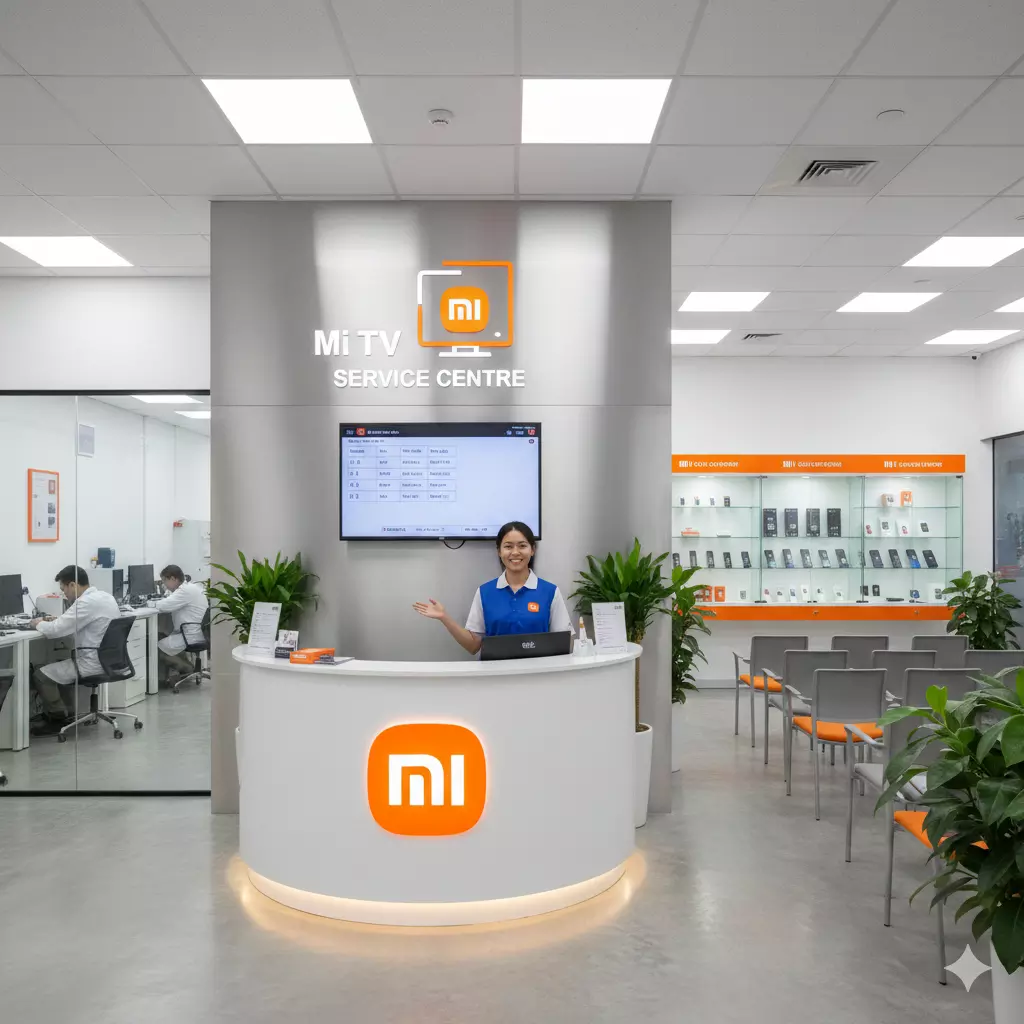
Can the Mi TV Service Center repair TVs stuck on network diagnostics?
Smart televisions rely heavily on stable internet connectivity to deliver streaming, software updates, and smart features. When a TV becomes stuck on network diagnostics, it can prevent access to apps, online content, and essential system services.
This issue can arise due to software conflicts, firmware corruption, hardware faults, or network communication failures. In such cases, professional technical support becomes critical.
The Mi TV Service Center provides specialized diagnostic and repair solutions to restore stable network functionality and ensure uninterrupted smart TV performance.
In this detailed blog, we explore the causes behind network diagnostic errors, professional troubleshooting methods, repair techniques, and the structured service process followed by technicians.
We also discuss preventive care, common misconceptions, and the importance of expert handling to maintain consistent connectivity and performance.
Understanding Network Diagnostic Issues in Smart TVs
What Does "Stuck on Network Diagnostics" Mean?
When a Mi TV gets stuck on network diagnostics, it continuously attempts to test internet connectivity without successfully completing the process. This prevents users from accessing smart features, apps, streaming platforms, and online services.
Common Symptoms of Network Diagnostic Errors
- Continuous loading screen during network tests
- Unable to connect to Wi-Fi or Ethernet
- Smart apps failing to open
- Frequent disconnections
- Slow internet performance on the TV
Why Stable Network Connectivity Is Important
Network stability ensures smooth streaming, real-time updates, voice assistant functionality, and seamless content synchronization. Without proper connectivity, the core purpose of a smart TV becomes limited.
Major Causes of TVs Stuck on Network Diagnostics
Understanding the underlying reasons helps in selecting the most effective repair solution.
1. Firmware Bugs and Software Conflicts
Outdated or corrupted firmware can disrupt how the TV manages network protocols, causing repeated diagnostic loops.
2. Corrupted Network Configuration Files
Improper system updates or interrupted installations may corrupt network configuration settings.
3. Faulty Wi-Fi or Ethernet Modules
Hardware malfunction in wireless adapters or LAN ports can prevent successful internet communication.
4. Router Compatibility Issues
Incompatibility between TV firmware and certain router configurations can result in persistent connectivity errors.
5. DNS and IP Address Conflicts
Incorrect IP allocation or DNS resolution failures may block the network handshake process.
Professional Diagnostic Approach at Mi TV Service Center
The Mi TV Service Center follows a systematic and structured diagnostic procedure to identify both hardware and software faults accurately.
Step 1: Visual and Functional Inspection
Technicians examine the TV for visible symptoms, connectivity indicators, and interface behavior.
Step 2: Network Signal Testing
Multiple Wi-Fi networks and wired connections are tested to isolate device-related issues.
Step 3: Firmware and Software Analysis
System firmware is checked for bugs, corruption, or compatibility issues.
Step 4: Hardware Component Testing
Wireless modules, LAN ports, and internal connectors are evaluated for physical damage.
Step 5: Network Configuration Calibration
IP settings, DNS configurations, and protocol compatibility are verified using diagnostic tools.
Advanced Repair Techniques Used by Mi TV Service Center
Firmware Reinstallation and Optimization
Stable firmware versions are installed to resolve software-related network issues and restore connectivity stability.
Wi-Fi Module Repair and Replacement
Technicians repair or replace defective wireless adapters to restore strong signal reception.
LAN Port and Signal Line Correction
Damaged connectors or internal cables are repaired to ensure proper wired internet connectivity.
System Configuration Reset
Network configuration files are rebuilt to eliminate corrupted settings.
Protocol Compatibility Adjustment
Network protocols are optimized for seamless interaction with modern routers.
Role of Specialized Diagnostic Tools
Professional servicing relies on advanced equipment, including:
- Signal strength analyzers
- Network protocol testing software
- Firmware flashing systems
- Internal hardware testers
These tools allow precise identification of faults and accurate system restoration.
Why Professional Servicing Is Essential
Network diagnostic errors often involve both software and hardware complexities. Attempting DIY solutions may worsen the problem. Professional centers like Dial Service Centre provide:
- Expert diagnostics
- Safe hardware handling
- Advanced repair techniques
- Long-term performance stability
This ensures reliable restoration without risking internal system damage.
Mi TV Service Center in Bengaluru
The Mi TV Service Center in Bengaluru delivers specialized solutions for TVs facing network diagnostic errors. Their technicians utilize advanced testing platforms and systematic repair workflows to resolve firmware conflicts, hardware malfunctions, and connectivity failures.
With structured diagnostics and optimization techniques, they restore smooth smart TV performance and reliable internet access.
Mi TV Service Center in Pune
At the Mi TV Service Center in Pune, skilled professionals focus on deep network calibration and software optimization. Their advanced tools allow precise detection of wireless module issues, IP conflicts, and firmware bugs.
This ensures stable connectivity, seamless app functionality, and improved overall smart TV responsiveness.
Common Misconceptions About Network Diagnostic Issues
Myth 1: Router Problems Are Always the Cause
While routers can contribute, internal firmware or hardware faults are often responsible.
Myth 2: Factory Reset Fixes Everything
Factory resets cannot repair corrupted firmware or damaged network modules.
Myth 3: Slow Internet Means Faulty TV
Even high-speed connections can fail if internal network components malfunction.
How Professional Repairs Improve Smart TV Performance
- Faster app loading
- Stable video streaming
- Improved system updates
- Smooth voice assistant operation
- Enhanced connectivity reliability
Preventive Tips to Avoid Network Diagnostic Problems
Keep Firmware Updated
Regular updates prevent bugs and compatibility conflicts.
Use Reliable Internet Equipment
High-quality routers and cables ensure stable connectivity.
Avoid Power Interruptions During Updates
Sudden shutdowns may corrupt firmware files.
Maintain Proper Ventilation
Overheating can damage network modules.
Limit Network Overload
Excessive connected devices may affect signal stability.
Signs That Professional Help Is Needed
- TV stuck repeatedly on network diagnostics
- Apps not connecting to the internet
- Persistent Wi-Fi disconnections
- Ethernet port not responding
- Network settings resetting automatically
Structured Repair Process
Inspection Booking
Users schedule a service request and describe the issue.
Diagnostic Testing
Technicians evaluate network and firmware functionality.
Repair Implementation
Necessary firmware updates, hardware repairs, and system resets are performed.
Quality Verification
Final tests ensure stable internet connectivity and smart feature functionality.
Impact of Network Stability on Viewing Experience
Stable connectivity allows:
- Buffer-free streaming
- Real-time updates
- Cloud content synchronization
- Enhanced smart ecosystem integration
Importance of Firmware Compatibility Testing
Firmware compatibility ensures that network drivers, system software, and hardware components function harmoniously. At Dial Service Centre, technicians conduct compatibility testing to prevent connectivity conflicts and ensure smooth operations.
Read: Can the Mi TV Service Center in Navi Mumbai repair a TV that
Long-Term Benefits of Professional Repairs
- Extended device lifespan
- Reduced system crashes
- Improved performance reliability
- Enhanced connectivity consistency
- Optimized energy efficiency
Future of Smart TV Network Technology
As smart TVs adopt AI-based streaming optimization and cloud gaming features, stable network performance will become even more critical. Service centers continue upgrading their diagnostic tools and repair expertise to meet these evolving demands.
Frequently Asked Questions (FAQs)
Q1. Why does my Mi TV get stuck on network diagnostics?
This usually occurs due to firmware bugs, corrupted network files, or faulty Wi-Fi modules.
Q2. Can software updates fix network diagnostic issues?
Yes, in many cases, firmware updates resolve connectivity bugs and system conflicts.
Q3. What causes repeated Wi-Fi disconnections?
Faulty adapters, network interference, or corrupted configuration files can lead to unstable connections.
Q4. Why does my TV connect to Wi-Fi but apps fail to load?
This often indicates DNS resolution or protocol compatibility problems
.
Q5. Can hardware failure cause network diagnostic loops?
Yes, damaged wireless chips or LAN connectors can prevent successful network handshakes.
Q6. Is factory reset enough to fix network problems?
Factory resets help in minor software issues but cannot repair corrupted firmware or damaged hardware.